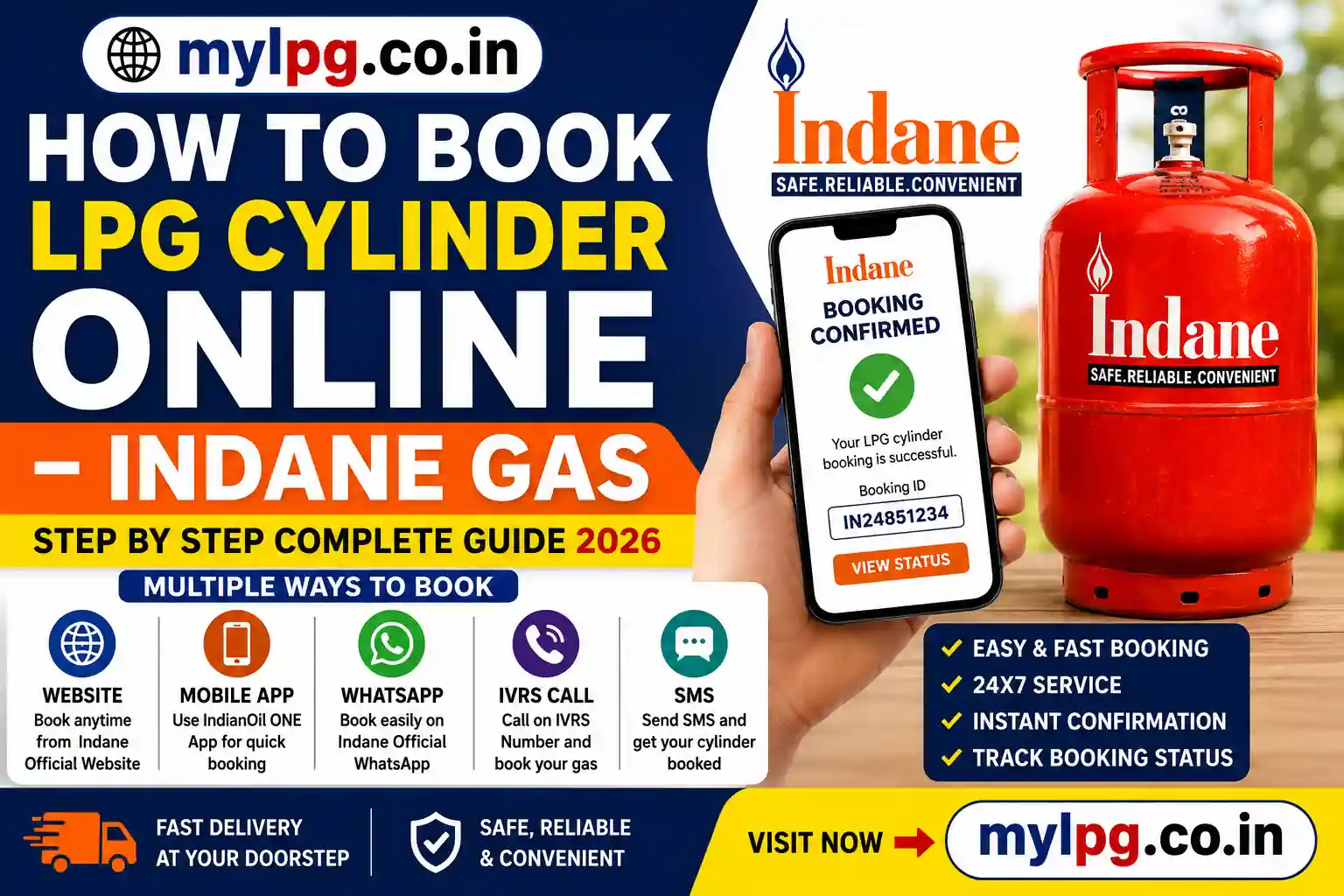
Booking an LPG cylinder no longer requires visiting your local gas agency or waiting in long queues. Indane Gas customers can now book a refill online within a few minutes using their mobile phone or computer. Whether you prefer the official Indane website, the IndianOil ONE app, WhatsApp, or IVRS, every booking method is designed to make the refill process faster and more convenient.
If you’re using Indane Gas for the first time or simply want the easiest booking method, this guide explains every available option step by step. You may also find Indane Gas Booking Number, Find My LPG ID Online, LPG Consumer Number Kaise Pata Kare and LPG Gas Cylinder Price Today useful before placing your next refill request.
Who Can Book an Indane LPG Cylinder Online?
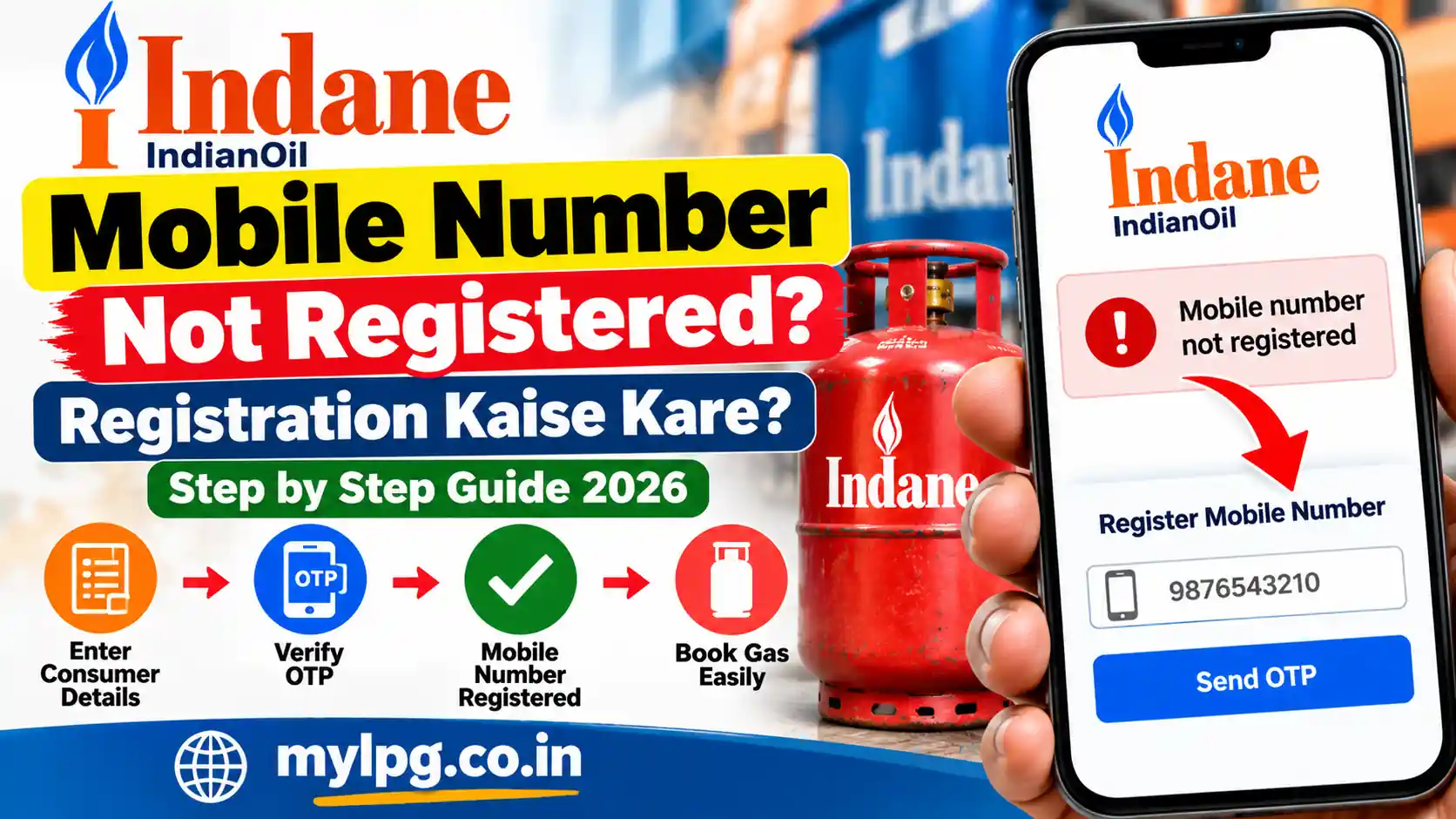
Any customer with an active Indane Gas connection can book a refill online. To make the process smoother, ensure that your mobile number is linked to your LPG account.
Online booking is available for customers who:
- Have an active Indane Gas connection.
- Have a registered mobile number.
- Need a domestic LPG refill.
- Want to track their booking online.
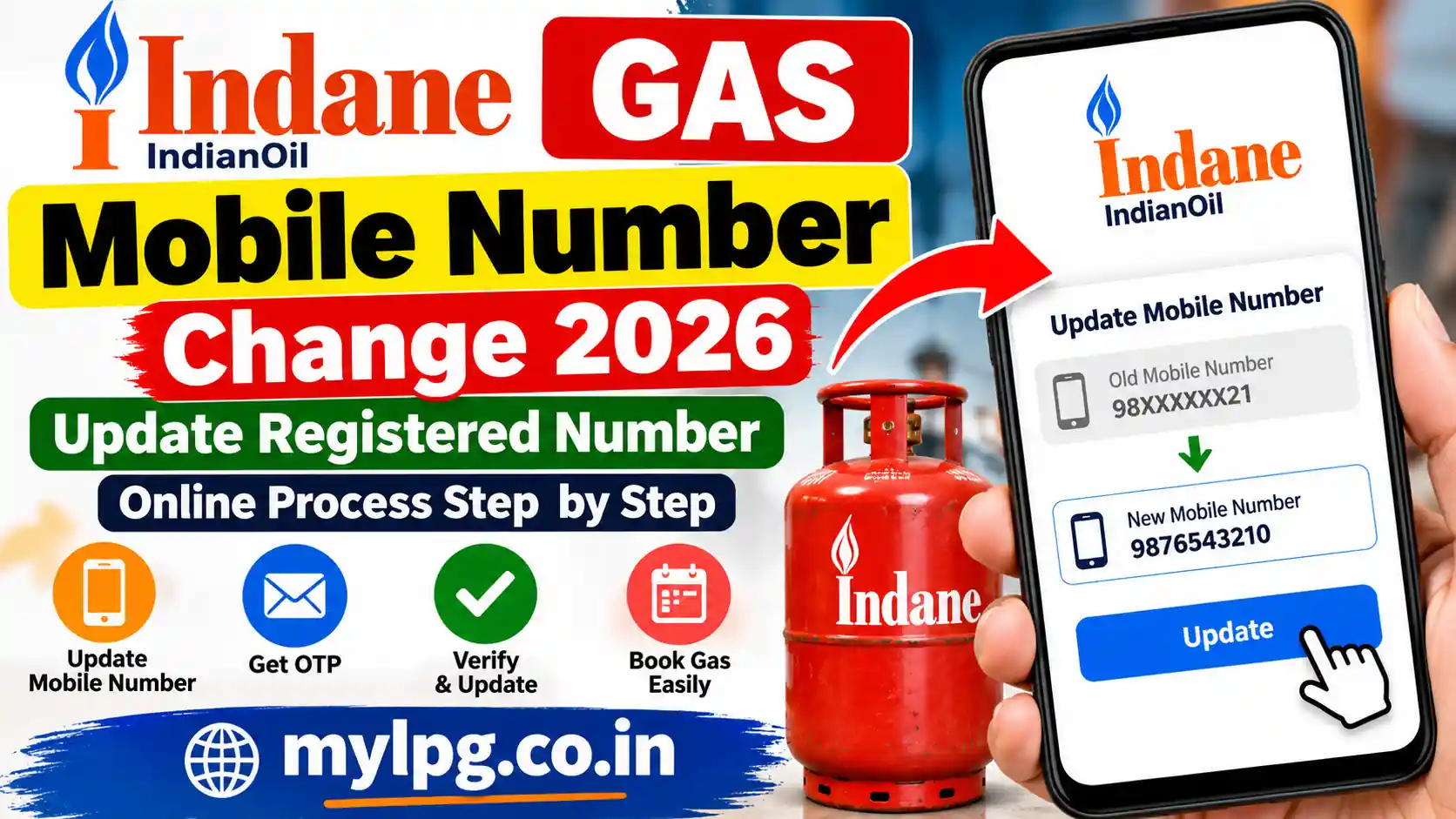
If your mobile number has changed, update it before booking to avoid OTP or verification issues.
Method 1 – Book Indane LPG Cylinder Through the Official Website
The official Indane Gas website provides one of the easiest ways to book a refill online.
Steps to Book Online
- Visit the official Indane Gas booking portal.
- Sign in using your registered mobile number or customer details.
- Select your LPG connection.
- Click Book Refill.
- Confirm your booking request.
- Save the booking reference number.
Once the booking is confirmed, you’ll receive an SMS with your booking details and expected delivery information.
Method 2 – Book Through the IndianOil ONE App
Customers can also book LPG cylinders using the IndianOil ONE mobile application.
The app allows you to:
- Book LPG refills.
- Track delivery status.
- View booking history.
- Download invoices.
- Manage your LPG account.
- Locate nearby distributors.
The mobile app is available throughout the year and provides a convenient way to manage your Indane Gas services from one place.
Method 3 – Book via WhatsApp
WhatsApp booking has become one of the fastest ways to book an LPG cylinder.
The process is simple:
- Save the official Indane WhatsApp number.
- Open WhatsApp and start a chat.
- Follow the automated instructions.
- Confirm your refill booking.
- Receive an instant booking confirmation.
Always use the official WhatsApp service provided by Indane Gas to avoid fraud or incorrect booking requests.
Method 4 – Book Using the Indane Gas Booking Number
Customers who prefer phone booking can use the official Indane Gas Booking Number available for their state.
The IVRS booking service allows customers to:
- Book a refill.
- Check booking details.
- Receive booking confirmation.
- Access customer support.
For the latest booking numbers and state-wise details, read Indane Gas Booking Number.
Things to Keep Ready Before Booking
Before placing your refill request, make sure you have the following details available:
- Registered Mobile Number
- LPG Consumer Number
- LPG ID (if required)
- Active Internet Connection (for online booking)
If you cannot find your LPG account details, use Find My LPG ID Online or LPG Consumer Number Kaise Pata Kare to retrieve them before starting the booking process.
Why Book Your LPG Cylinder Online?
Online booking is faster, safer, and more convenient than traditional booking methods. Customers can place refill requests anytime without visiting the distributor, track delivery status in real time, and receive instant booking confirmations directly on their mobile phones.
It also reduces paperwork and makes it easier to manage your LPG account from anywhere.
How to Check Indane Gas Booking Status
After booking your LPG refill, you can easily track its progress online. Checking your booking status helps you know whether your refill request has been accepted, processed, dispatched, or delivered.
You can check your booking status by:
- Visiting the official Indane Gas website.
- Using the IndianOil ONE mobile app.
- Checking your SMS booking confirmation.
- Contacting your LPG distributor.
- Calling the official Indane customer care number.
If your booking is delayed, you can also read Gas Booking Status and Gas Booking History Check for detailed tracking methods.
Common Indane Gas Booking Problems
Although online booking is simple, some customers occasionally experience issues. Most of these problems can be resolved quickly without visiting the distributor.
Booking Failed
This may happen because of temporary server issues, network problems, or incomplete payment.
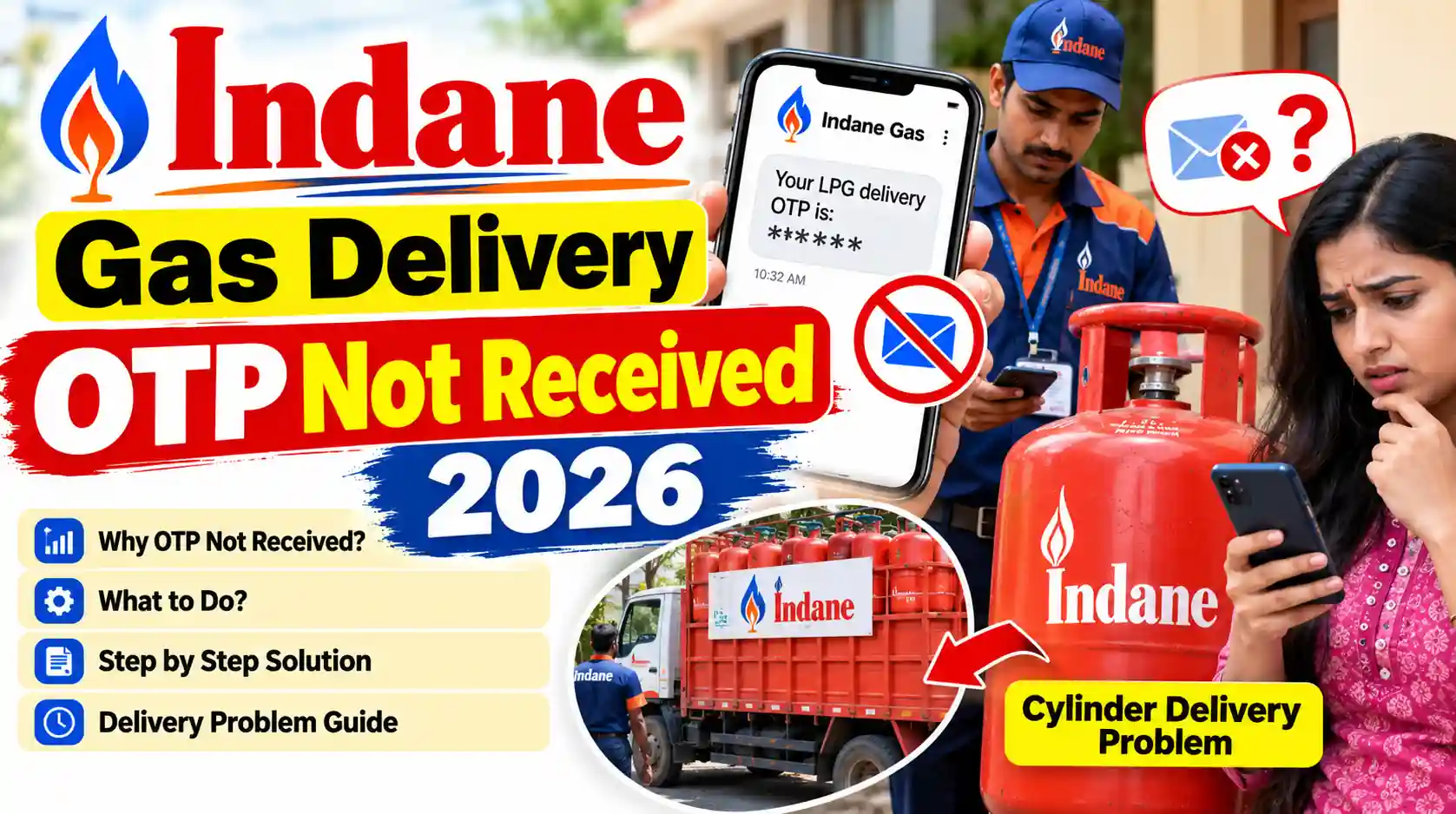
OTP Not Received
Ensure your registered mobile number is active and has network coverage before requesting another OTP.
Payment Deducted but Booking Not Confirmed
Sometimes payments are processed before the booking confirmation is generated. In such cases, wait for the confirmation message or contact customer support.
Booking Not Showing
Refresh the booking page after a few minutes or check your booking history through the IndianOil ONE app.
If you’re facing these issues, you can also read:
- Gas Booking Failed Amount Deducted Refund
- Gas Booking OTP Not Received
- Gas Booking Cancelled Automatically
Benefits of Booking Your LPG Cylinder Online
Online LPG booking offers several advantages compared to traditional booking methods.
Some of the major benefits include:
- 24×7 booking facility
- Instant booking confirmation
- Easy booking status tracking
- Secure online payment options
- Faster account management
- Booking history available anytime
- Convenient refill requests from anywhere
Whether you use the official website, IndianOil ONE app, WhatsApp, or IVRS, online booking helps save both time and effort.
FAQs – Indane Online Booking
Q1: First-time users can they book online?
- Yes, register on mylpg.in or mLPG App first.
Q2: How long does delivery take after online booking?
- Usually 24–48 hours depending on distributor.
Q3: Can we cancel a booked cylinder?
- No direct cancellation, contact distributor if needed.
Q4: Can subsidy be claimed if booking is online?
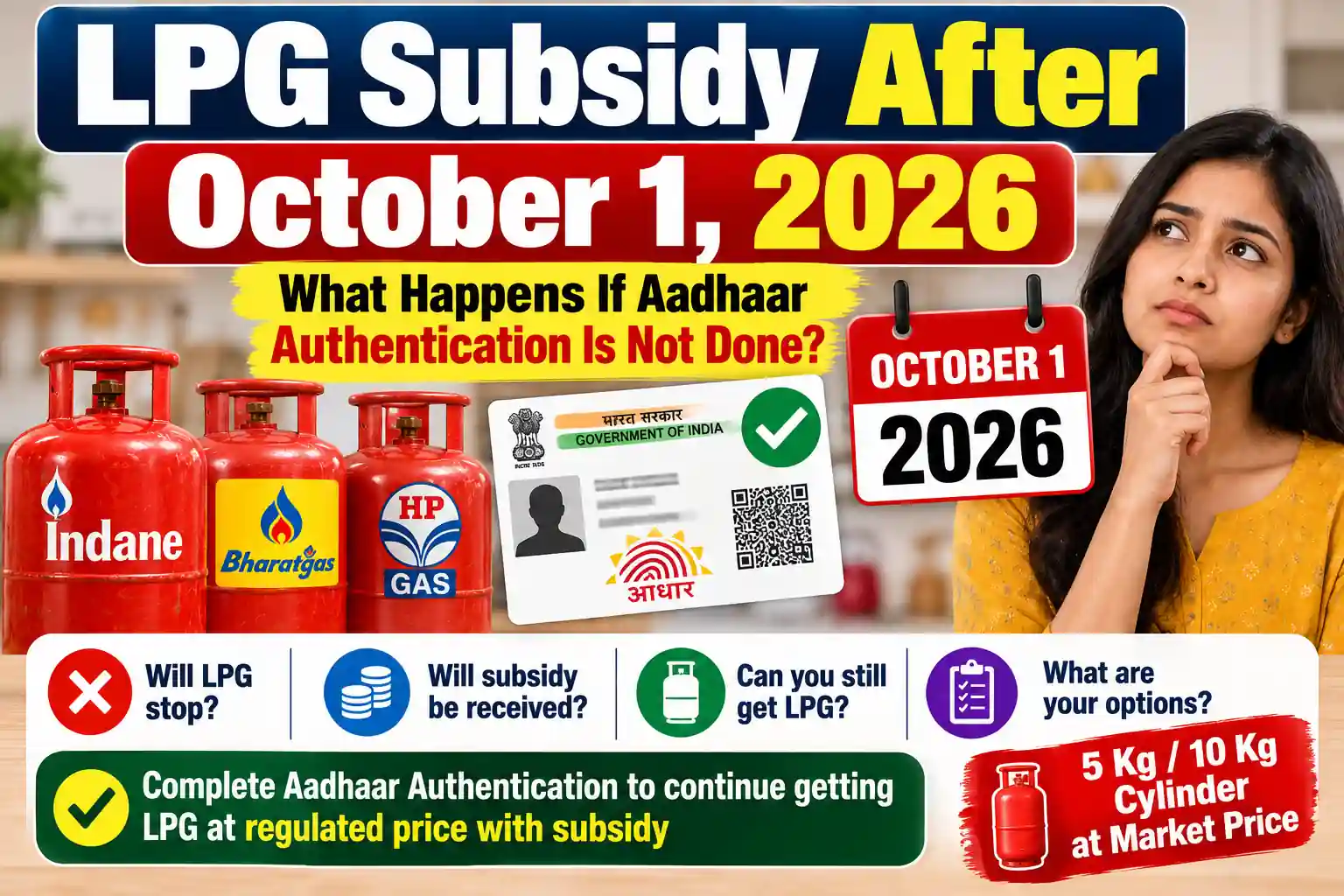
- Yes, bank-linked Aadhaar ensures automatic subsidy.
Q5: Is there a limit to number of cylinders per month?
- Yes, domestic connections usually 1–2 cylinders, check your distributor rules.
Safety Tips
- Always check cylinder seal and regulator before use.
- Keep distributor emergency number handy.
- Don’t tamper with cylinder or valve.
Conclusion
Indane LPG cylinder booking online is fast, safe, and convenient. Whether you use the website, mobile app, SMS, or call, following the correct process ensures timely delivery and subsidy continuation.
✅ With this guide, anyone can complete online booking without errors, track deliveries, and manage accounts efficiently.
Read also: