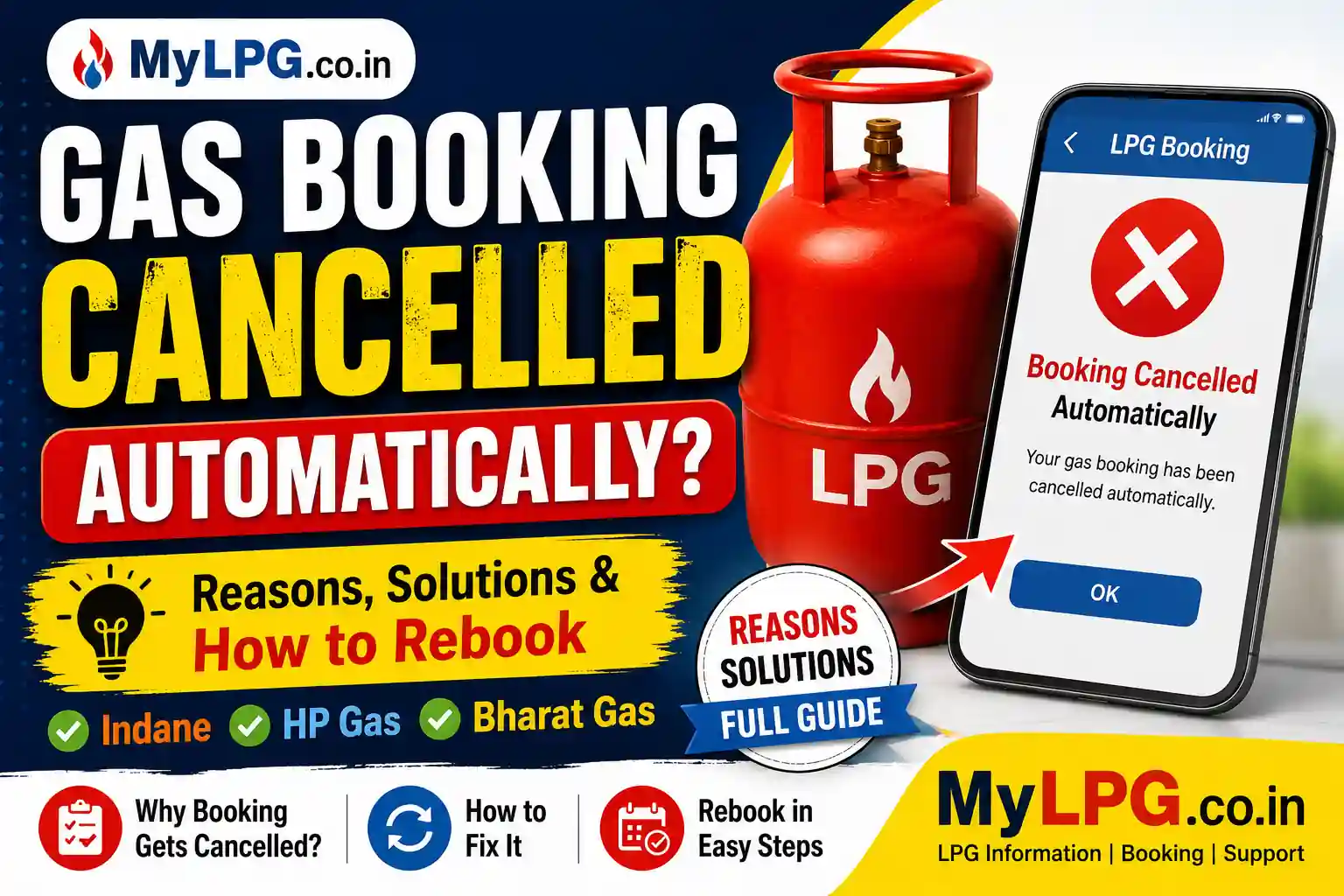
Have you ever booked an LPG cylinder and later received a message saying “Your gas booking has been cancelled”, even though you never cancelled it yourself?
If yes, you’re not alone.
Many customers using Indane Gas, HP Gas, and Bharat Gas face this issue. In most cases, the booking is cancelled automatically due to technical problems, payment issues, duplicate bookings, or incomplete customer information.
The good news is that this problem is usually easy to solve. Once you know the exact reason, you can rebook your cylinder without visiting the gas agency.
👉 Read Also: Gas Booking Status Check
Why Does a Gas Booking Get Cancelled Automatically?
There are several reasons why an LPG booking may be cancelled by the system. Sometimes it is done to avoid duplicate orders, while in other cases it happens because the booking cannot be processed successfully.
Below are the most common reasons.
1. Duplicate Gas Booking
This is one of the biggest reasons.
Many people press the booking button several times because they think the first request didn’t go through. As a result, the LPG system detects multiple requests for the same customer.
To avoid confusion, it automatically cancels one of the bookings.
How to Fix It
- Check your booking history.
- Keep only one active booking.
- Do not book again until you receive confirmation.
2. Payment Failed During Booking
If you booked the cylinder using UPI, Debit Card, Credit Card, or Net Banking and the payment failed midway, your booking may not be completed.
Sometimes the money is deducted but the booking is not confirmed.
In such situations, the LPG company may automatically cancel the booking.
Solution
- Check your payment status.
- Wait for the refund if the payment has failed.
- Book the cylinder again after confirmation.
3. Booking Expired Before Delivery
Every LPG booking remains valid only for a limited period.
If delivery cannot be completed within that time due to address issues, customer unavailability, or distributor delays, the booking may expire automatically.
After expiry, the system cancels it.
What You Should Do
Simply place a fresh booking once the previous booking is cancelled.
4. Technical Problem in the LPG System
Sometimes there is nothing wrong from the customer’s side.
The LPG company’s server may experience:
- Maintenance work
- Network problems
- Software updates
- Temporary technical errors
During this time, bookings may disappear or show as cancelled.
In many cases, the issue gets resolved automatically within a few hours.
5. Inactive LPG Connection
If your LPG connection has not been used for a long time, it may become inactive.
An inactive connection may not accept new bookings until it is reactivated.
Solution
Contact your LPG distributor and request connection reactivation.
6. KYC Details Are Not Updated
Nowadays, LPG companies regularly verify customer information.
If your Aadhaar, mobile number, or address is outdated, your booking may fail or get cancelled.
Keeping your KYC updated helps avoid such issues.
👉 Read Also: LPG KYC Update Process
7. Wrong Mobile Number or Customer Details
Many customers change their phone number but forget to update it in LPG records.
This creates verification problems during booking.
Always make sure that your registered mobile number is active and linked with your LPG connection.
How to Know Whether Your Booking Was Cancelled?
You can easily check your booking status using any of these methods:
- LPG Mobile App
- Official LPG Website
- SMS Updates
- Customer Care Number
- Local Gas Agency
If the booking status shows Cancelled, note the reason (if available) before placing a new booking.
How to Fix Gas Booking Cancelled Automatically
If your LPG booking has already been cancelled, don’t panic. In most cases, you can resolve the issue within a few minutes by following the steps below.
Step 1: Check the Booking Status
Before booking again, make sure the previous booking has actually been cancelled.
You can check the status through:
- Official LPG website
- Mobile application
- SMS confirmation
- Customer care
- Gas distributor
Sometimes the booking is still active, but the SMS gets delayed. Always verify the status before making another booking.
Step 2: Find the Exact Reason
Different reasons require different solutions.
| Reason | What You Should Do |
|---|---|
| Duplicate Booking | Wait for one booking to remain active. |
| Payment Failed | Check refund status and book again. |
| Technical Error | Try again after some time. |
| Inactive Connection | Contact your distributor. |
| KYC Pending | Complete your KYC. |
| Wrong Mobile Number | Update your registered mobile number. |
Understanding the reason first will save both time and effort.
Step 3: Book Your Cylinder Again
Once the issue has been resolved, you can place a fresh booking.
The booking can be made through:
- LPG Mobile App
- Official Website
- WhatsApp Booking
- IVRS Call
- SMS Booking
- Distributor Office
Always wait for the booking confirmation message before trying again.
👉 Read Also: Gas Booking Failed but Amount Deducted Refund
What If Money Was Deducted But the Booking Was Cancelled?
This is another common problem.
Sometimes your payment is successful from the bank’s side, but the LPG booking fails because of a technical issue.
In such situations:
- Do not make another payment immediately.
- Wait for the refund confirmation.
- Check your booking history.
- If no refund is received within the expected time, contact customer care.
Most refunds are processed automatically, although the time may vary depending on the payment method.
Indane Gas Booking Cancelled Automatically
If you are an Indane Gas customer, the cancellation may happen because of:
- Duplicate booking
- Distributor rejection
- Server maintenance
- Payment issues
- Inactive connection
Log in to your Indane account and check the booking history before placing another order.
HP Gas Booking Cancelled Automatically
HP Gas customers may face this issue when:
- Customer details do not match.
- KYC verification is incomplete.
- Payment is unsuccessful.
- Technical maintenance is in progress.
After correcting the issue, you can create a new booking.
Bharat Gas Booking Cancelled Automatically
For Bharat Gas users, the booking may be cancelled if:
- Another booking already exists.
- Customer information needs verification.
- The booking request expires.
- There is a temporary system error.
Checking your booking history usually helps identify the exact reason.
Common Mistakes That Lead to Automatic Cancellation
Many customers unknowingly make mistakes that increase the chances of cancellation.
Avoid these mistakes:
- Clicking the booking button repeatedly.
- Booking from multiple apps at the same time.
- Entering incorrect customer details.
- Ignoring KYC updates.
- Using an unregistered mobile number.
- Making another payment before checking the previous booking.
Tips to Avoid This Problem in Future
Follow these simple practices:
- Keep your mobile number updated.
- Complete your LPG KYC on time.
- Use only the official LPG app or website.
- Avoid creating duplicate bookings.
- Keep payment receipts until delivery is completed.
- Regularly check your booking status.
These small precautions can prevent unnecessary cancellations and ensure timely cylinder delivery.
Frequently Asked Questions (FAQs)
Your LPG booking may be cancelled due to duplicate booking, payment failure, pending KYC, inactive connection, or a temporary technical issue. Checking the booking status will help you identify the exact reason.
Yes. Once the issue is resolved, you can immediately place a fresh booking through the official LPG website, mobile app, WhatsApp, SMS, IVRS, or your distributor.
Yes. If your payment was successful but the booking was cancelled, the amount is generally refunded automatically. The refund time depends on your payment method and bank.
No. A cancelled booking does not normally affect your LPG subsidy. However, if your subsidy or KYC details are incomplete, you should update them before making another booking.
If your booking is cancelled multiple times, contact your LPG distributor or customer care. They can check your consumer account, KYC status, distributor mapping, and connection status to resolve the issue.
Final Thoughts
A gas booking being cancelled automatically can be frustrating, but in most cases it is a temporary issue that can be resolved quickly. Problems such as duplicate bookings, payment failures, pending KYC, inactive connections, or server maintenance are the most common causes.
Before booking again, always check the booking status and understand why the previous request was cancelled. This simple step can save time and help ensure that your next booking is processed without any delay.
If the problem continues even after trying all the suggested solutions, it is best to contact your LPG distributor or customer care for assistance. They can verify your account details and help restore normal booking services.
👉 Read Also: Gas Customer Care Number – Complete Support Guide