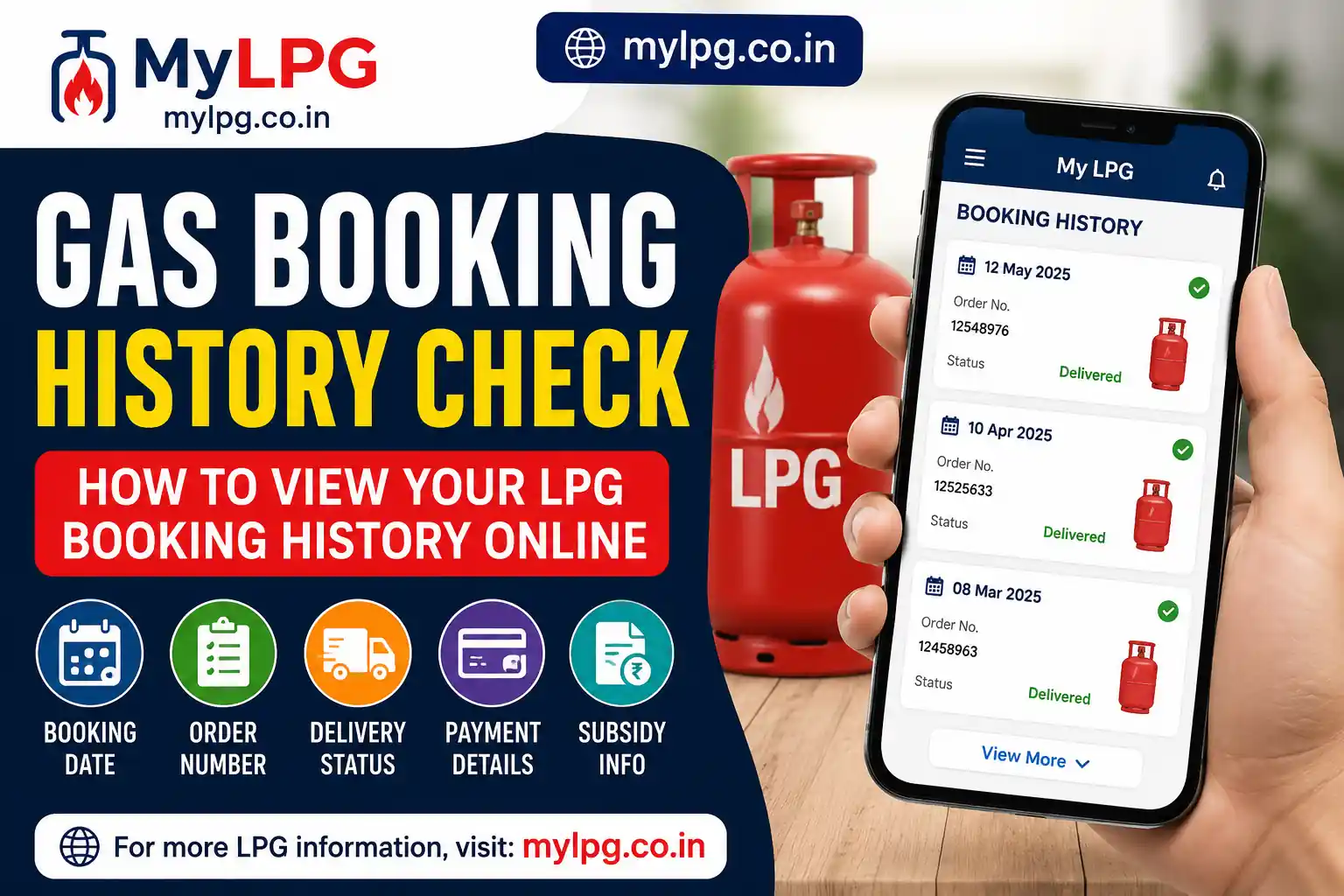
The Gas Booking History Check feature allows LPG consumers to review all their previous refill bookings in one place. Whether you use Indane, HP Gas, or Bharat Gas, checking your booking history can help you track refill orders, delivery dates, payment records, and other important details.
Many consumers forget when they last booked a cylinder or whether a refill was successfully delivered. In such cases, the booking history section provides a complete record of past transactions, making it easier to manage your LPG connection.
Read also: LPG Subsidy Status Check
What Is Gas Booking History Check?
A Gas Booking History Check is an online service that allows LPG consumers to access details of previous cylinder bookings. Most LPG providers maintain a digital record of all refill orders associated with a consumer account.
Typically, the booking history includes:
- Booking Date
- Refill Order Number
- Delivery Date
- Booking Status
- Payment Status
- Transaction Reference Number
- Subsidy Information (if applicable)
This information can be useful for tracking LPG usage and resolving delivery-related issues.
Why Should You Check Your LPG Booking History?
There are several reasons why consumers may want to review their booking records:
1. Track Previous Bookings
Booking history helps you see when cylinders were ordered and delivered.
2. Verify Delivery Records
You can confirm whether a refill order was completed successfully.
3. Monitor LPG Usage
Reviewing refill frequency helps estimate household LPG consumption.
4. Check Payment Details
Consumers can verify online payments and transaction records.
5. Resolve Customer Support Issues
Booking records can be helpful when contacting customer service regarding delayed or missing deliveries.
Read also: Gas Booking Status
How to Check Indane Gas Booking History
Indane customers can view their refill booking history online by following these steps:
- Visit the Indane customer portal.
- Sign in using your registered credentials.
- Open the LPG services section.
- Select the Booking History option.
- View your previous and current refill records.
The portal generally displays booking dates, order numbers, and delivery information.
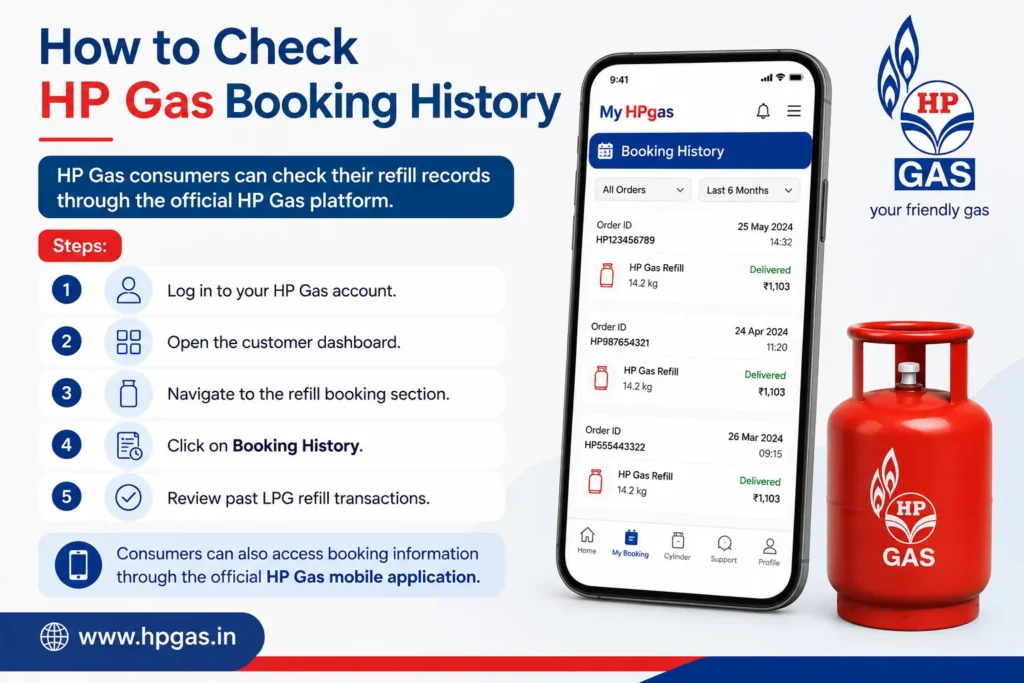
How to Check HP Gas Booking History
HP Gas consumers can check their refill records through the official HP Gas platform.
Steps:
- Log in to your HP Gas account.
- Open the customer dashboard.
- Navigate to the refill booking section.
- Click on Booking History.
- Review past LPG refill transactions.
Consumers can also access booking information through the official HP Gas mobile application.
How to Check Bharat Gas Booking History
Bharat Gas customers can access booking history using their registered account.
Steps:
- Open the Bharat Gas customer portal.
- Sign in using your registered mobile number or consumer details.
- Visit the booking services section.
- Select Booking History.
- View all previous refill bookings and delivery details.
The portal may also display payment and order status information.
Read also: Find My LPG ID Online
Information Available in LPG Booking History
Depending on the LPG provider, consumers may find the following details:
| Information | Description |
|---|---|
| Booking Date | Date when the refill was booked |
| Order Number | Unique booking reference number |
| Delivery Date | Date of cylinder delivery |
| Booking Status | Pending, Delivered, or Cancelled |
| Payment Status | Paid or Unpaid |
| Consumer Details | LPG account information |
This information helps maintain accurate records of LPG transactions.
Common Reasons for Missing Booking Records
Sometimes consumers may not see recent bookings in their history. Common reasons include:
- Technical server issues
- Delayed data synchronization
- Incorrect account login
- Recent bookings not yet processed
- Temporary maintenance of LPG systems
In such cases, waiting a few hours and checking again may help.
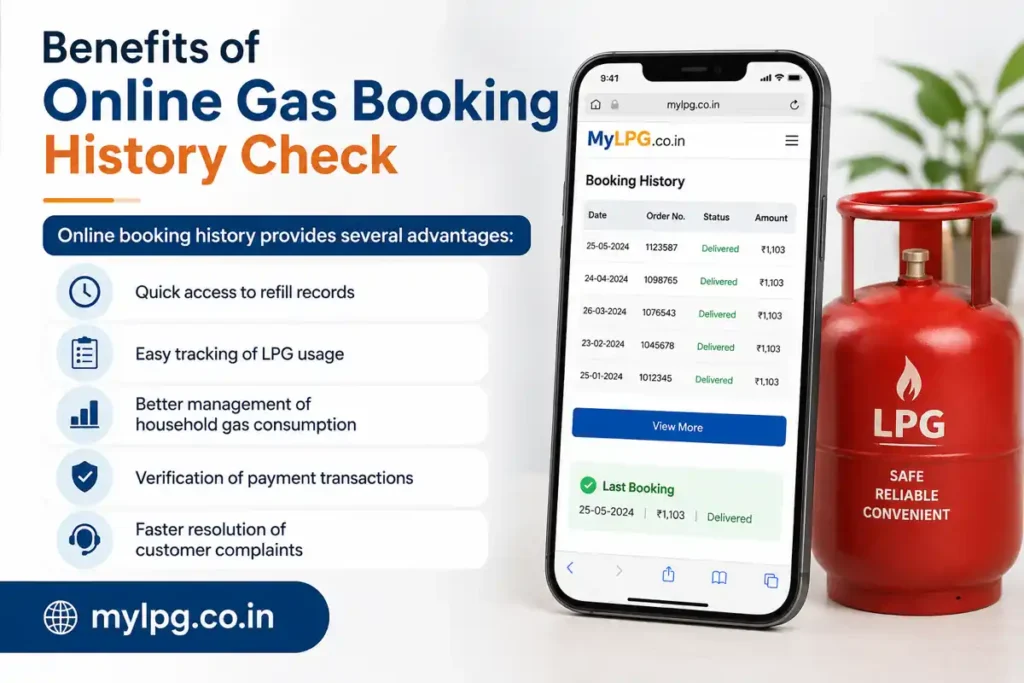
Benefits of Online Gas Booking History Check
Online booking history provides several advantages:
- Quick access to refill records
- Easy tracking of LPG usage
- Better management of household gas consumption
- Verification of payment transactions
- Faster resolution of customer complaints
Consumers no longer need to maintain paper records because most booking information is available digitally.
Read also: LPG Consumer Number Kaise Pata Kare
Tips for Managing LPG Bookings Efficiently
To keep your LPG account organized:
- Use the same registered mobile number for all bookings.
- Save booking reference numbers.
- Check booking history regularly.
- Update contact details when required.
- Review delivery records after each refill.
These simple habits can help avoid confusion and improve account management.
Conclusion
The Gas Booking History Check feature is a useful tool for every LPG consumer. It provides a complete record of refill bookings, delivery information, payment details, and transaction history. Whether you use Indane, HP Gas, or Bharat Gas, regularly reviewing your booking history can help you track LPG usage and quickly identify any issues related to your account.
FAQs
It is a service that allows LPG consumers to view their previous refill booking records online.
Yes, most LPG providers offer mobile apps and online portals for accessing booking history.
Yes, delivery dates and booking status are usually included in the history section.
Yes, many LPG providers maintain records of previous refill orders for consumers.
Yes, checking your LPG booking history through official customer portals is generally free.
📖 Read Also
1️⃣ LPG Gas Cylinder Price Today
2️⃣ Ujjwala Yojana Information
3️⃣ KisanSuvidha Government Scheme
4️⃣ Bajrang Baan PDF – Benefits and Meaning
5️⃣ Shiv Stuti Lyrics – Meaning and Significance