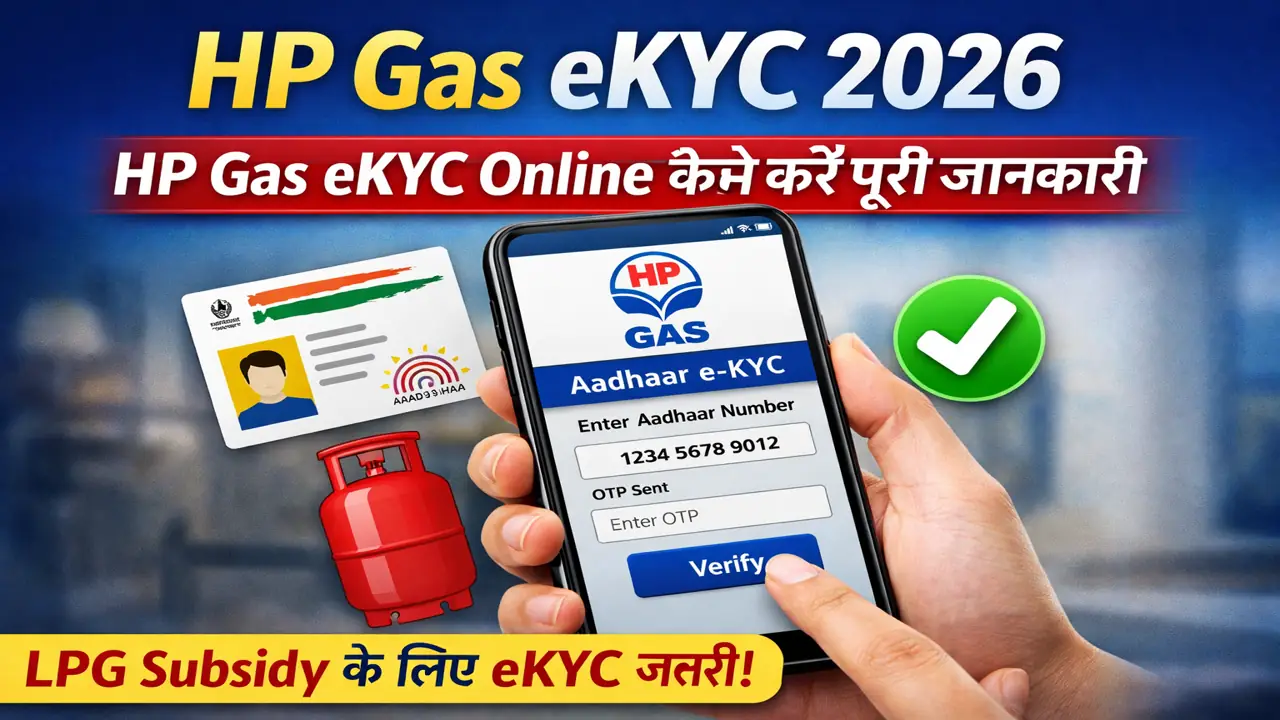
HP Gas customers can use digital services to manage several LPG-related activities without always visiting their distributor. One of the important services is HP Gas e-KYC, which allows eligible customers to complete or update their KYC and Aadhaar authentication through available digital facilities.
If you are looking for information about HP Gas e-KYC online in 2026, this guide explains the process, requirements, Aadhaar authentication, common problems, and what to do if you cannot complete the process online.
Important: The exact screens and verification steps can change when HPCL updates its website, app, or digital services. Always use official HP Gas/HPCL channels for authentication and customer information.
What Is HP Gas e-KYC?
HP Gas e-KYC is the electronic Know Your Customer process used to verify and maintain customer information associated with an LPG connection.
HPCL states that e-KYC and Aadhaar authentication facilities are available for HP Gas customers through its digital LPG services. HPCL also says that customers can complete Aadhaar authentication themselves through the HP Gas consumer portal.
For customers who need broader information about their connection, our HP Gas Guide covers other HP Gas-related services as well.
LPG Online KYC Portal
Why Is HP Gas e-KYC Important?
Keeping your LPG customer information updated can help ensure that your account information remains accurate.
Depending on your account and the services you use, KYC and Aadhaar authentication may also be relevant to LPG-related services and subsidy processing.
HPCL’s LPG information states that Aadhaar needs to be linked with the LPG account for subsidy-related purposes.
If you use another LPG provider, you can also read our guides for Indane Gas eKYC and Bharatgas eKYC.
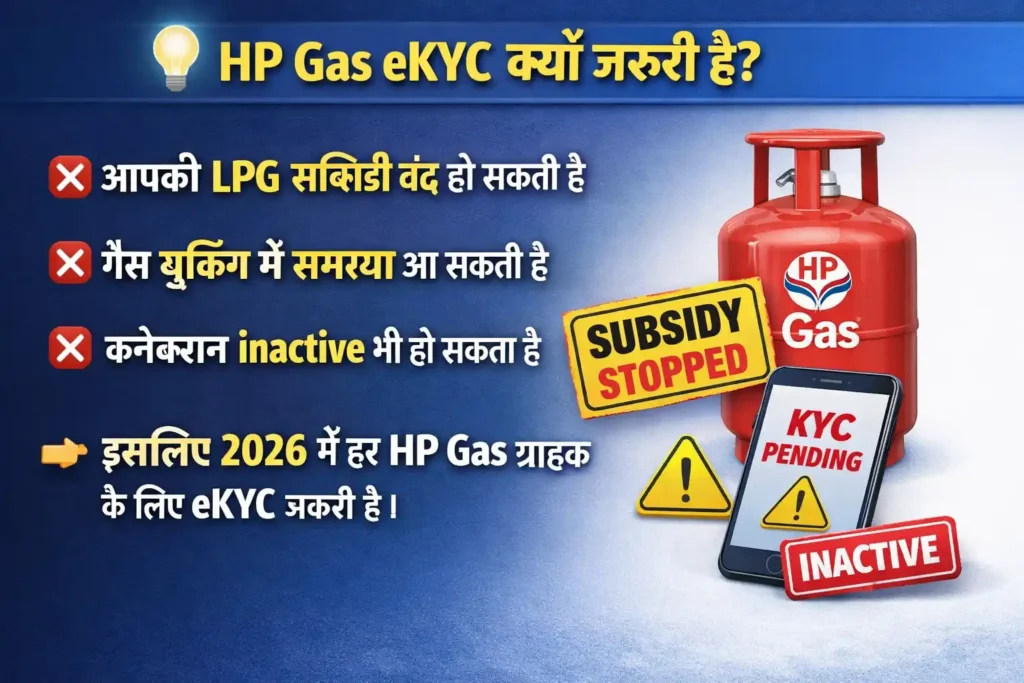
💡 HP Gas eKYC क्यों जरूरी है?
अगर आपने अभी तक eKYC नहीं किया है तो:
- ❌ आपकी LPG सब्सिडी बंद हो सकती है
- ❌ गैस बुकिंग में समस्या आ सकती है
- ❌ कनेक्शन inactive भी हो सकता है
👉 इसलिए 2026 में हर HP Gas ग्राहक के लिए eKYC जरूरी है।
HP Gas e-KYC Online 2026: Step-by-Step Process
The following steps explain the general online process for checking and completing HP Gas e-KYC.
Step 1: Open the Official HP Gas Service
Start by using the official HPCL/HP Gas digital service rather than an unofficial website.
HPCL provides domestic LPG services and online facilities for HP Gas customers.
You can also check the official HPCL information about HP Gas domestic LPG services before proceeding.
Step 2: Log In to Your Customer Account
If your HP Gas service requires customer authentication, sign in using the details requested by the official platform.
Keep your LPG consumer information and registered mobile number available.
If you are not sure about your customer number, our guide on HP Gas Consumer Number Search can help you find the relevant information.
Step 3: Find the e-KYC or Aadhaar Authentication Option
After logging in, look for the available KYC, e-KYC, Aadhaar authentication, or customer-profile option.
The wording and location of these options can change as HPCL updates its digital services.
HPCL confirms that its LPG consumer portal provides Aadhaar authentication facilities for customers.
Step 4: Enter or Verify Your Details
Check the customer information displayed on the official platform.
Make sure your name and other details are accurate before proceeding with verification.
If your customer information needs correction, do not enter incorrect information just to complete e-KYC. Contact the distributor or HPCL customer service when necessary.
Step 5: Complete Aadhaar Authentication
If Aadhaar authentication is required for your account, follow the verification instructions shown by the official HP Gas service.
The available authentication method may depend on the service and customer account.
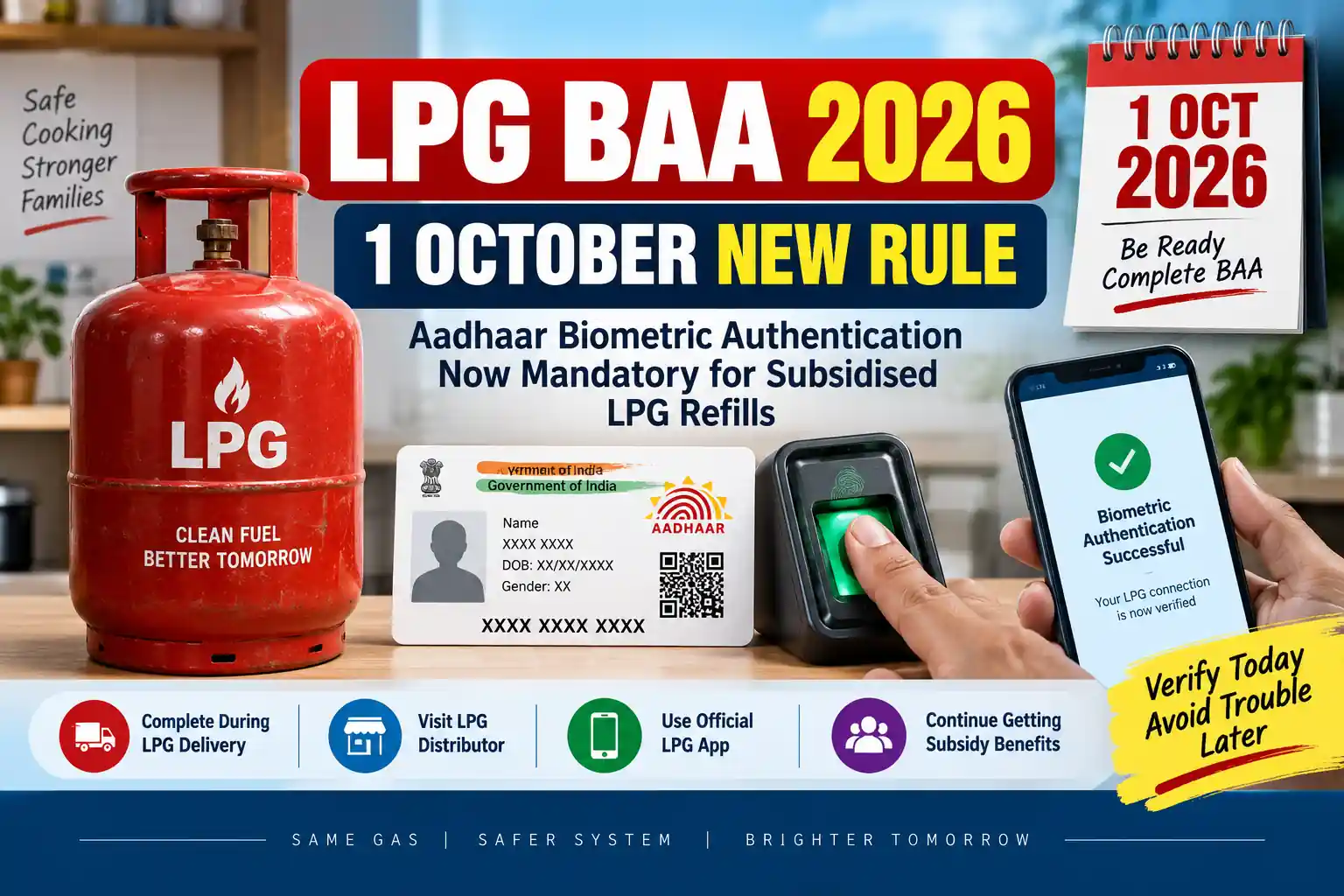
HPCL has also introduced biometric e-KYC facilities for domestic LPG customers, while its digital initiatives include e-KYC through its LPG ecosystem.
Step 6: Submit the e-KYC Request
After completing the required verification, submit the request through the official platform.
Wait for the system to process the request rather than repeatedly submitting the same information.
Step 7: Check Your e-KYC Status
After completing the process, check whether your account shows the updated KYC or Aadhaar authentication status.
If the status does not change immediately, allow some time for the information to be processed and check again later.
What Documents Are Required for HP Gas KYC?
The exact documents required can depend on the type of KYC request and customer circumstances.
HPCL’s official KYC form for existing HP Gas consumers asks for details including the gas consumer number, date of birth, customer name, address and proof of address. The listed address documents include Aadhaar, driving licence, voter ID, passport, ration card, lease agreement and certain utility or financial documents.
For an online e-KYC request, the system may not require you to upload every document listed on the traditional KYC form.
Therefore, follow the document requirements displayed by the official HP Gas service for your particular request.
Is Aadhaar Required for HP Gas e-KYC?
Aadhaar can be relevant to HP Gas e-KYC and authentication.
HPCL states that Aadhaar authentication is available through its HP Gas consumer portal and that Aadhaar linking with the LPG account is required for subsidy-related purposes.
However, customers should follow the requirements shown for their specific account instead of assuming that every KYC request has exactly the same process.
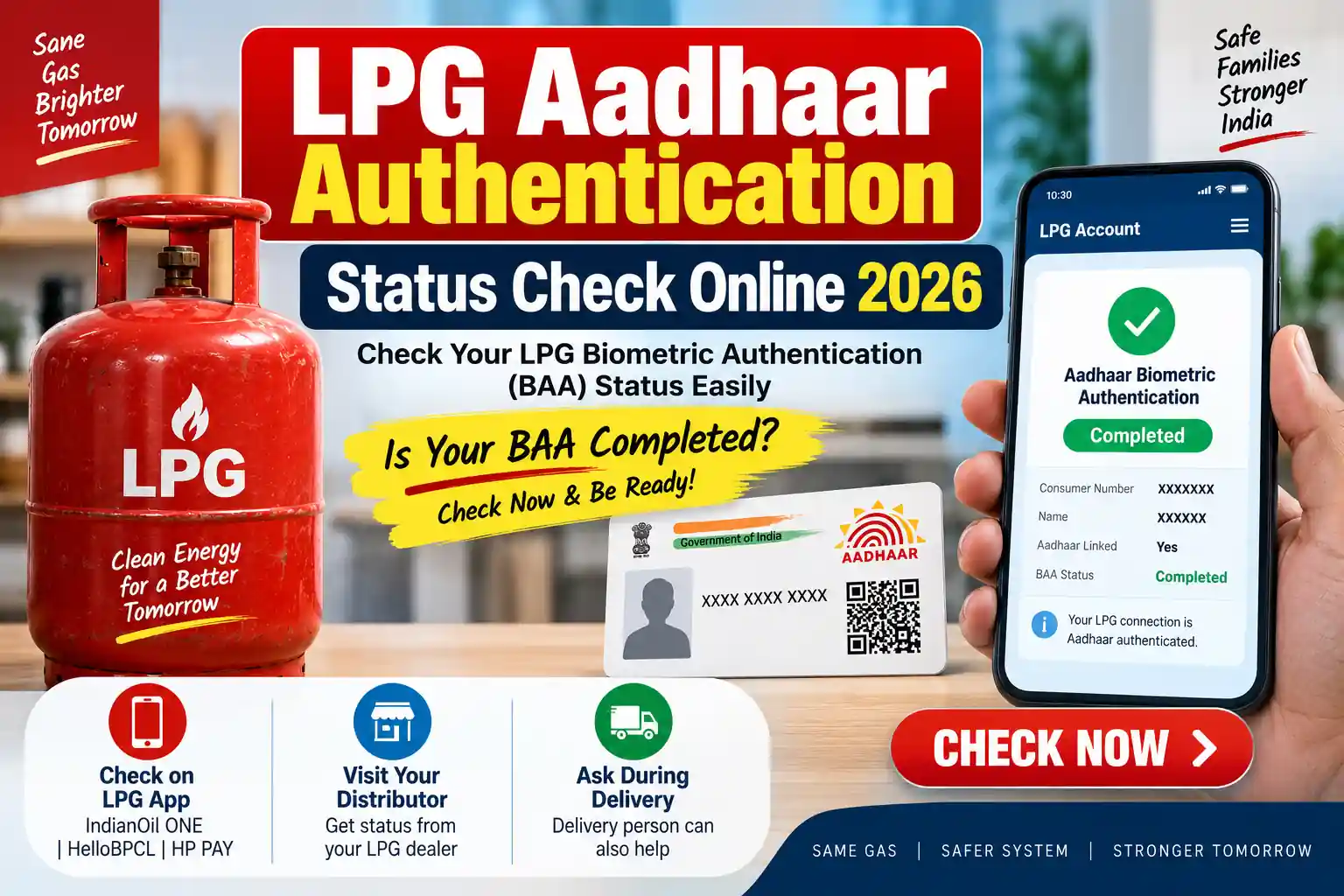
If you are having an Aadhaar-related LPG problem, you can also read our guide on LPG Aadhaar Link Online.
❓ FAQs
Log in to the official HP Gas digital service and check for the available e-KYC or Aadhaar authentication option. Follow the verification instructions provided for your account.
The applicable requirement can depend on the customer account and the purpose of the verification. Check the latest official HP Gas communication rather than relying on forwarded messages.
If the required HP Gas digital service supports the process on your device, you may be able to complete the available authentication steps using a mobile phone.
Check your account again after some time. If the status remains unchanged, contact your HP Gas distributor or official HPCL customer support.
👉 नजदीकी HP Gas एजेंसी जाकर दोबारा verify करें।
📝 निष्कर्ष
HP Gas eKYC 2026 आपके LPG कनेक्शन को चालू और सुरक्षित रखने के लिए जरूरी प्रक्रिया है।
👉 अगर आपने अभी तक eKYC नहीं किया है, तो आज ही इसे पूरा करें और बिना किसी रुकावट के गैस सेवा का लाभ उठाएं।