Looking for the My LPG portal to book a gas cylinder, check your LPG subsidy, find your 17-digit LPG ID or access your gas connection details?
You are in the right place to find the information you need.
MyLPG.co.in helps LPG consumers in India understand common services offered by Indane, Bharat Gas and HP Gas. Whether you are trying to book your next cylinder, recover a missing consumer number, update your mobile number or complete LPG eKYC, our guides explain where to start and what to check before submitting a request.
Most LPG services are handled through the official websites and mobile apps of the respective gas companies. We provide step-by-step information and links to those services so you can reach the right place without unnecessary confusion.
Important: MyLPG.co.in is an independent LPG information website. We are not the Government of India, IndianOil, BPCL or HPCL, and we do not directly process LPG bookings, subsidies or consumer account changes.
My LPG Online Services – Quick Access
Different LPG services require different websites or account details. Use the table below to find the appropriate guide or service.
| LPG Service | Where to Start |
|---|---|
| My LPG ID search | Find My LPG ID Online |
| LPG subsidy status | LPG Subsidy Status Check |
| My LPG status check | My LPG Status Guide |
| Gas booking and refill | Indane Gas Booking Guide |
| LPG consumer login | Indane Consumer Login Guide |
| Mobile number update | My LPG Mobile Number Change |
| Indane gas eKYC | Indane eKYC Online Guide |
| New LPG connection | How to Register for an LPG Connection |
| LPG gas bill | Download LPG Gas Bill Guide |
| LPG services directory | Browse LPG Online Services |
These guides are designed to explain the process. When a service requires authentication, payment or personal information, complete it through the appropriate authorised provider.
Official LPG Websites for Indane, Bharat Gas and HP Gas
If your purpose is to log in, book a cylinder or manage an existing LPG connection, the most direct route is through your gas company’s official customer portal.
| LPG Provider | Official Customer Portal |
|---|---|
| Indane Gas – IndianOil | cx.indianoil.in |
| Bharat Gas – BPCL | my.ebharatgas.com |
| HP Gas – HPCL | myhpgas.in |
| Government LPG and Ujjwala information | pmuy.gov.in |
| Government LPG service directory | PMUY My LPG Services |
Choose your LPG provider and use its authorised portal for services that require a consumer login, registered mobile number or verification.
If you are not sure which company manages your connection, check your latest LPG cash memo, subscription voucher or cylinder delivery receipt.
How to Book an LPG Gas Cylinder Online
LPG refill booking is one of the most frequently used consumer services. Indane, Bharat Gas and HP Gas provide different booking channels, including customer websites, mobile applications and phone-based services.
Step 1: Identify your gas company
Check whether your domestic LPG connection belongs to Indane, Bharat Gas or HP Gas. The company name is usually printed on your cylinder and delivery documents.
Step 2: Open the official customer portal
Visit the authorised portal for your LPG provider. Sign in or use the available booking option, depending on the company’s current process.
Step 3: Select refill booking
Choose the LPG refill service, review the connection details and follow the instructions displayed on the provider’s website.
Step 4: Save your booking reference
After submitting the request, keep the booking confirmation or reference number. It may help you check delivery progress or contact your distributor.
For more information, read our Indane Gas Booking and Subsidy Guide or HP Gas Booking and Refill Status Guide.
Booking not working? Check whether your mobile number is registered with the LPG company, whether you are using the correct consumer account and whether the booking service is currently available.
My LPG Subsidy Status Check
Many LPG consumers want to know whether a subsidy has been credited to their bank account.
Subsidy eligibility and payment depend on the applicable government scheme, consumer category and current rules. Not every LPG consumer receives the same subsidy.
To check your LPG subsidy:
- Open your LPG company’s official customer portal.
- Sign in using the available consumer login method.
- Look for subsidy, payment history or account information, where provided.
- Compare the information with your bank statement or transaction messages.
- If a payment appears missing, contact your LPG distributor or the relevant service provider for clarification.
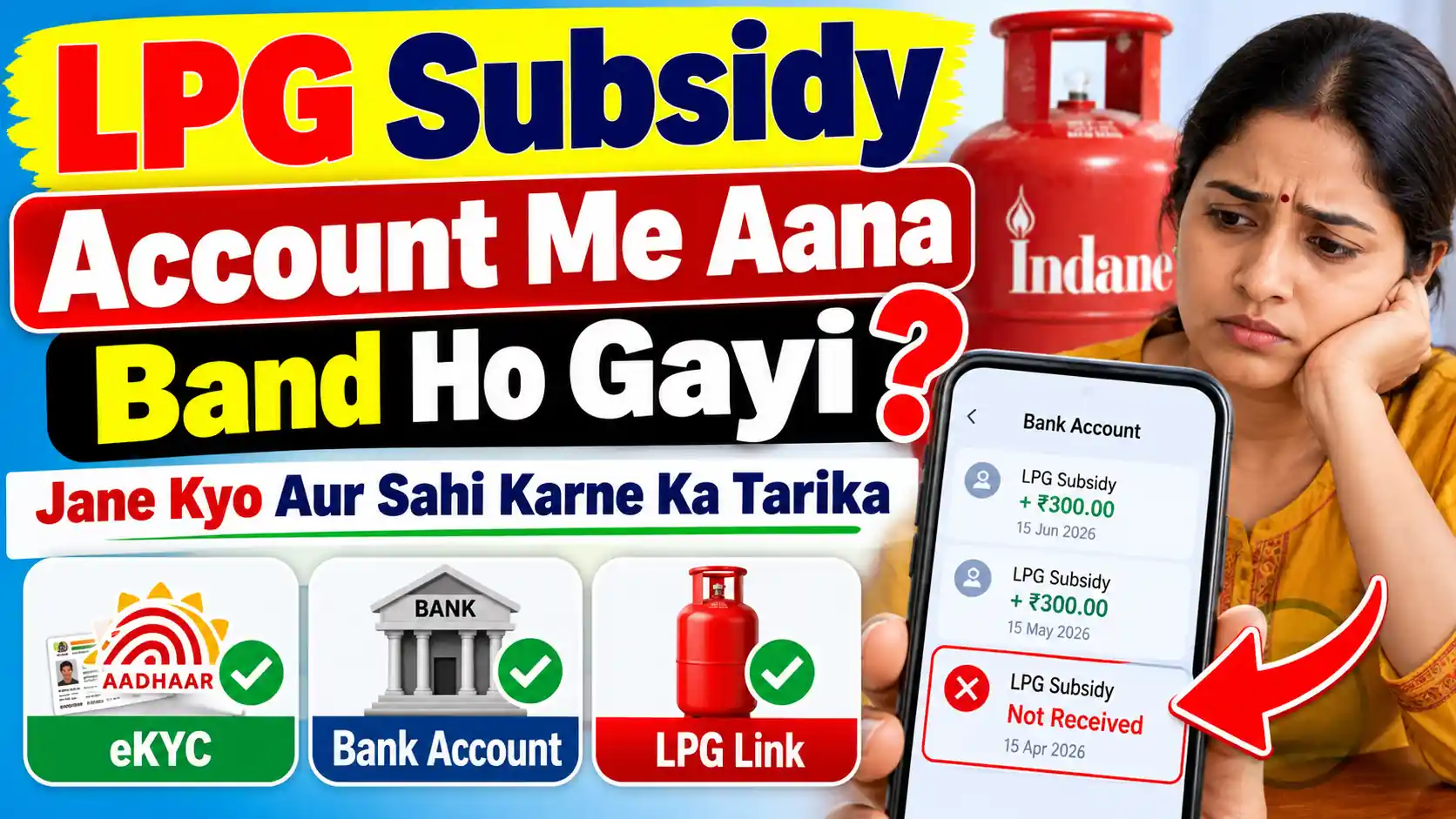
A missing bank credit does not always mean that your LPG connection has a problem. The reason may relate to eligibility, payment processing, bank-account mapping or other account details.
Read our LPG Subsidy Status Check Guide for a more detailed explanation.
If your subsidy previously arrived but has stopped, see Why LPG Subsidy May Stop and What to Check.
Find My LPG ID Online – How to Locate Your 17-Digit LPG ID
The LPG ID is an important identifier associated with an LPG connection. It may be requested when accessing certain consumer services or identifying connection records.
If you do not know your LPG ID, start with the documents and account information you already have.
Where can you find your LPG ID?
- Your LPG subscription voucher or connection documents
- Information available in your official LPG consumer account
- LPG-related documents or communications provided by your distributor
- The official LPG provider’s ID search facility, where available
Do not confuse your LPG ID with your consumer number. These may be different identifiers, and the details required can vary between LPG companies.
For the complete process, visit Find My LPG ID Online.
You can also read LPG Consumer Number Search if you are trying to recover your consumer number rather than your LPG ID.
My LPG Consumer Login – Indane, Bharat Gas and HP Gas
An LPG consumer account can help you access services associated with your registered connection.
Depending on the provider, available services may include refill booking, account details, booking history, payment information and requests to update consumer records.
Indane Gas consumer login
Indane customers can access the official IndianOil customer portal at cx.indianoil.in.
For assistance understanding the login process, visit our Indane Gas Consumer Login Guide.
Bharat Gas consumer login
Bharat Gas customers should use the official Bharatgas Customer Portal for supported consumer services.
HP Gas consumer login
HP Gas customers can access supported services through the official HP Gas Portal.
Before logging in, verify that the website address belongs to your actual LPG provider. Never share your OTP, password or banking credentials with an unrelated website.
LPG eKYC Online – What Consumers Should Know
LPG eKYC is used to verify consumer identity or connection-related details when required by the provider or an applicable scheme.
The method may differ depending on your LPG company, account status and the current verification process.
If you have been asked to complete LPG eKYC:
- Check the notification or instruction from your LPG provider.
- Confirm whether verification is actually required for your connection.
- Use the official app, website or distributor-supported verification process.
- Follow the instructions for identity verification.
- Keep any confirmation provided after completion.
Avoid relying on social-media claims that every LPG consumer must complete eKYC by the same deadline. Check the latest instructions for your provider and consumer category.
Useful guides:
My LPG Mobile Number Change
A registered mobile number is useful for receiving booking confirmations, delivery updates and account-related messages.
If your old mobile number is no longer active or you need to register a new one, check the update options provided by your LPG company.
Some account changes may require verification through the official portal or your LPG distributor.
Before requesting an update, keep your consumer number, connection documents and any other information required by the authorised provider ready.
Our My LPG Mobile Number Change Guide explains the common steps and points to check.
New LPG Gas Connection Online
Planning to apply for a new domestic LPG connection?
You can explore the application process through the official websites of Indane, Bharat Gas and HP Gas. Depending on the company and location, the process may involve choosing a distributor, providing identity and address documents, selecting the connection type and completing the required payment.
Before applying, compare the applicable connection charges, available services and distributor coverage in your area.
Read How to Register an LPG Connection Online for a practical overview.
For information about the Pradhan Mantri Ujjwala Yojana, visit the official PMUY website and read our Ujjwala Yojana Application Guide.
Eligibility, documentation and benefits should always be confirmed against the latest official scheme rules.
LPG Gas Cylinder Price and Refill Charges
LPG cylinder prices may vary by city, cylinder category, provider and the date on which the price is applicable.
When checking a price online, pay attention to whether it refers to a domestic or commercial cylinder and whether the information is current.
For company-related information, explore:
- Indane Gas Price in India
- HP Gas Price in India
- Bharat Gas Price in India
- New LPG Connection Price Guide
For the amount payable on a specific booking, refer to the official provider’s current information and the bill or cash memo issued for your refill.
Common My LPG Problems and How to Resolve Them
Even when you know your consumer number, everyday LPG services do not always go smoothly.
I cannot find my LPG consumer number
Start with your subscription voucher, old cash memo or authorised consumer account. If the number is still unavailable, contact your distributor.
Read: LPG Consumer Number Search.
My LPG booking OTP is not arriving
Confirm that you are using the mobile number registered with your LPG connection. Check network availability and whether the official service has an alternative verification method.
Read: Gas Booking OTP Not Received.
I need a copy of my LPG bill
Check your provider’s booking history or bill-download facility, where available. You may also request the relevant receipt from your distributor.
Read: How to Download LPG Gas Bill Online.
I have a complaint about my LPG distributor
Keep your consumer number, booking reference and relevant receipt available before raising a complaint through the authorised provider.
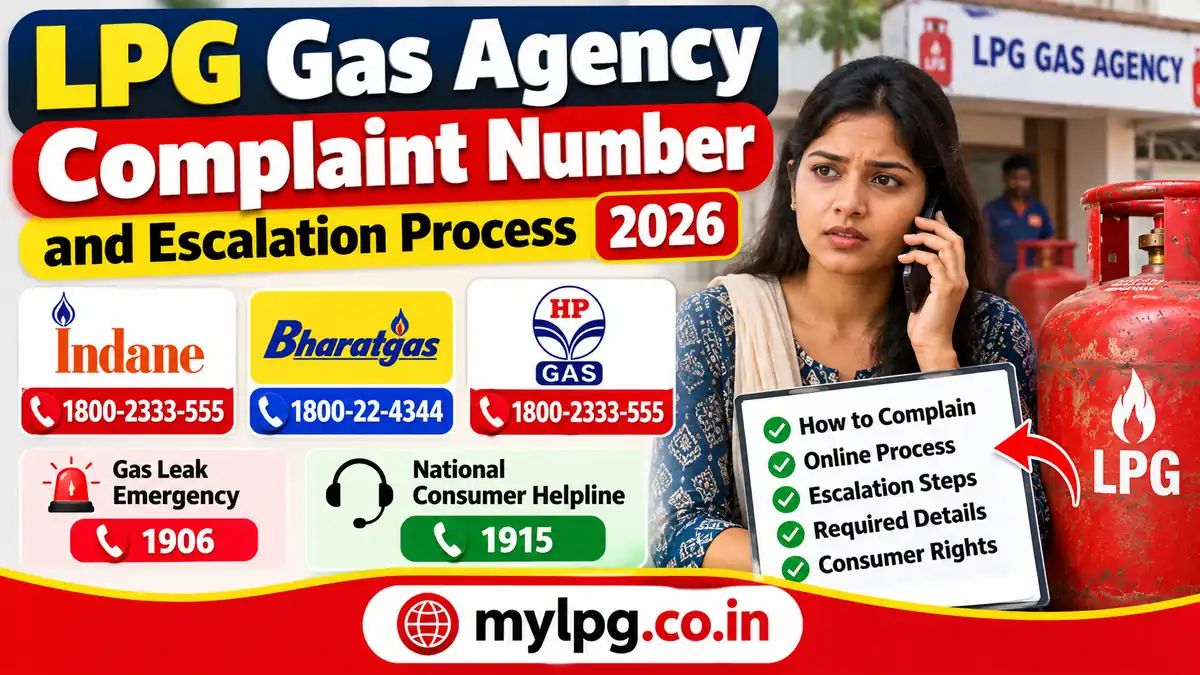
Read: LPG Gas Agency Complaint and Escalation Guide.
For a suspected LPG gas leak, do not use ordinary online complaint forms as your first response. Move away from the affected area, avoid operating electrical switches or flames, and contact the LPG emergency helpline 1906 from a safe location.
Why Use MyLPG.co.in?
LPG services are spread across different company portals, and consumers often need to understand the process before visiting the correct website.
MyLPG.co.in brings together information about commonly searched LPG topics in one place.
Our guides focus on practical questions: which service to use, what information may be needed, how to identify the right LPG provider and what to do when a common problem occurs.
We also link to relevant official sources so readers can distinguish between general information and actual account-related transactions.
The purpose of this website is to make LPG information easier to understand—not to replace authorised gas company websites.
Frequently Asked Questions About My LPG
My LPG is a term people use when searching for LPG-related online services such as cylinder booking, subsidy information, LPG ID search and consumer account access. These services are provided through authorised LPG company portals and relevant government websites. MyLPG.co.in offers independent guides to help consumers understand them.
No. MyLPG.co.in is an independent information website. It is not operated by the Government of India, IndianOil, BPCL or HPCL.
Use the official portal of your LPG provider: Indane, Bharat Gas or HP Gas. The appropriate links are provided in the official websites section above.
No. This website provides booking information and guidance. Actual LPG refill bookings must be made through an authorised provider or supported booking channel.
Check your connection records or use the official LPG provider’s available ID search service. Our LPG ID guide explains where to look and how to distinguish an LPG ID from a consumer number.
Review the information available through your LPG provider and compare it with your bank transactions. If the subsidy is missing, verify your eligibility and contact the appropriate provider for assistance.
Some providers offer account update options online, while other requests may require additional verification. Check the procedure applicable to your LPG connection.
Requirements may vary by consumer category and current provider or scheme instructions. Verify whether eKYC is required for your specific connection before starting the process.
Use the company that currently manages your LPG connection. Your cash memo, subscription voucher or other connection documents should identify the provider.
Final Words
Whether you searched for My LPG, MyLPG portal, gas booking, subsidy status, consumer login or LPG ID, the first step is to identify the service you need and the LPG company responsible for your connection.
Use the guides on MyLPG.co.in to understand the process, and complete official transactions through your provider’s authorised website or application.
Start with the most popular guides: Find My LPG ID, Check LPG Subsidy Status, Change LPG Mobile Number or Browse LPG Services.
Last reviewed: November 2026. Service procedures, eligibility requirements and online options may change. Always confirm current details with the relevant official provider.