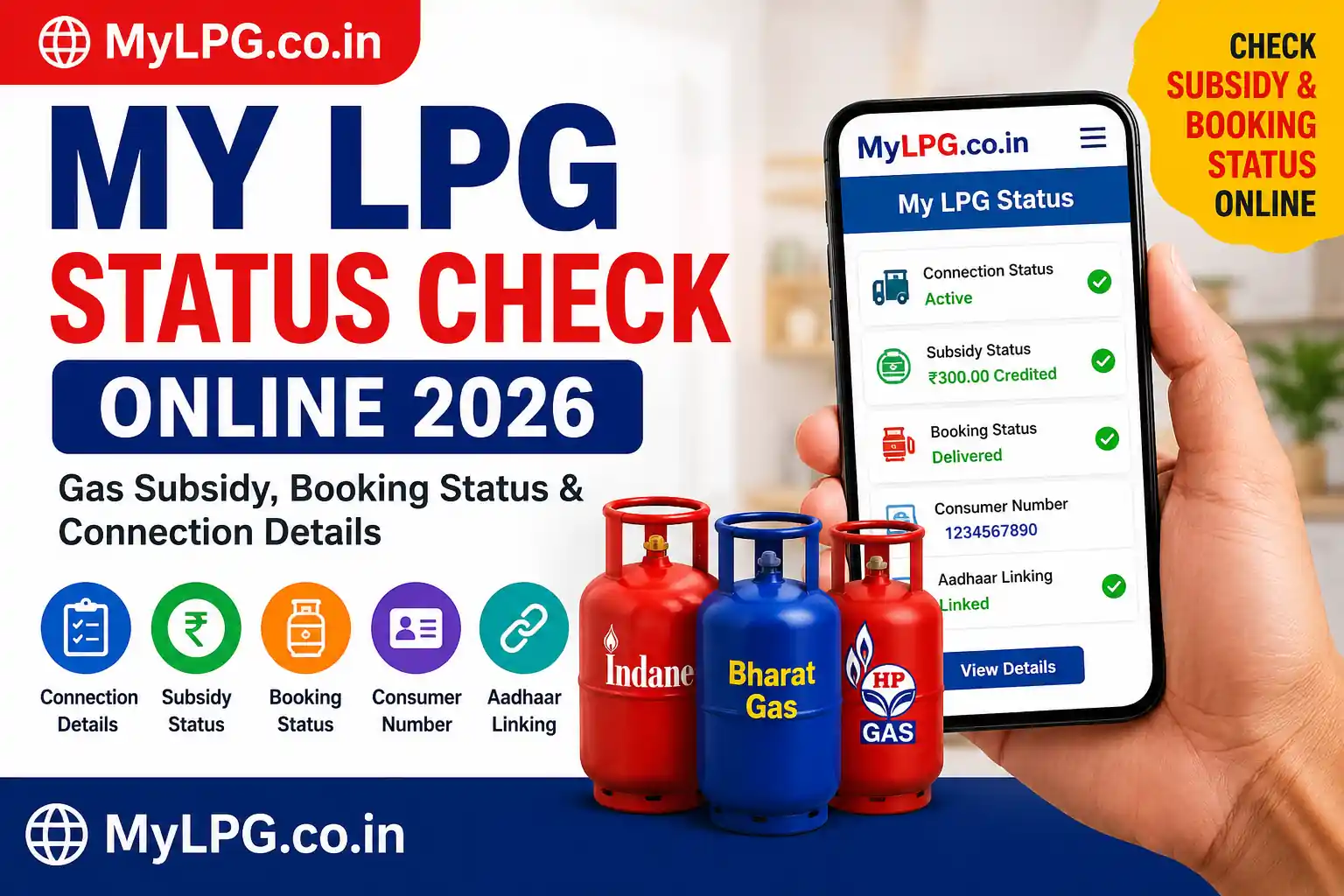
To check your LPG booking status, open your gas company’s customer portal or app, select your LPG connection and find the refill that matches the reference in your booking SMS. Check the latest update for that order. If the booking is missing or shows delivered before you’ve received the cylinder, give your distributor the booking reference and date so they can trace it.
How to check LPG booking status by provider
Keep your registered mobile number, consumer number and booking reference handy. The consumer number identifies your connection. The booking reference identifies one refill. If you can’t find the consumer number, check a previous cash memo or look up your 17-digit LPG ID using your provider’s supported options.
Indane Gas
Open the IndianOil customer portal or IndianOil ONE and sign in to the account linked to your LPG connection. Go to the LPG refill or order history and select the booking by date and reference. If you booked by phone or WhatsApp, compare the entry with the confirmation message from IndianOil before following up.
Bharatgas
Open My Bharatgas and sign in with the details linked to your Bharatgas connection. Look for the latest refill order or previous supplies. Bharatgas customers who book by SMS can also check for separate messages about booking, cash memo generation and delivery. Use the reference and date to identify which message belongs to the current refill.
HP Gas
Open My HP Gas and access the consumer account linked to the connection. Look under refill services or booking history for the latest order. If you have more than one cylinder booking on record, match the reference from the confirmation message. Menu names and details can vary by provider and app version.
What the refill status means
Booked or confirmed: The provider has recorded your request. Save the confirmation and check the same reference when you follow up. A booking confirmation by itself gives no assurance of a delivery time.
Cash memo generated: A bill has been issued for the refill. Check the bill number, amount and booking reference. If delivery is still pending, ask the distributor for the latest update against that cash memo.
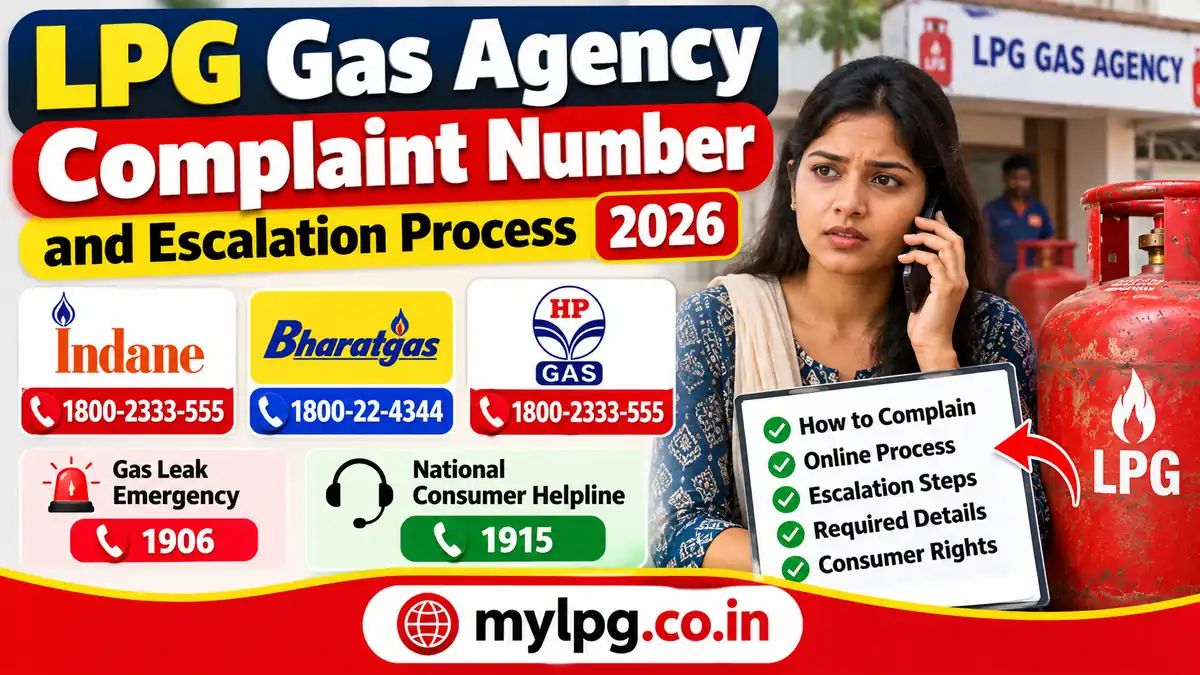
Delivered: The system records the order as completed. If the cylinder never arrived, contact your distributor with the booking reference and the time of the delivery message. Ask for a complaint reference and keep any payment receipt or screenshot. The LPG customer care guide explains where to follow up if you need to escalate.
What to do if your booking is missing
Confirm that you’re signed in to the same connection you used to place the order. Then check your SMS or app for a booking reference. If your bank shows a debit, keep the payment reference and check the booking and payment records before placing another order. Share those references with the provider or distributor through its support channel so they can look up the transaction.
If an old mobile number is stopping you from signing in, see how to update the number registered to your LPG connection. For a status that hasn’t changed, ask your distributor whether the booking is recorded and whether a cash memo has been generated.
Where to check subsidy or KYC status
To check a subsidy payment, review the provider’s available payment details and compare them with your bank statement. The LPG subsidy status guide walks through that process. For verification requests or a pending update, follow the LPG KYC update guide and ask the distributor to confirm your account record if the portal gives no clear result.
Frequently asked questions
Try your provider’s refill history and match the order date. If you still can’t identify the booking, give the distributor your consumer number and approximate booking date.
A cash memo records billing for the order. Check the delivery update separately or ask the distributor to confirm where the refill is.
Use the provider’s subsidy or payment records where available, then verify the credit in your bank statement. Booking and delivery updates show what happened to the refill.