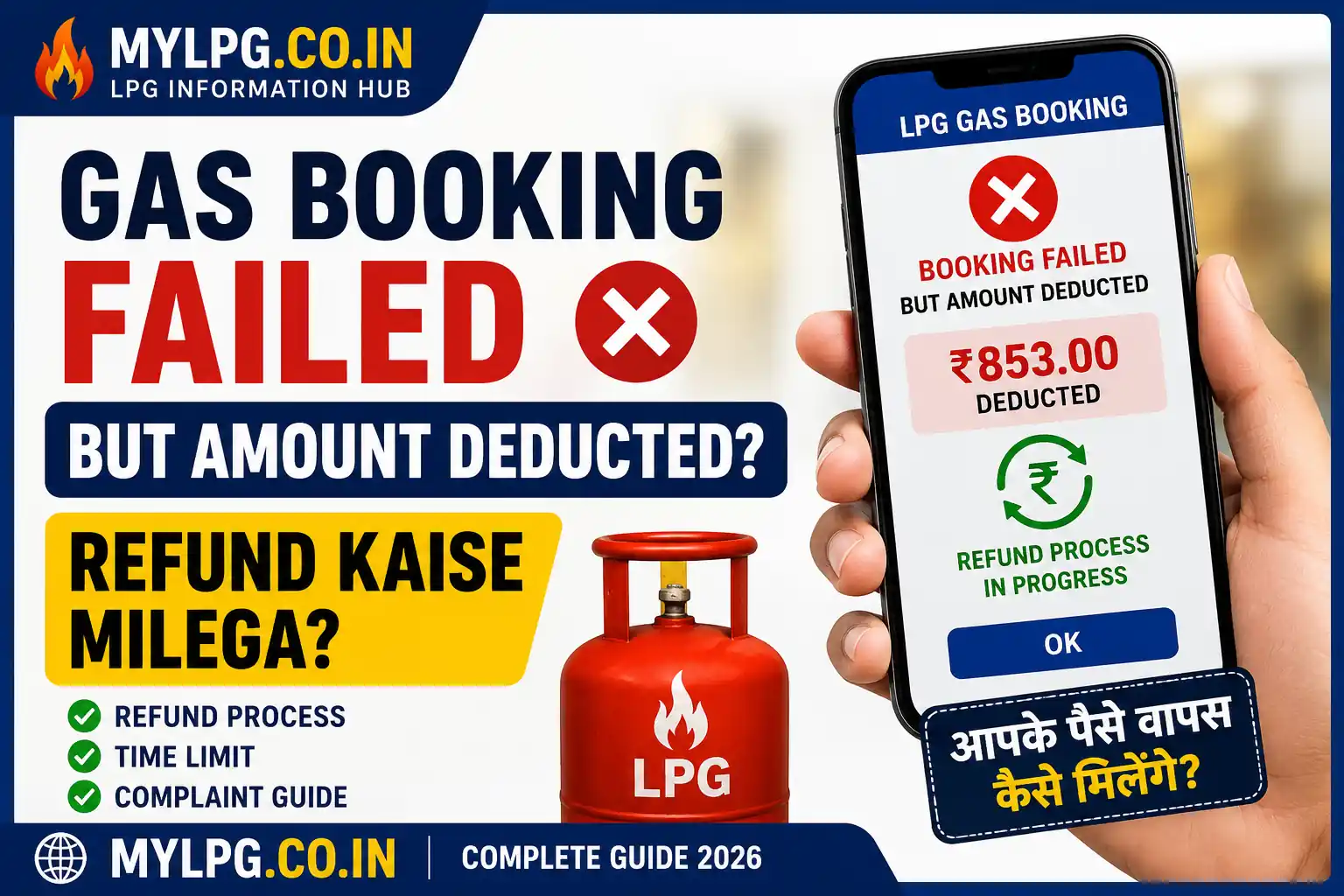
Have you ever tried booking an LPG cylinder online and received a payment success message, only to discover that the booking was never completed?
This is a common issue faced by many LPG consumers across India. Whether you use Indane, Bharat Gas, HP Gas, UPI, debit card, net banking, or any payment app, technical glitches can sometimes cause payment deductions even when the booking process fails.
The good news is that in most cases, your money is not lost. A Gas Booking Refund is usually processed automatically within a few days. However, understanding the correct steps can help you resolve the issue faster.
Read also: LPG Subsidy Status Check
Why Does Gas Booking Fail After Payment?
Several reasons can cause a failed LPG booking despite successful payment:
- Server timeout during booking
- Internet connection interruption
- Payment gateway errors
- Heavy traffic on booking portals
- Technical issues with the LPG provider’s system
- Banking network delays
Sometimes the payment is successful from the bank’s side, but the booking request never reaches the gas company’s system.
How to Confirm Whether the Booking Failed?
Before raising a complaint, verify your booking status.
You can check by:
- Logging into your LPG provider account.
- Checking recent booking history.
- Looking for a booking reference number.
- Reviewing SMS notifications.
- Checking your registered email.
If no booking number appears and the cylinder is not listed in your order history, the booking may have failed.
What Happens to the Deducted Money?
In most situations, the deducted amount enters a temporary processing stage.
The money may be:
- Automatically refunded to your bank account.
- Reversed back to your UPI account.
- Credited back to your card.
- Refunded to the original payment source.
Many banks process automatic reversals within 24 to 72 hours. In some cases, it may take up to 7 working days.
Steps to Get Your Gas Booking Refund
Step 1: Save Payment Proof
Immediately save:
- Transaction ID
- UPI Reference Number
- Bank SMS
- Payment screenshot
- Email receipt
These details are important if you need to raise a complaint later.
Step 2: Check Booking Status Again
Wait for 15–30 minutes and refresh your LPG account.
Sometimes the booking appears later because of delayed synchronization between payment and booking systems.
Step 3: Contact LPG Customer Support
If the booking still does not appear, contact customer care.
Keep the following information ready:
- Consumer Number
- Registered Mobile Number
- Payment Transaction ID
- Date and Time of Payment
Read also: Gas Customer Care
Step 4: Contact Your Bank or UPI Provider
If the LPG company confirms that no booking exists, contact:
- Bank customer support
- Google Pay
- PhonePe
- Paytm
- BHIM UPI
Ask for the transaction status and refund timeline.
Step 5: Raise a Formal Complaint
If the refund is delayed beyond the expected period:
- File a complaint with the LPG company.
- Raise a payment dispute with your bank.
- Use the grievance section of the payment app.
Maintain screenshots and complaint reference numbers for future tracking.
How Long Does the Refund Take?
The refund period depends on the payment method.
| Payment Method | Typical Refund Time |
|---|---|
| UPI | 1–5 Days |
| Debit Card | 3–7 Days |
| Credit Card | 5–10 Days |
| Net Banking | 2–7 Days |
| Wallet Payment | 1–5 Days |
Actual timelines may vary depending on the bank and payment gateway.
Can You Rebook the Cylinder?
Yes.
If the original booking was unsuccessful and no booking number was generated, you can generally place a fresh booking after confirming that the previous transaction has failed.
However, avoid making multiple payments repeatedly within a short period, as this can create additional refund complications.
Read also: Gas Booking History Check
Tips to Avoid Future Booking Failures
Here are a few practical tips:
- Use a stable internet connection.
- Avoid refreshing the page during payment.
- Wait for the confirmation screen.
- Save transaction receipts.
- Verify booking status immediately after payment.
- Use official LPG apps and websites only.
These small precautions can prevent unnecessary refund delays.
What If the Refund Never Arrives?
Although rare, refunds can occasionally get stuck due to technical issues.
In such situations:
- Contact the LPG provider.
- Contact your bank.
- Raise a dispute with the payment service.
- Keep all transaction records.
- Escalate the complaint if required.
Most unresolved cases are eventually settled after proper verification.
Read also: Gas Booking OTP Not Received
Final Thoughts
A failed LPG booking with a successful payment can be frustrating, but it is usually a temporary issue. In most cases, the Gas Booking Refund is automatically credited back to your account within a few days.
The key is to keep transaction proof, verify your booking status, and contact customer support when necessary. By following the correct process, you can ensure that your money is safely returned without unnecessary stress.
FAQs
Check your booking history first. If no booking is found, wait for the automatic refund or contact customer support.
Most refunds are completed within 1–7 working days depending on the payment method.
Yes, if the original booking was not created successfully.
In most cases, yes. Failed transactions are generally reversed automatically.
You should keep your Consumer Number, Transaction ID, payment proof, and registered mobile number ready.
📖 Read Also
Read Also:New Gas Pipeline Connection 2026 – Complete Easy Guide for Indian Homes
Read Also: HP Gas Subsidy Status Online 2026