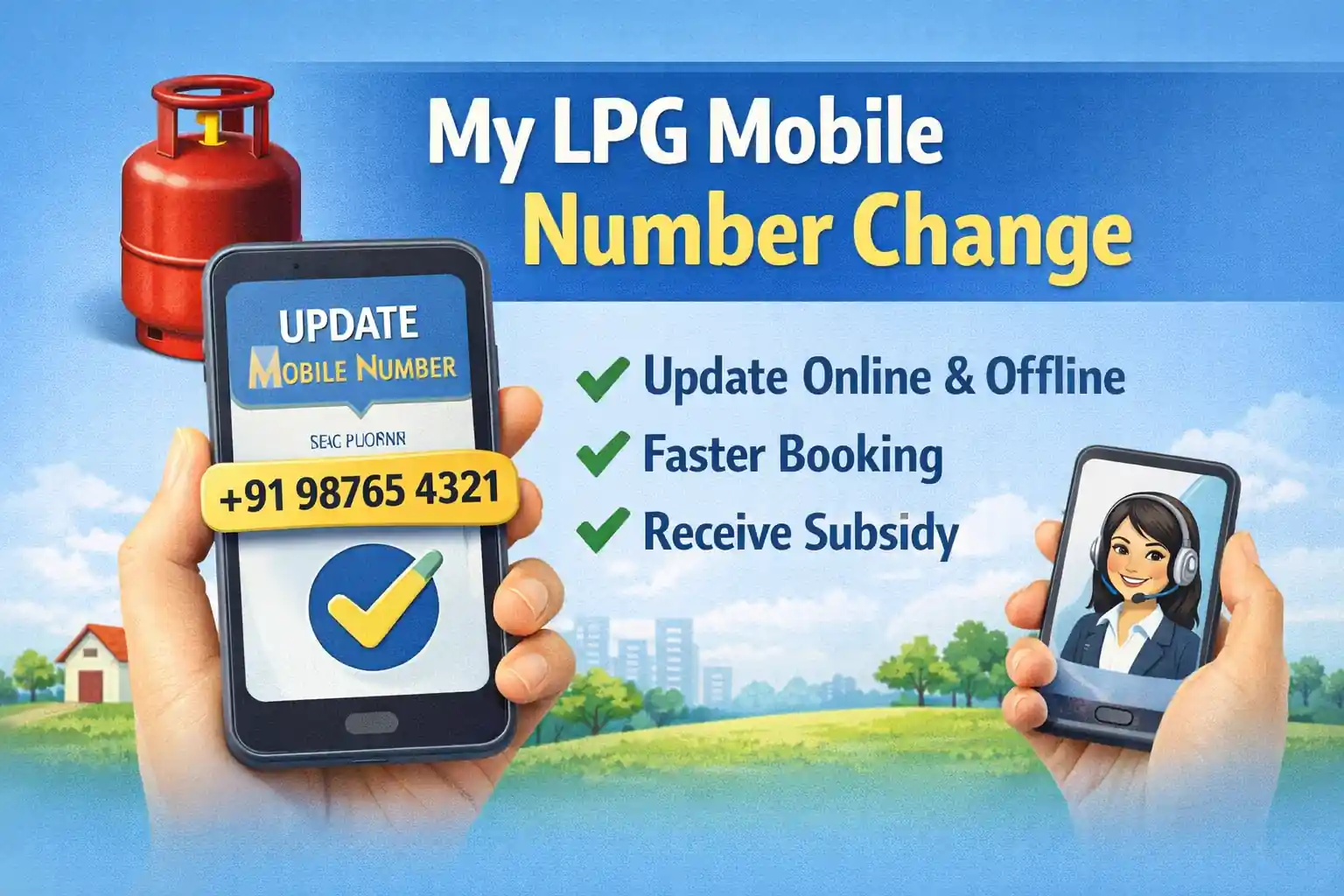
Have you changed your mobile number recently? If your LPG connection is still linked to your old phone number, you may face problems while booking gas cylinders, receiving OTPs, checking subsidy status, or completing eKYC.
The good news is that in 2026, most LPG consumers can update their registered mobile number online within a few minutes using the official LPG portals or mobile apps.
In this guide, you’ll learn how to change your LPG mobile number for:
- Bharat Gas
- HP Gas
- Indane Gas
without visiting the gas agency (where online verification is available).
Read also: LPG KYC Update Process
LPG Mobile Update Guide
Get official direct update links & instructions for Indane, Bharat Gas, and HP Gas
Bharat Gas Mobile Number Change Form PDF
Bharat Gas customers can update their registered mobile number by submitting a mobile number correction request at their distributor office.
Documents Required
- Consumer number
- LPG connection details
- Aadhaar Card (if required)
- Identity proof
- New mobile number
Bharat Gas Mobile Number Change Form PDF Download(Click For Download)
HP Gas Mobile Number Change Form PDF
HP Gas consumers can request a mobile number update through their distributor office or available customer service channels.
Required Details
- Consumer Number
- Connection Holder Name
- Address
- New Mobile Number
- Identity Proof
HP Gas Mobile Number Change Form PDF Download
Steps to Follow
- Visit your HP Gas distributor.
- Request the Mobile Number Change Form.
- Fill the form carefully.
- Attach supporting documents.
- Submit the request.
The agency verifies the information and updates the registered mobile number.
Read also: HP Gas eKYC Online
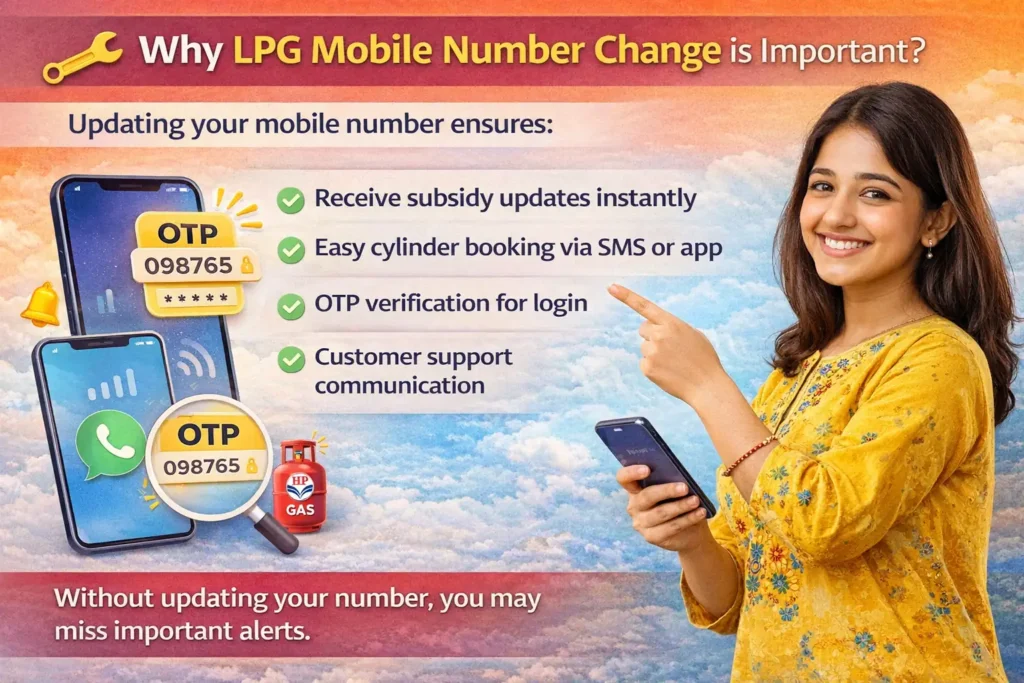
Why Is LPG Mobile Number Change Important?
Your LPG account is connected with your registered mobile number. If the number becomes inactive or is no longer in use, you may miss important notifications related to your connection.
Benefits of updating your LPG mobile number include:
- Faster LPG booking confirmations
- Delivery status updates
- Subsidy information alerts
- Secure account verification
- Easier customer support access
A correct mobile number also helps avoid delays during online LPG services.
Read also: LPG Subsidy Status Check
LPG Mobile Number Change Online Process
Most LPG distributors now provide online facilities to update customer details.
Follow these steps:
- Visit your LPG provider’s official portal.
- Log in using your consumer details.
- Open the Profile or Customer Information section.
- Select Mobile Number Update.
- Enter your new mobile number.
- Verify the number using OTP.
- Submit the request.
Once verification is completed, the new number is linked to your LPG account.
Read also: Gas Booking History Check
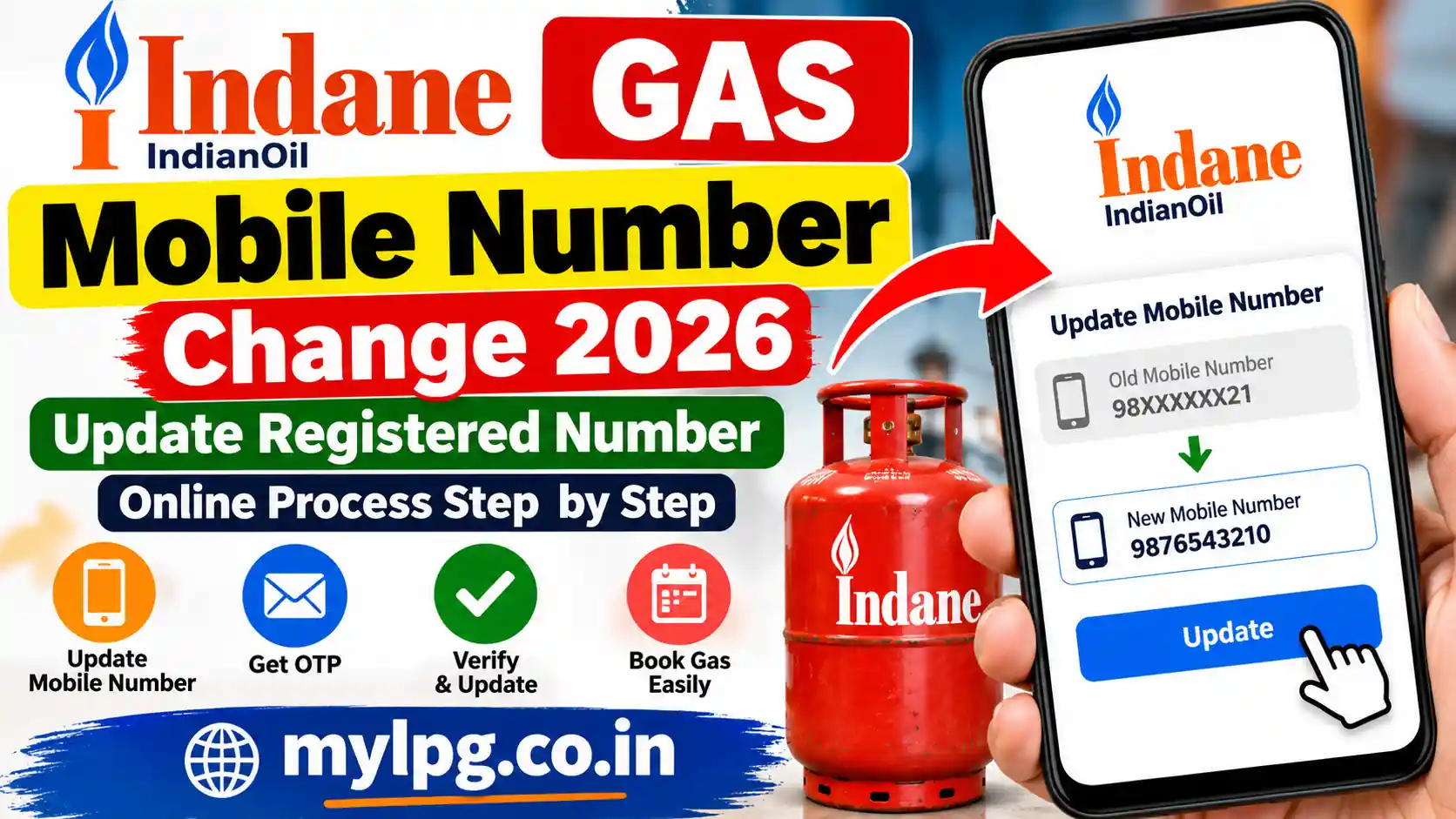
Indane Gas Booking Number Change Online 2026
Indane users सबसे ज्यादा indane gas booking number change और indane gas registered mobile number change online search करते हैं। अच्छी बात यह है कि अब Indane में mobile number update करना काफी आसान हो गया है।
Indane Gas Mobile Number Change Process
Online तरीका
- Official Indane portal open करें
- Consumer number डालकर login करें
- Profile section में जाएं
- Mobile update option चुनें
- नया mobile number दर्ज करें
- OTP verify करें
- Submit button पर click करें
Verification complete होने के बाद आपका नया mobile number LPG account में update हो जाएगा।
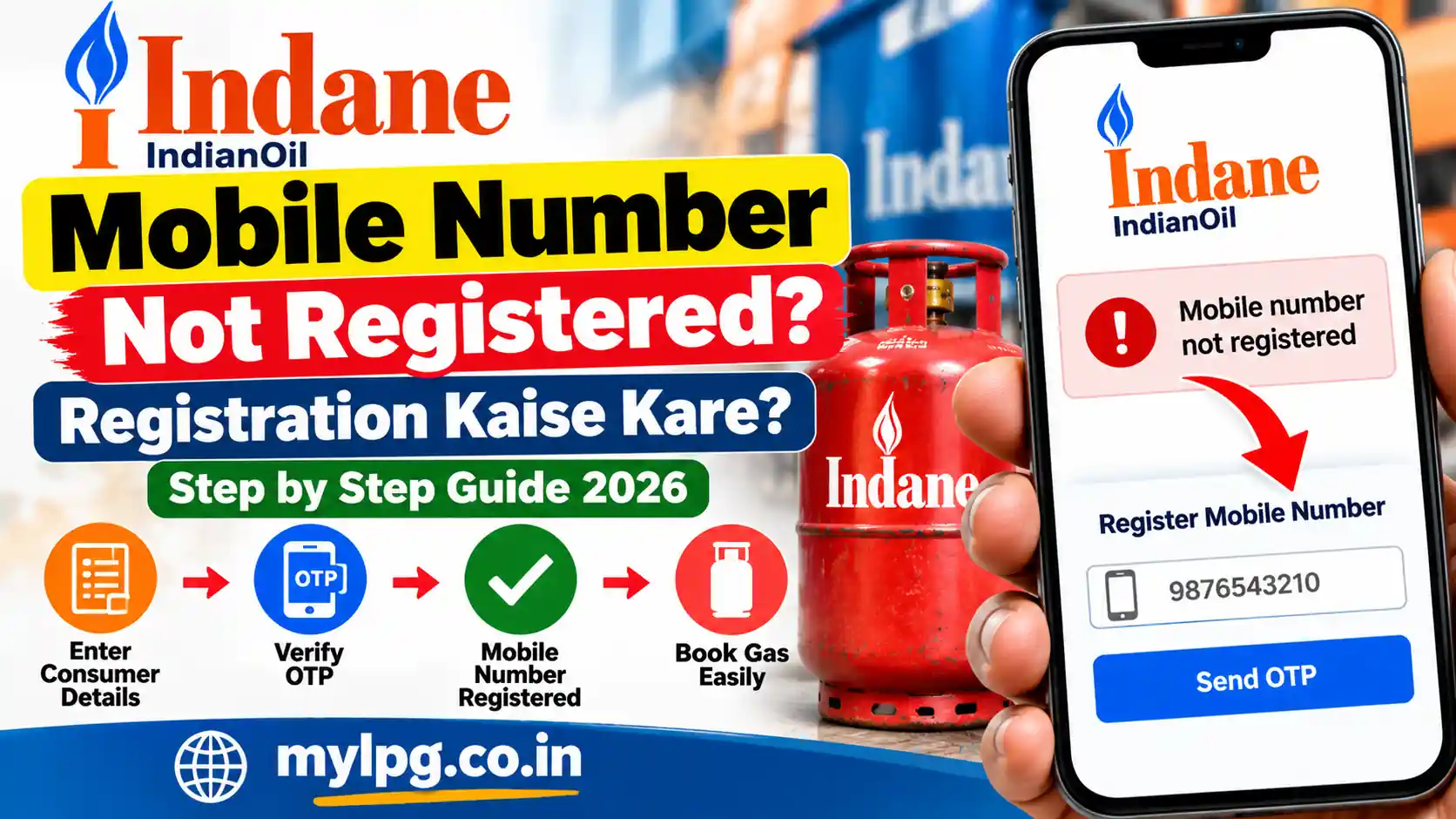
Indane Gas Mobile Number Registration Online
अगर आपका mobile number पहले registered नहीं है, तो आप online registration भी कर सकते हैं।
इसके लिए:
- Consumer ID तैयार रखें
- Active mobile number इस्तेमाल करें
- OTP verification पूरा करें
कई लोग इंडेन गैस बुकिंग मोबाइल नंबर रजिस्ट्रेशन keyword भी search करते हैं क्योंकि booking और subsidy alerts इसी नंबर पर आते हैं।
Read also: Indane Gas Booking Number Online Check Subsidy
Offline तरीके से Mobile Number Change
अगर online update नहीं हो रहा है, तो आप nearest gas agency जाकर भी number बदल सकते हैं।
जरूरी documents:
- Aadhaar Card
- Consumer booklet copy
- नया mobile number
Agency staff आपका mobile number update कर देगा।
Bharat Gas Mobile Number Change Online
Bharat Gas users अक्सर ebharatgas, mobile.ebharatgas और my bharat gas जैसे keywords search करते हैं।
Bharat Gas Booking Mobile Number Update Process
- Bharat Gas portal open करें
- Login करें
- Consumer number enter करें
- Profile section में जाएं
- Mobile update option चुनें
- नया mobile number दर्ज करें
- OTP verify करें
- Save changes करें
इसके बाद आपका Bharat Gas account नए mobile number से linked हो जाएगा।
Bharat Gas Mobile Number Change Form
कई distributors आज भी offline form process इस्तेमाल करते हैं। इसी वजह से लोग bharat gas mobile number change form search करते हैं।
Form में सामान्यतः ये details भरनी होती हैं:
- Consumer Number
- LPG ID
- पुराना mobile number
- नया mobile number
- Address
- Signature
यह form nearest Bharat Gas agency में submit किया जा सकता है।
Read also: Bharat Gas Booking Number
ebharatgas.com Change Mobile Number
अगर आप ebharatgas.com change mobile number search कर रहे हैं, तो हमेशा official portal का ही इस्तेमाल करें।
official site for update
ध्यान रखने वाली बातें:
- OTP किसी के साथ share न करें
- Fake LPG websites से बचें
- Public cyber cafe में login avoid करें
आजकल LPG scam cases तेजी से बढ़ रहे हैं।
HP Gas Mobile Number Change Process 2026
HP Gas users भी online और offline दोनों तरीकों से mobile number update कर सकते हैं।
Hp Gas Mobile number change website
HP Gas Mobile Number Change Online
- HP Gas portal open करें
- Consumer login करें
- Registered details section में जाएं
- Mobile update option चुनें
- नया number दर्ज करें
- OTP verify करें
- Save करें
इसके बाद आपका HP Gas account नए mobile number के साथ update हो जाएगा।
Gas Booking Number Change Kaise Kare?
बहुत लोग सीधे gas booking number change या how to change gas booking number search करते हैं।
असल में LPG account में registered mobile number ही booking number होता है। जैसे ही आप mobile number update करते हैं, आपकी booking service नए नंबर पर transfer हो जाती है।
इसके बाद:
- SMS booking
- IVRS booking
- WhatsApp booking
- App booking
सभी services नए mobile number पर काम करने लगती हैं।
Mobile Number Update करने के Best तरीके
1. Official Portal
सबसे आसान और तेज तरीका।
2. LPG Mobile App
Indane, Bharat Gas और HP Gas की official apps available हैं।
3. Gas Agency Visit
अगर OTP issue आ रहा है तो यह सबसे अच्छा option है।
4. Customer Care Support
Customer care की मदद से भी number update कराया जा सकता है।
Read also: Gas Customer Care
Mobile Number Change के बाद क्या Check करें?
Number update होने के बाद ये चीजें verify करें:
- OTP receive हो रहा है या नहीं
- Gas booking successfully हो रही है या नहीं
- Subsidy SMS मिल रहा है या नहीं
- LPG app login काम कर रहा है या नहीं
- Delivery updates आ रहे हैं या नहीं
Common Problems During Gas Number Change
OTP नहीं आता
Network issue या गलत number हो सकता है।
Consumer ID Invalid
गलत LPG ID enter हो सकती है।
Number Already Registered
Same number किसी दूसरे LPG account से linked हो सकता है।
Online Portal काम नहीं कर रहा
Server maintenance issue हो सकता है।
Important Safety Tips
- OTP किसी को share न करें
- सिर्फ official LPG portal का इस्तेमाल करें
- Fake customer care numbers से बचें
- Aadhaar और consumer details सुरक्षित रखें
Gas Number Change में कितना समय लगता है?
| Process | समय |
|---|---|
| Online Update | 5–15 Minutes |
| OTP Verification | तुरंत |
| Agency Update | 1–2 दिन |
| Manual Verification | 2–5 दिन |
क्या Mobile Number Change करने के Charges लगते हैं?
नहीं। सामान्यतः LPG companies mobile number update service free में देती हैं।
अगर कोई extra पैसे मांगता है, तो official customer care में complaint करें।
Conclusion
अगर आपका पुराना mobile number बंद हो गया है, तो तुरंत Gas Number Change Online 2026 process पूरा कर लेना चाहिए। चाहे आपका connection Indane, Bharat Gas या HP Gas का हो, registered mobile number update करना बहुत जरूरी है।
आज के समय में online portals की मदद से indane gas booking number change, bharat gas mobile number update और hp gas mobile number change process काफी आसान हो चुका है। बस official portal का इस्तेमाल करें और OTP verification सावधानी से पूरा करें।
FAQs
Yes, most LPG providers allow customers to update their registered mobile number online.
It usually takes a few minutes online and 24–48 hours offline.
Yes, but ID verification may still be required.
It is used for OTP, booking updates, and subsidy alerts.
Yes, LPG mobile apps allow easy number update.
📖 Read Also
1️⃣ LPG Gas Cylinder Price Today
2️⃣ Ujjwala Yojana Apply Form
3️⃣ LPG Gas Mobile App Download Guide
4️⃣ HP Gas eKYC Online
5️⃣ Indane Gas Booking Number
6️⃣ LPG Connection KYC Update
7️⃣ Gas Booking System Down
8️⃣ LPG Subsidy 2025
9️⃣ Gas Delivery Complaint Process
🔟 LPG Consumer Number Kaise Pata Kare