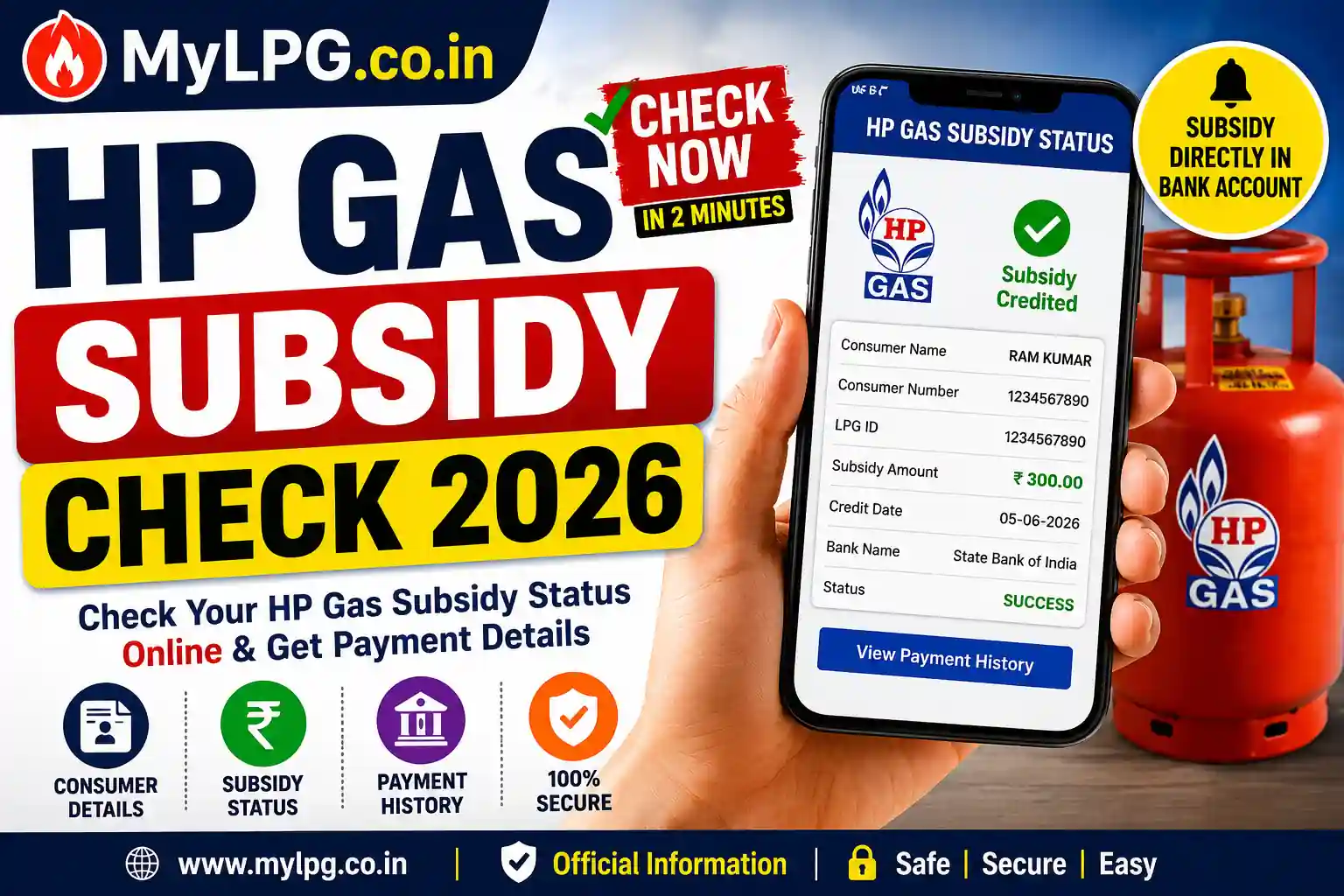
If you are an HP Gas consumer and want to know whether your LPG subsidy has been credited to your bank account, this guide will help you. HP Gas Subsidy Check is one of the most searched LPG-related services because many consumers want to confirm whether their subsidy payment has been received successfully.
Sometimes consumers book a cylinder, but the subsidy amount does not appear in their bank account immediately. In such situations, checking the subsidy status becomes important.
This detailed guide explains how to perform a HP Gas Subsidy Check, verify subsidy payments, troubleshoot common problems, and understand the Direct Benefit Transfer (DBT) system.
Read also: LPG Subsidy Status Check
LPG Subsidy Status Guide & Direct Links
What Is HP Gas Subsidy?
The LPG subsidy is financial assistance provided by the government to eligible domestic LPG consumers. Under the DBT system, the subsidy amount is transferred directly to the consumer’s linked bank account.
Instead of receiving a discounted cylinder price, consumers generally purchase the cylinder at the market rate and receive the subsidy separately in their bank account.
Benefits of LPG Subsidy
| Benefit | Description |
|---|---|
| Lower Cooking Cost | Helps reduce LPG expenses |
| Direct Transfer | Money goes directly to the bank account |
| Transparent System | Easy tracking of subsidy payments |
| Secure Payment | No middlemen involved |
| Digital Records | Complete subsidy history available |
🔹 Eligibility for HP Gas Subsidy updated 2026
- Must be a domestic HP Gas consumer.
- Subsidy is available on 12 cylinders per year per household.
- Families with annual income above ₹10 lakh are not eligible.
- LPG connection should be linked with Aadhaar and bank account.
- Customer must be enrolled in the DBTL scheme.
🔹 How to Check My LPG HP Gas Subsidy Status Online
Follow these simple steps:
- Visit 👉 My LPG Portal
- Click on HP Gas (Hindustan Petroleum) logo.
- Login using your registered mobile number / LPG ID.
- Go to “View Subsidy Status”.
- Enter your Consumer Number or Aadhaar-linked details.
- The screen will display:
- Last refill date
- Subsidy amount credited
- Bank reference / transaction ID
💡 You can also check directly on your bank passbook or SMS alerts after cylinder delivery.
🔹 How to Check HP Gas Subsidy via Mobile App
- Download HP Gas Mobile App from Google Play Store / iOS.
- Register with your mobile number and consumer ID.
- Go to Subsidy / DBTL section.
- View details of recent subsidy credits.
🔹 How to Ensure You Receive Subsidy in Bank
- Link Aadhaar with HP Gas connection.
- Link Aadhaar with your bank account.
- Make sure your mobile number is registered with HP Gas.
- Opt-in for DBTL scheme at distributor or online.
🔹 HP Gas Subsidy Amount updated 2026
The subsidy amount changes based on:
- Market price of LPG
- Government allocation
- State taxes
👉 As of October 2025:
- Subsidy per 14.2 kg domestic LPG cylinder = ₹200 – ₹250 (depending on state).
🔹 Common Issues & Solutions
1. Subsidy not credited
- Check Aadhaar-bank linkage.
- Ensure LPG ID is correct.
- Visit distributor with documents.
2. Duplicate LPG connections
- Surrender extra connection to continue subsidy.
3. Bank details not updated
- Update account details at HP Gas distributor office.
4. Delay in credit
- Subsidy is usually credited 2–3 days after refill delivery.
🔹 HP Gas Customer Care for Subsidy Issues
- Toll-free Helpline: 1906 (LPG Emergency / Grievance)
- HP Gas Customer Care: 1800-2333-555
- My LPG Portal: mylpg.in
Read also: Find My LPG ID Online
HP Gas Subsidy Status Meanings
Many consumers become confused when they see different subsidy messages.
The table below explains common status messages.
| Status | Meaning |
|---|---|
| Subsidy Credited | Amount transferred successfully |
| Payment Under Process | Transfer is being processed |
| Aadhaar Verification Pending | Aadhaar linking incomplete |
| Bank Account Validation Pending | Bank verification required |
| Subsidy Rejected | Payment failed |
| Consumer Ineligible | Subsidy not available |
Understanding these messages helps consumers resolve issues quickly.
🔹 FAQs on My LPG HP Gas Subsidy
You can check subsidy status through official LPG subsidy portals using your consumer number or LPG ID.
Common reasons include Aadhaar issues, bank verification problems, and pending DBT activation.
Yes. Most subsidy services are accessible through mobile devices.
Verify Aadhaar linking, update bank details, and contact customer support.
Yes. Consumers can view complete subsidy transaction records through official subsidy portals.
🔹 Conclusion
The My LPG HP Gas Subsidy Check process is simple and user-friendly. By visiting the official My LPG portal or using the HP Gas app, customers can easily track subsidy credit, check transaction history, and ensure smooth DBTL transfers.
Always make sure your Aadhaar and bank account are linked, and your mobile number is updated with HP Gas. This ensures timely credit of subsidy without interruptions.
📖 Read Also
🔹 Read also: LPG Subsidy Status Check
🔹 Read also: Find My LPG ID Online
🔹 Read also: Aadhaar Linked But LPG Subsidy Not Received
🔹 Read also: Gas Subsidy Increase 2026
🔹 Read also: Gas Booking Status