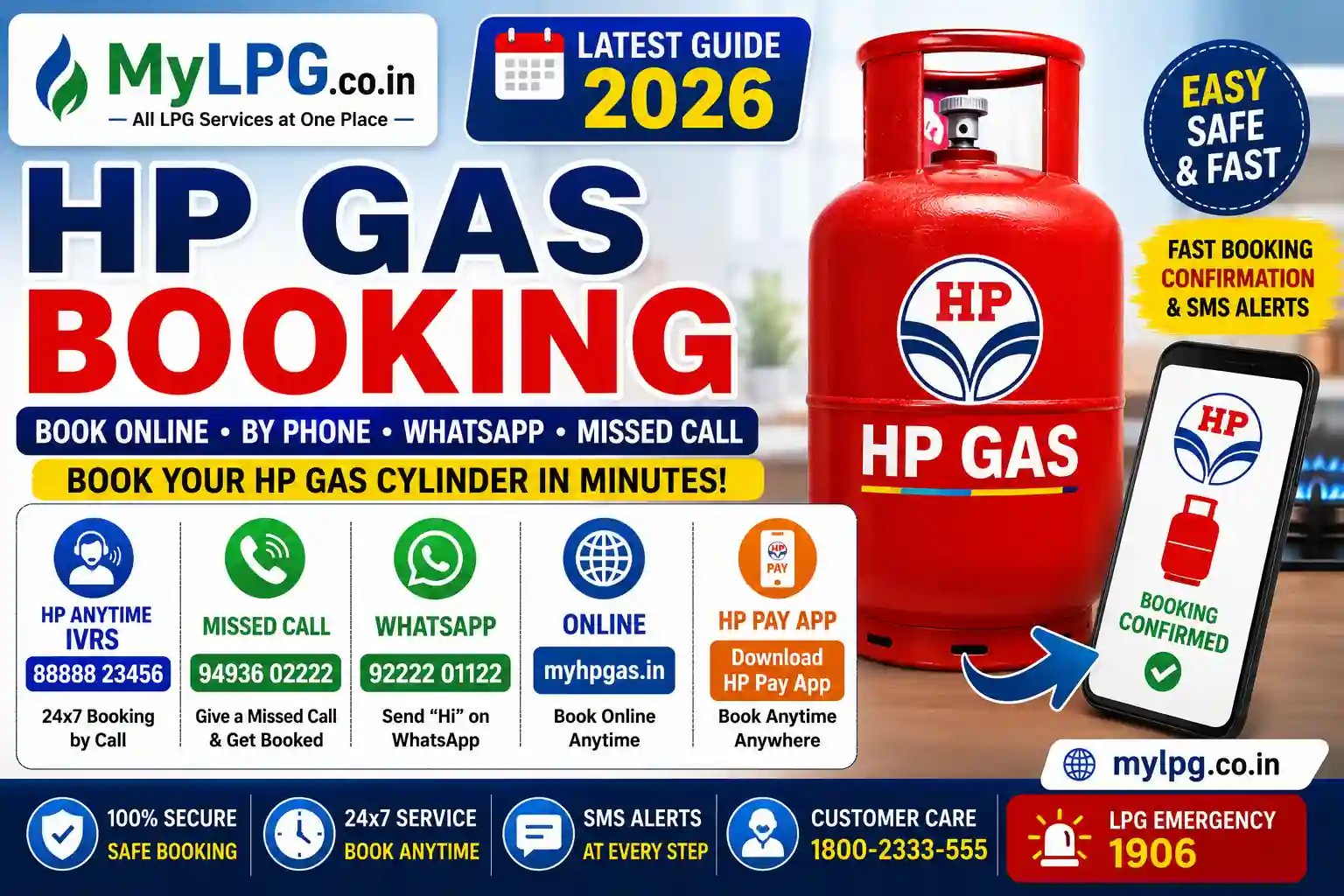
Booking an HP Gas cylinder is now possible through several methods, so customers do not have to depend on visiting their gas distributor every time they need a refill.
You can book an HP Gas cylinder online, through the HP Anytime IVRS service, by missed call, WhatsApp, the HP Pay app and other supported digital channels.
This guide covers the latest HP Gas booking number, HP Gas online booking, HP Gas login, HPGAS booking process, refill status and common booking problems in one place.
According to the latest information published by Hindustan Petroleum Corporation Limited (HPCL), HP Gas customers can book a refill through HP Anytime IVRS, missed call, WhatsApp, HP Pay, the My HP Gas website, UMANG and supported payment apps.
HP Gas Booking Numbers 2026 – Quick List
| HP Gas Service | Number / Method | How to Use |
|---|---|---|
| HP Gas IVRS / HP Anytime | 88888 23456 | Call from registered mobile |
| HP Gas Missed Call | 94936 02222 | Give missed call from registered number |
| HP Gas WhatsApp | 92222 01122 | Send Hi |
| Online Booking | myHPGas website | Login and book refill |
| Mobile App | HP Pay | Book through app |
| UMANG | UMANG App | Use LPG services |
| BBPS Apps | Amazon, Paytm, PhonePe etc. | Use bill/utilities section |
These numbers and booking options are currently listed by HPCL on its official HP Gas refill booking page.
HP Gas Toll-Free Booking Number
HP Gas also provides toll-free customer support for LPG-related services. Customers can use the toll-free helpline to:
- Book a refill cylinder
- Check booking status
- Register complaints
- Get distributor details
- Ask LPG-related questions
Before calling, keep your Consumer Number ready for faster assistance.
If you don’t know your Consumer Number, read HP Gas Consumer Number Search or Find My LPG ID Online.are correct, the booking process usually takes less than two minutes.
| Service | Official Number |
|---|---|
| HP Gas IVRS Booking Number | 88888 23456 |
| HP Gas Missed Call Booking Number | 94936 02222 |
| HP Gas WhatsApp Booking Number | 92222 01122 |
Different Ways to Book an HP Gas Cylinder
HP Gas Login
People searching “HP Gas login” usually want to access their LPG account, book a refill, check booking information or manage their connection.
HPCL’s domestic LPG section provides a My HP Gas Customer Login option for domestic customers.
After logging in, available services can depend on your account and the current HP Gas portal.
Common reasons customers use the HP Gas online account include:
- LPG refill booking
- Customer account management
- Refill-related information
- Connection services
- LPG service requests
Always make sure you are using the official HP Gas/HPCL website before entering your login details.
HPGAS Booking
The term “HPGAS booking” generally refers to booking an LPG refill from HP Gas.
You can use any of the supported methods:
| Booking Method | Details |
|---|---|
| IVRS | 88888 23456 |
| Missed Call | 94936 02222 |
| 92222 01122 | |
| Website | My HP Gas |
| HP Pay App | Mobile booking |
| UMANG | Supported LPG service |
| Payment Apps | Supported BBPS/payment platforms |
| Distributor | Book through HP Gas agency |
These options are listed by HPCL in its current HP Gas refill-booking information.
HP Gas Booking Through HP Pay
HPCL also lists the HP Pay mobile application as an HP Gas refill-booking option.
The app is available for Android and iOS according to HPCL’s current refill-booking information.
If you already use HP Pay, this can be a convenient way to manage your LPG refill without calling the IVRS number.
HP Gas Booking Through Payment Apps
HPCL also lists supported payment and wallet platforms as LPG booking options.
These include platforms such as:
- Amazon
- Paytm
- PhonePe
- Other supported BBPS-enabled wallet or banking applications
The exact interface can change between apps, so select HP Gas as the LPG provider and follow the booking instructions displayed by the authorised service.
HP Gas Booking Status Check
After booking your cylinder, keep the booking number or confirmation message.
HPCL’s HP Anytime system sends SMS alerts covering different stages of the refill process, including:
- Refill booking number and date
- Cash memo number and date
- Delivery confirmation
If you have booked a cylinder but it has not arrived, don’t immediately make another booking.
First check the existing booking and contact your distributor if the delivery is delayed.
You can also read:
LPG Cylinder Delivery Not Received
HP Gas Booking Number Not Working
Sometimes customers report that the booking number is not working.
Before assuming that the service is unavailable, check these things:
Use the registered mobile number
HPCL says its IVRS and other booking methods use the customer’s registered mobile number.
Check the number carefully
The current HP Anytime number is:
88888 23456
Try another official booking method
You can use:
- Missed call
- My HP Gas
- HP Pay
- UMANG
- Your HP Gas distributor
Check your account details
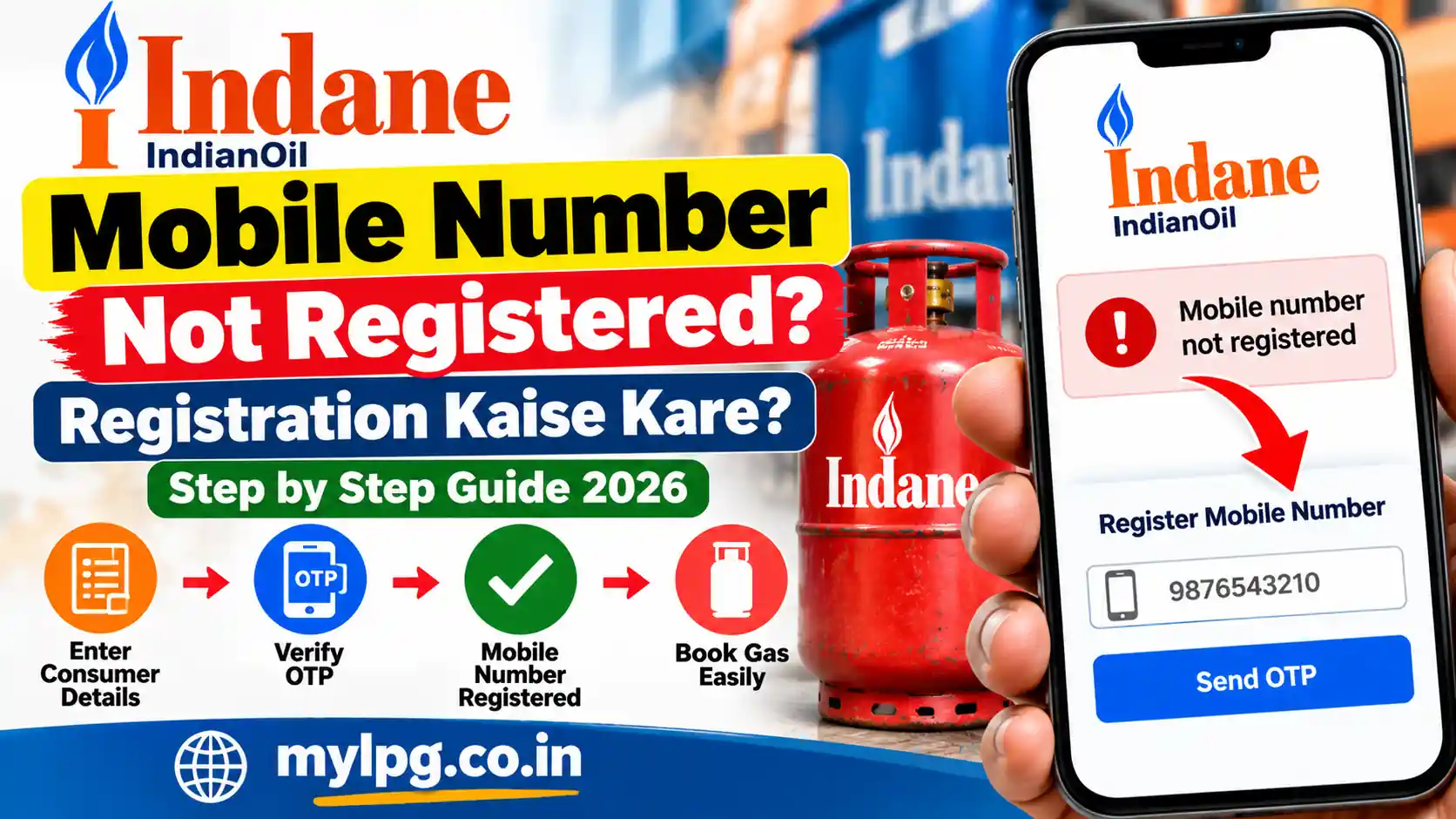
If your mobile number is not correctly associated with your LPG connection, online or phone-based booking may not work as expected.
For mobile-number related information, read:
Change LPG Registered Mobile Number
HP Gas Booking Without Registered Mobile Number
The easiest digital booking methods are generally designed around the customer’s registered information.
If your mobile number has changed, update it through the authorised HP Gas service or contact your distributor.
Do not use an unknown website claiming that it can instantly book an HP Gas cylinder without verifying your consumer details.
HP Gas Booking Failed
A booking can sometimes fail because of an account, mobile-number, technical or service issue.
Try the following:
- Check your registered mobile number.
- Check whether an earlier booking is already active.
- Try another official booking method.
- Check your HP Gas account.
- Contact your distributor if the issue continues.
If money has been deducted but the booking was not completed, keep the transaction reference and contact the relevant service provider.
HP Gas Cylinder Booking – What Information Is Needed?
Depending on the booking method, you may need some customer information.
Keep these details available:
- HP Gas consumer number
- Registered mobile number
- LPG ID, if available
- Distributor details
- Previous booking information
If you do not know your LPG ID, you can use:
For general LPG consumer-number information:
How to Find LPG Consumer Number
HP Gas Booking and Delivery OTP
Customers may receive delivery-related authentication information during the refill process.
Never share an OTP or delivery authentication code with an unknown caller.
If someone claims to be an HP Gas delivery agent and asks for banking credentials, UPI PIN or other sensitive information, stop the transaction and contact HP Gas through an authorised channel.
For more information:
Gas Booking OTP more convenient than visiting a distributor in person.
FAQs
The official HP Gas IVRS booking number is 88888 23456.
The official WhatsApp booking number is 92222 01122.
Customers can book by giving a missed call to 94936 02222.
Yes. You can book through HP Pay, the HP Gas portal, or WhatsApp.
Common reasons include an unregistered mobile number, network issues, or temporary server problems.
Conclusion
The HP Gas Booking Number makes LPG refill booking quick and convenient. You can use the official IVRS number (88888 23456), WhatsApp (92222 01122), or Missed Call (94936 02222) to book your cylinder in minutes. Always use your registered mobile number for a smooth booking experience.