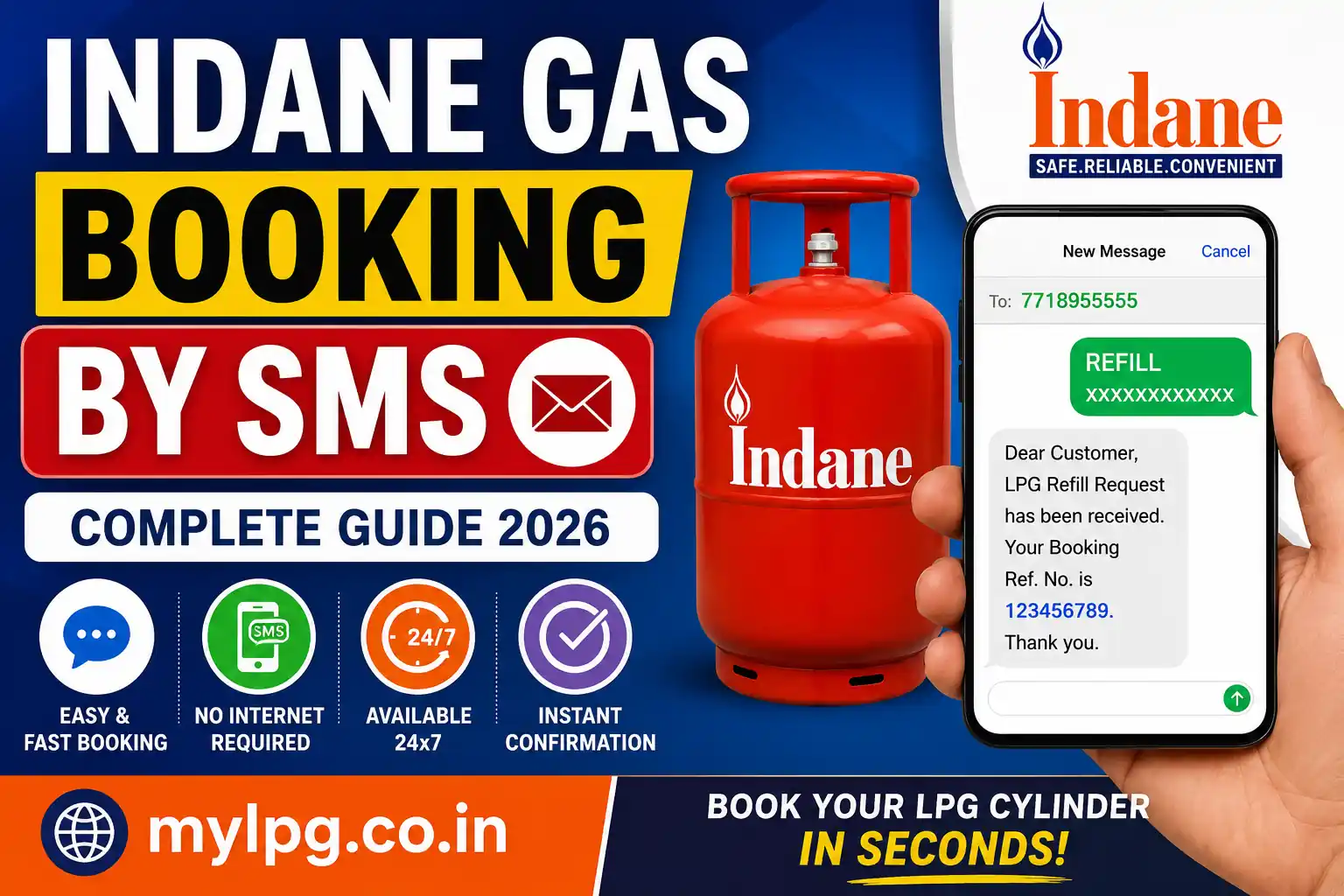
Booking an Indane Gas cylinder by SMS is one of the fastest and easiest ways to refill your LPG cylinder without using the mobile app or visiting a gas agency. If your registered mobile number is linked with your Indane LPG connection, you can place a refill request within a few seconds.
Whether you live in a city or a rural area, SMS booking works on almost every mobile phone, making it a convenient option for millions of customers across India.
If you are using Indane LPG services for the first time, you should first learn how to register and manage your LPG account by reading Indane Gas Consumer Login.
What is Indane Gas SMS Booking?
Indane Gas SMS Booking is an official service provided by Indian Oil Corporation (IOCL). Customers can send a simple text message from their registered mobile number to the official booking number to request an LPG cylinder refill.
Once your booking is successful, you receive an SMS confirmation containing:
- Booking Reference Number
- Estimated Delivery Details
- Booking Date and Time
- Payment Information (if applicable)
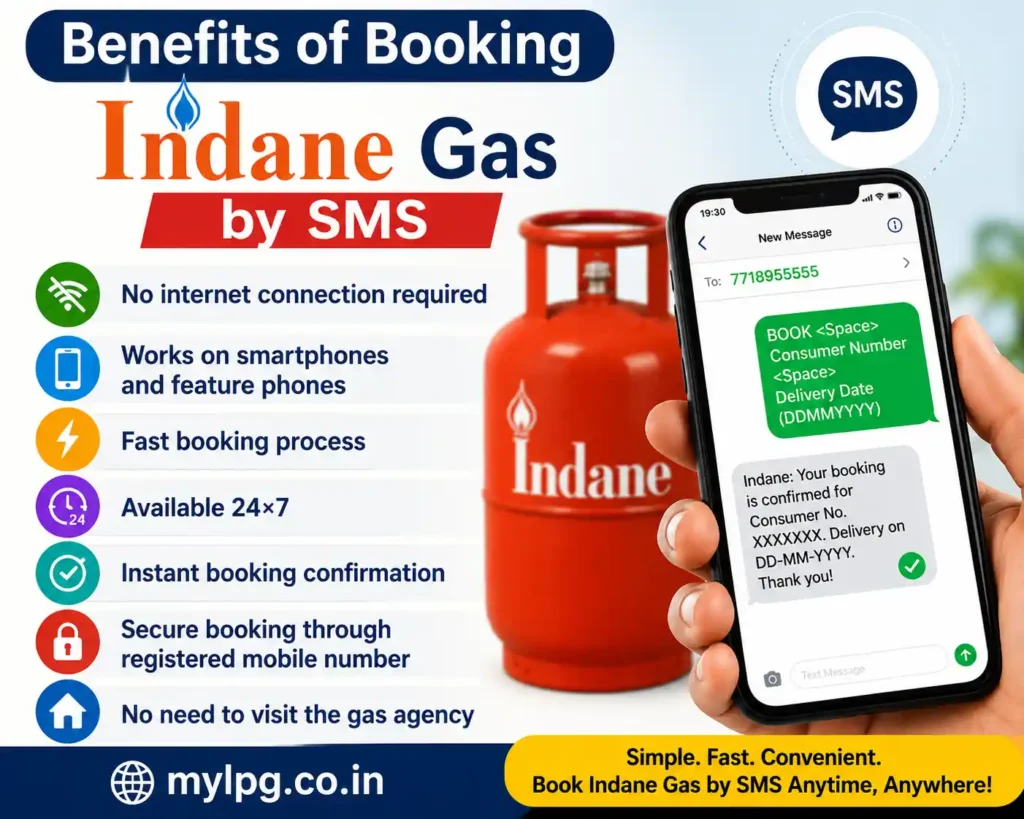
Benefits of Booking Indane Gas by SMS
Some major advantages include:
- No internet connection required
- Works on smartphones and feature phones
- Fast booking process
- Available 24×7
- Instant booking confirmation
- Secure booking through registered mobile number
- No need to visit the gas agency
Requirements Before Booking
Before sending the SMS, make sure you have:
- An active Indane LPG connection
- Your registered mobile number
- Consumer Number
- Mobile network coverage
- Sufficient SMS balance (if applicable)
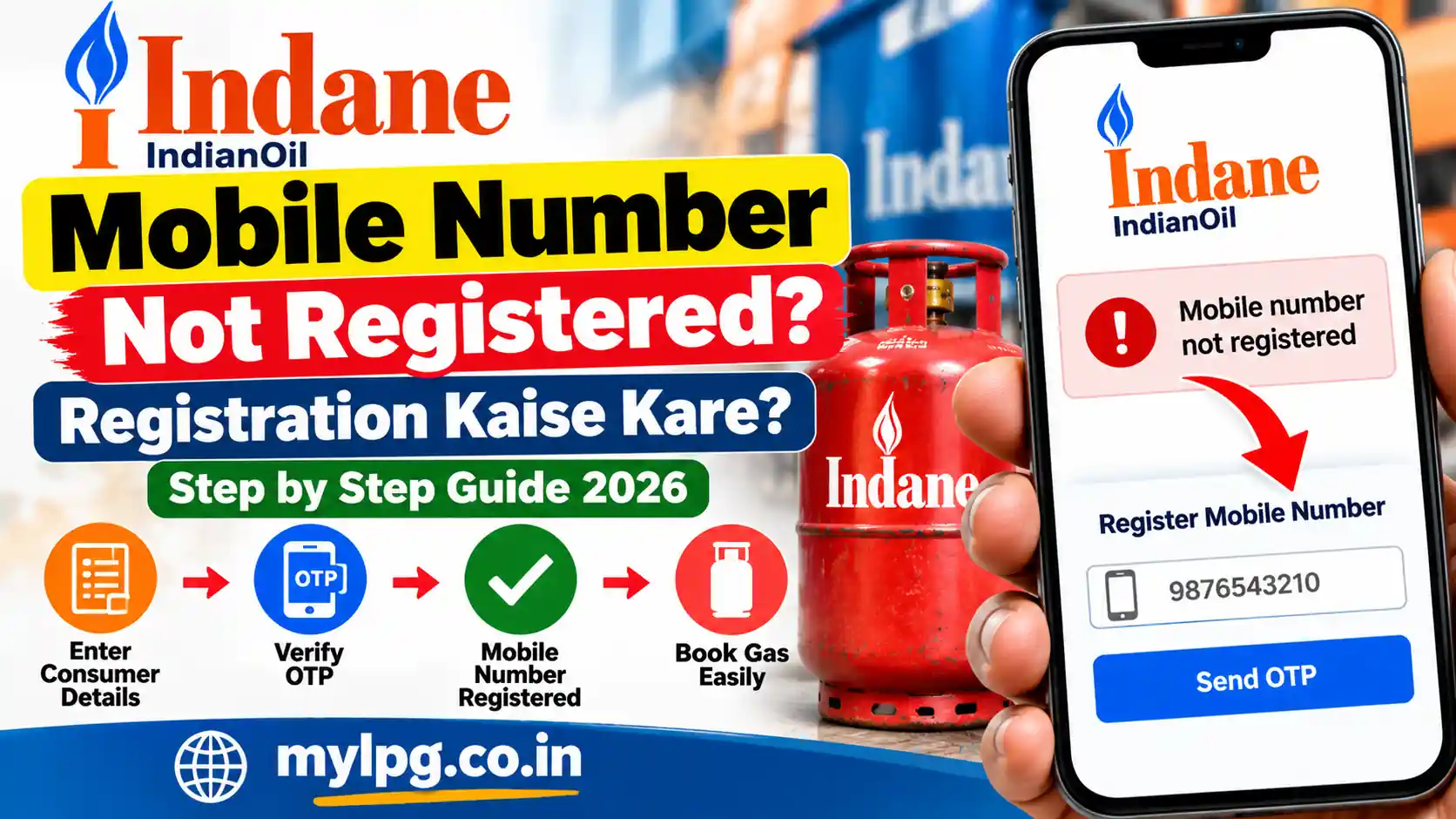
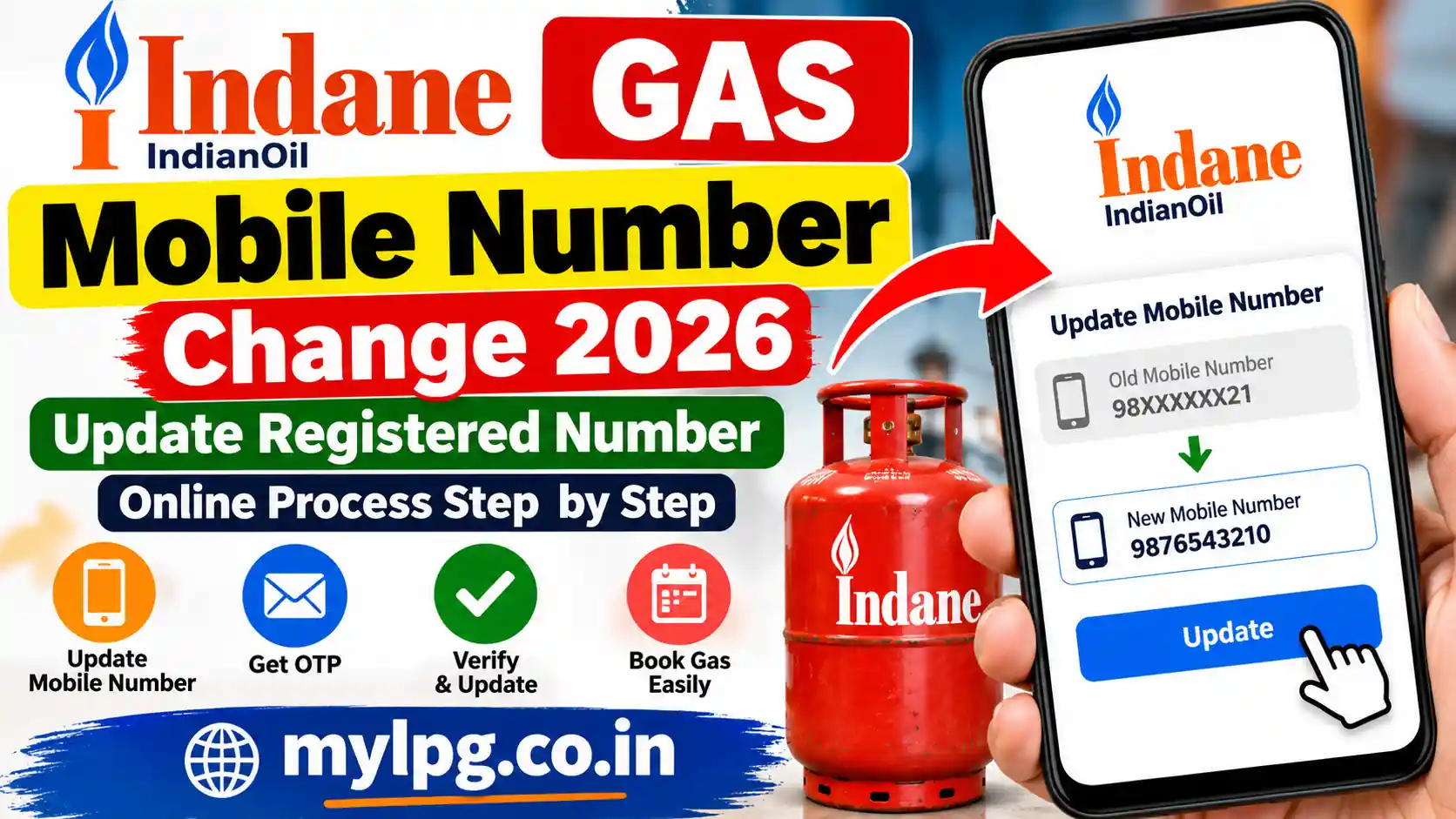
If your mobile number is not linked with your LPG connection, update it before using SMS booking.
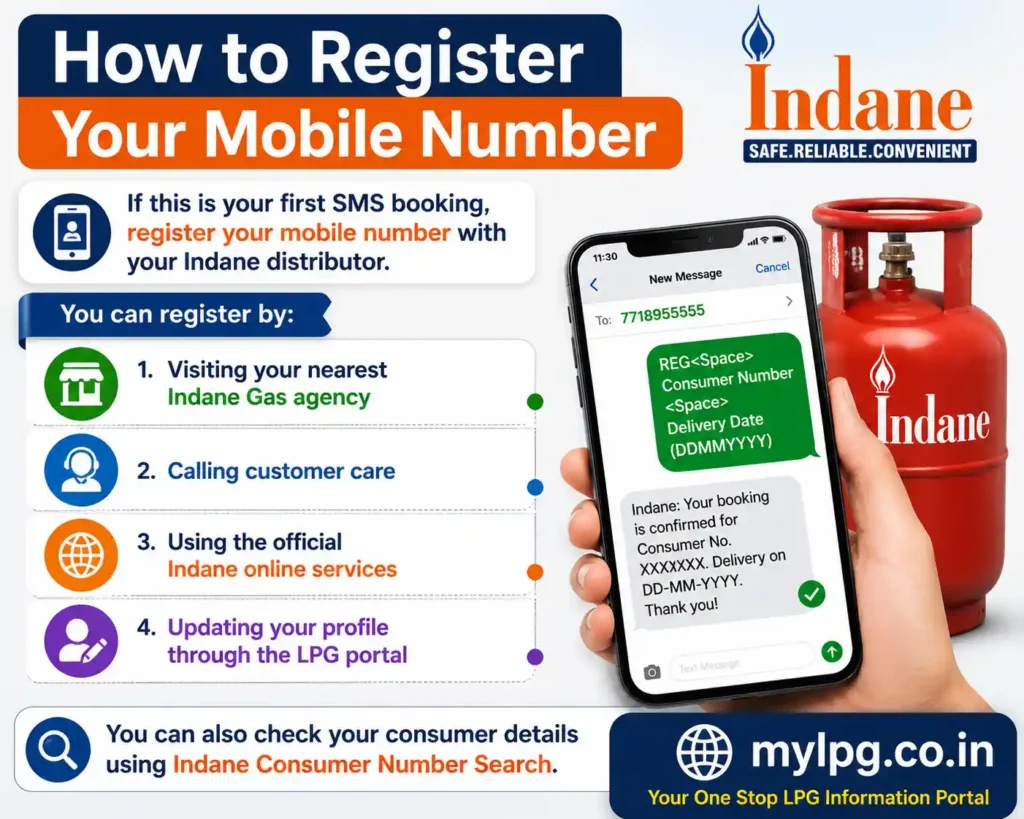
How to Register Your Mobile Number
If this is your first SMS booking, register your mobile number with your Indane distributor.
You can register by:
- Visiting your nearest Indane Gas agency
- Calling customer care
- Using the official Indane online services
- Updating your profile through the LPG portal
You can also check your consumer details using Indane Consumer Number Search.
Indane Gas Booking SMS Format
Once your mobile number is registered, simply send the booking SMS in the prescribed format.
General SMS format:
REFILLor
IOC <Consumer Number>The exact SMS format may vary depending on your distributor or service area. Always use the format provided by your Indane distributor or the confirmation message received during registration.
Official SMS Booking Number
Send your booking SMS from the registered mobile number to the official Indane SMS booking number applicable in your state or city.
After sending the SMS:
- Your booking request is received instantly.
- The system verifies your consumer details.
- A confirmation SMS is sent back.
- Your cylinder is scheduled for delivery.
Step-by-Step Process to Book Indane Gas by SMS
Step 1
Open the SMS application on your mobile phone.
Step 2
Compose a new message.
Step 3
Type the booking message in the correct format.
Step 4
Send the SMS to the official Indane booking number.
Step 5
Wait for the confirmation SMS.
Step 6
Save the Booking Reference Number for future tracking.
How Long Does SMS Booking Take?
In most cases:
- Booking confirmation arrives within a few seconds.
- During peak demand, confirmation may take several minutes.
- Cylinder delivery usually depends on your local distributor’s schedule.
Important Tips
- Always use your registered mobile number.
- Do not send multiple booking requests.
- Keep your booking reference safe.
- Ensure your LPG connection is active.
- Update your mobile number whenever it changes.
If SMS booking does not work, you can also book your refill using Book Indane LPG Cylinder Online.
Alternative Ways to Book Indane Gas
Besides SMS booking, customers can also use:
- Indane Mobile App
- IVRS Booking
- WhatsApp Booking (where available)
- Official Indane Website
- Distributor Office
You may also find all available booking options in LPG Booking Number India.
How to Check Indane Gas Booking Status
After booking your LPG cylinder through SMS, you can easily verify whether your refill request has been accepted.
There are several ways to check your booking status:
- SMS confirmation received after booking
- IVRS customer care service
- Official Indane website
- Distributor office
- Mobile application
If you have not received a confirmation message within a reasonable time, wait for a few minutes and then try checking your booking status again.
What to Do If SMS Booking Fails?
Sometimes customers may face SMS booking issues. The good news is that most problems can be solved easily.
1. Mobile Number Not Registered
The most common reason is using a mobile number that is not linked with your LPG connection.
Solution:
Register or update your mobile number with your Indane distributor.
2. Incorrect SMS Format
If the booking message is not typed correctly, the system may reject your request.
Solution:
Always use the latest SMS format provided by Indane Gas.
3. Network Issue
Poor mobile network can delay SMS delivery.
Solution:
Move to an area with better signal and resend the message.
4. Booking Already Exists
If you have already booked a cylinder recently, another booking request may not be accepted.
Solution:
Check your existing booking status before sending another SMS.
5. LPG Connection Inactive
Inactive or blocked LPG connections cannot place refill requests.
Solution:
Contact your distributor and reactivate your connection.
How to Cancel an SMS Booking
If you booked the wrong refill or no longer need the cylinder, contact your Indane distributor immediately.
Depending on your distributor’s policy, cancellation may be possible before the cylinder is dispatched.
Can I Book Without Internet?
Yes.
One of the biggest advantages of SMS booking is that it works without an internet connection. Any mobile phone capable of sending text messages can be used.
Is SMS Booking Available 24×7?
Yes.
The SMS booking facility is generally available throughout the day. However, delivery timings depend on your local distributor and working hours.
Is SMS Booking Safe?
Yes.
Booking through your registered mobile number is considered safe because the system verifies your customer details before accepting the request.
For additional safety:
- Never share your OTP with anyone.
- Keep your consumer number confidential.
- Verify every confirmation message before making payment.
- Avoid unofficial booking numbers.
Tips for Faster Cylinder Delivery
Follow these tips for a smooth booking experience:
- Always use your registered mobile number.
- Book your refill before the cylinder becomes empty.
- Keep your mobile switched on for delivery updates.
- Complete online payment, if required.
- Save the booking reference number.
Frequently Asked Questions (FAQs)
Yes. Customers with a registered mobile number can easily book their LPG refill through SMS.
Indane does not charge separately for SMS booking. Your mobile operator may apply standard SMS charges.
No. SMS booking should be made from the registered mobile number linked to your LPG connection.
Most customers receive a booking confirmation within a few seconds or minutes.
Wait for a few minutes, check your mobile network, and verify that your registered number was used. If the issue continues, contact your distributor.