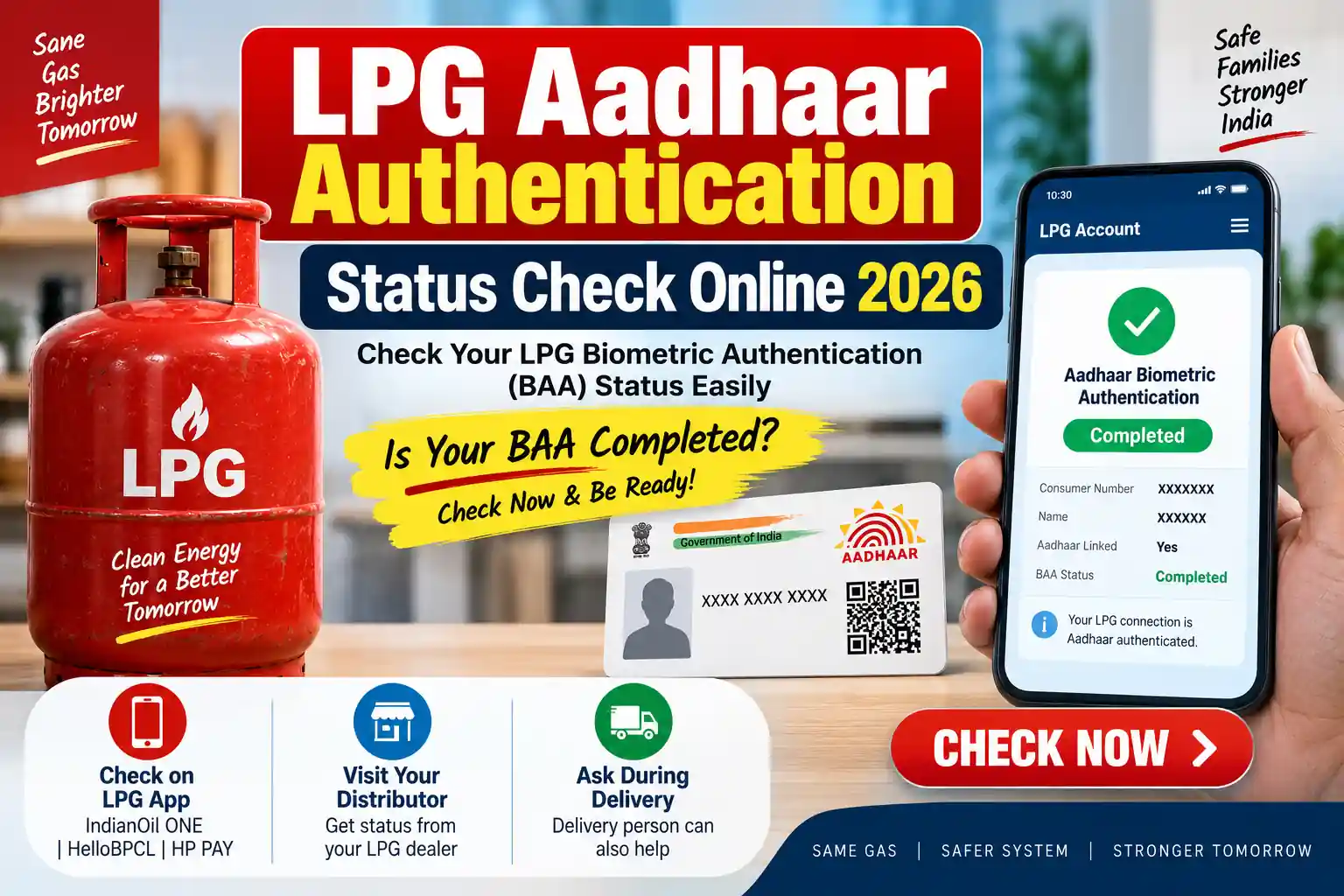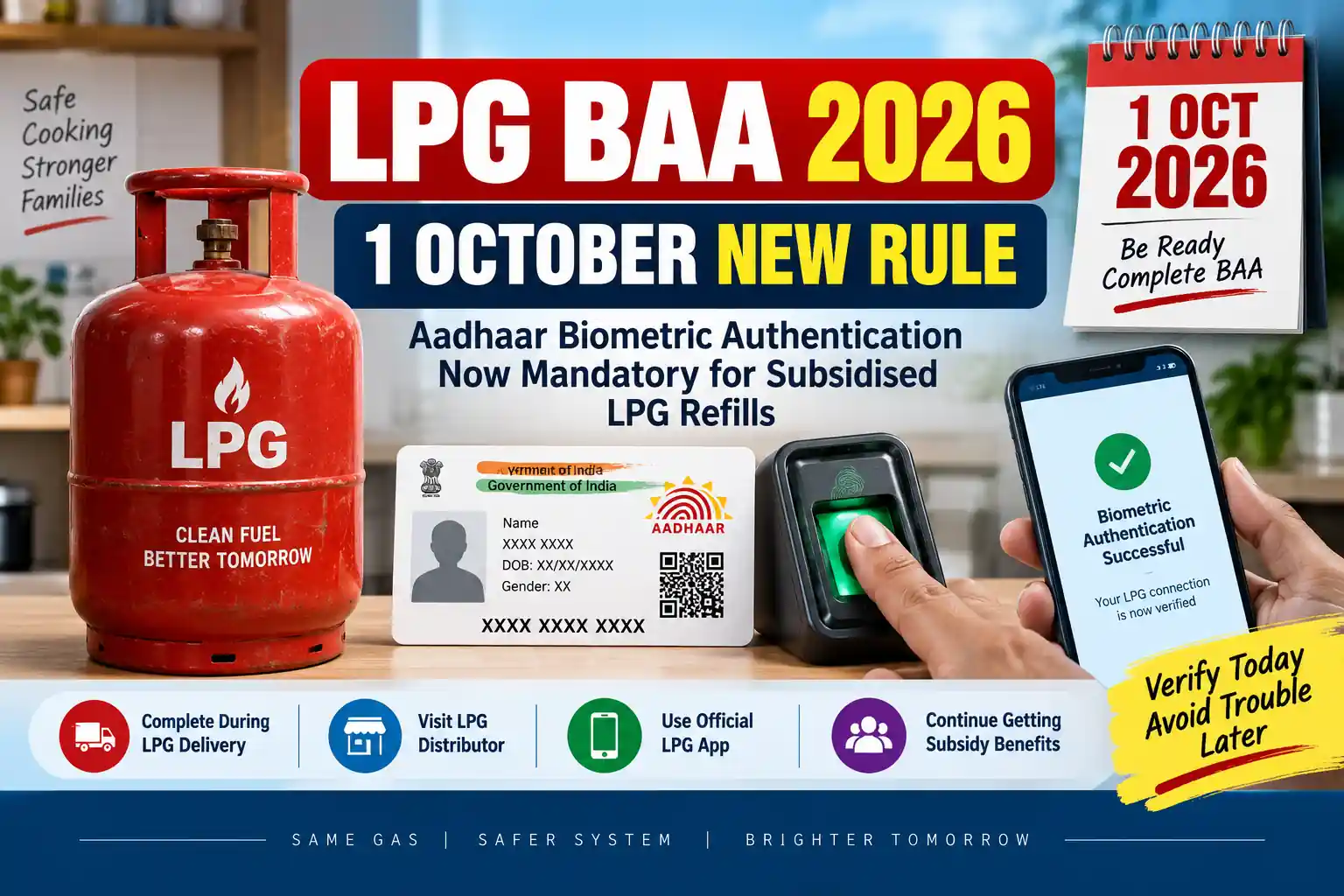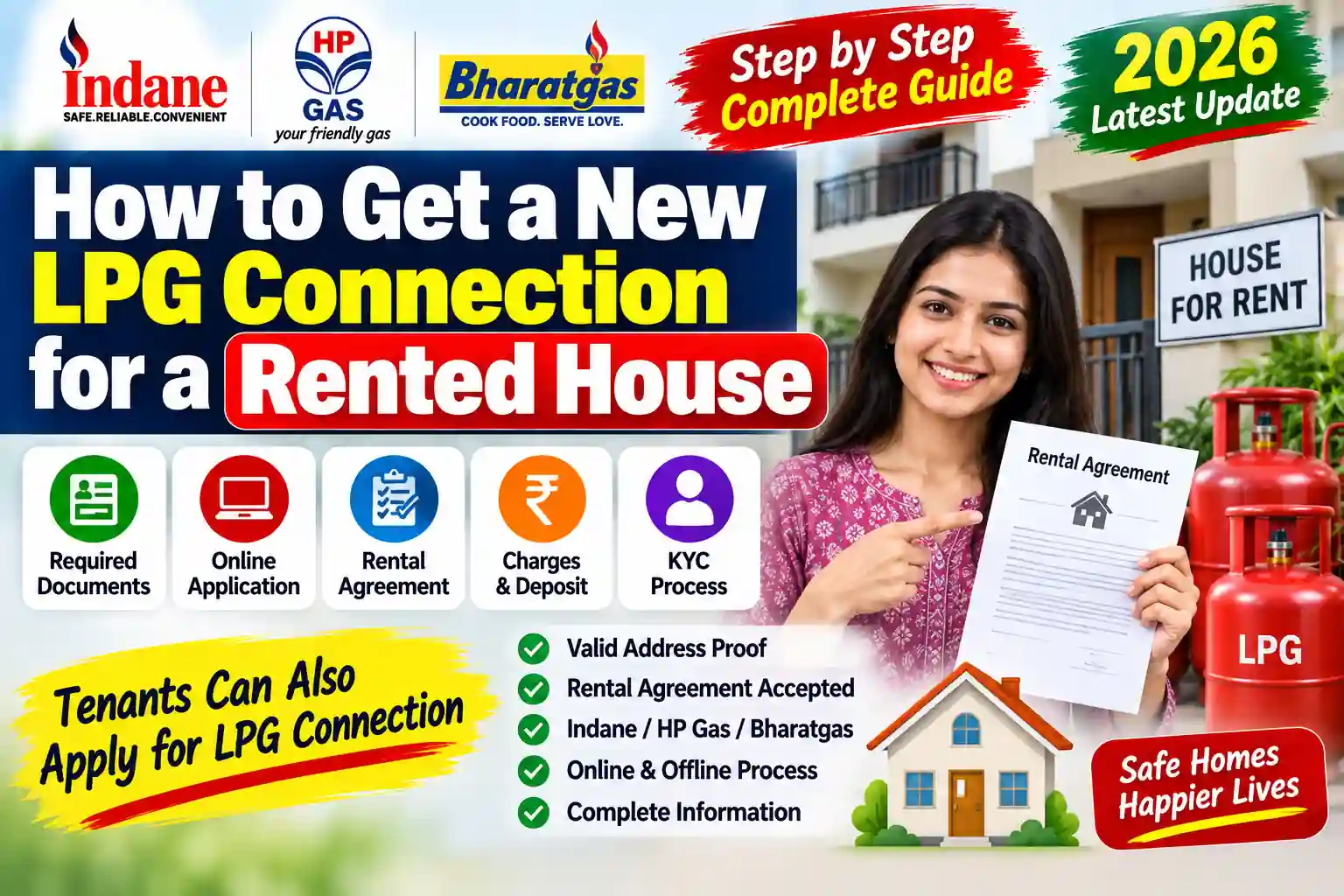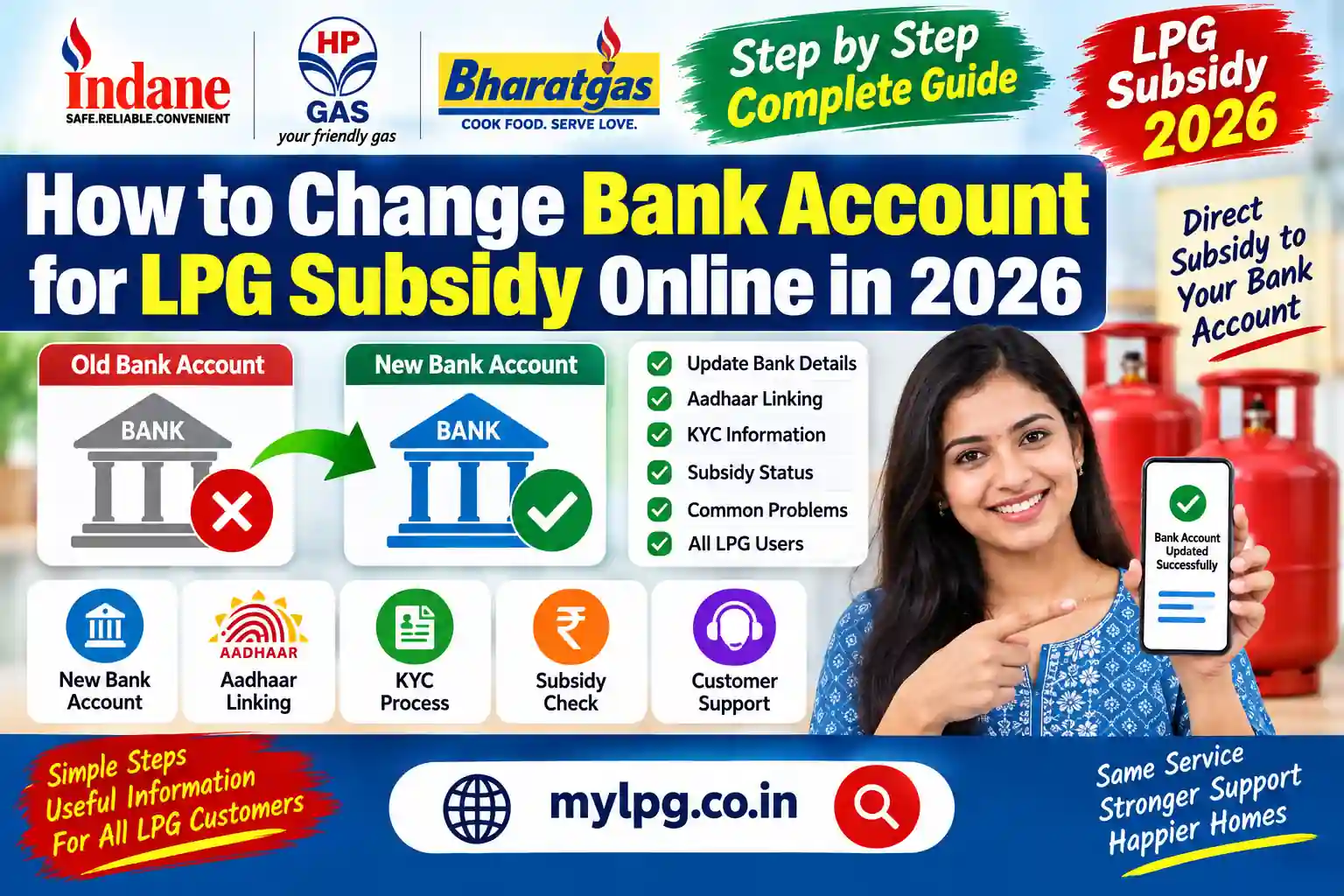
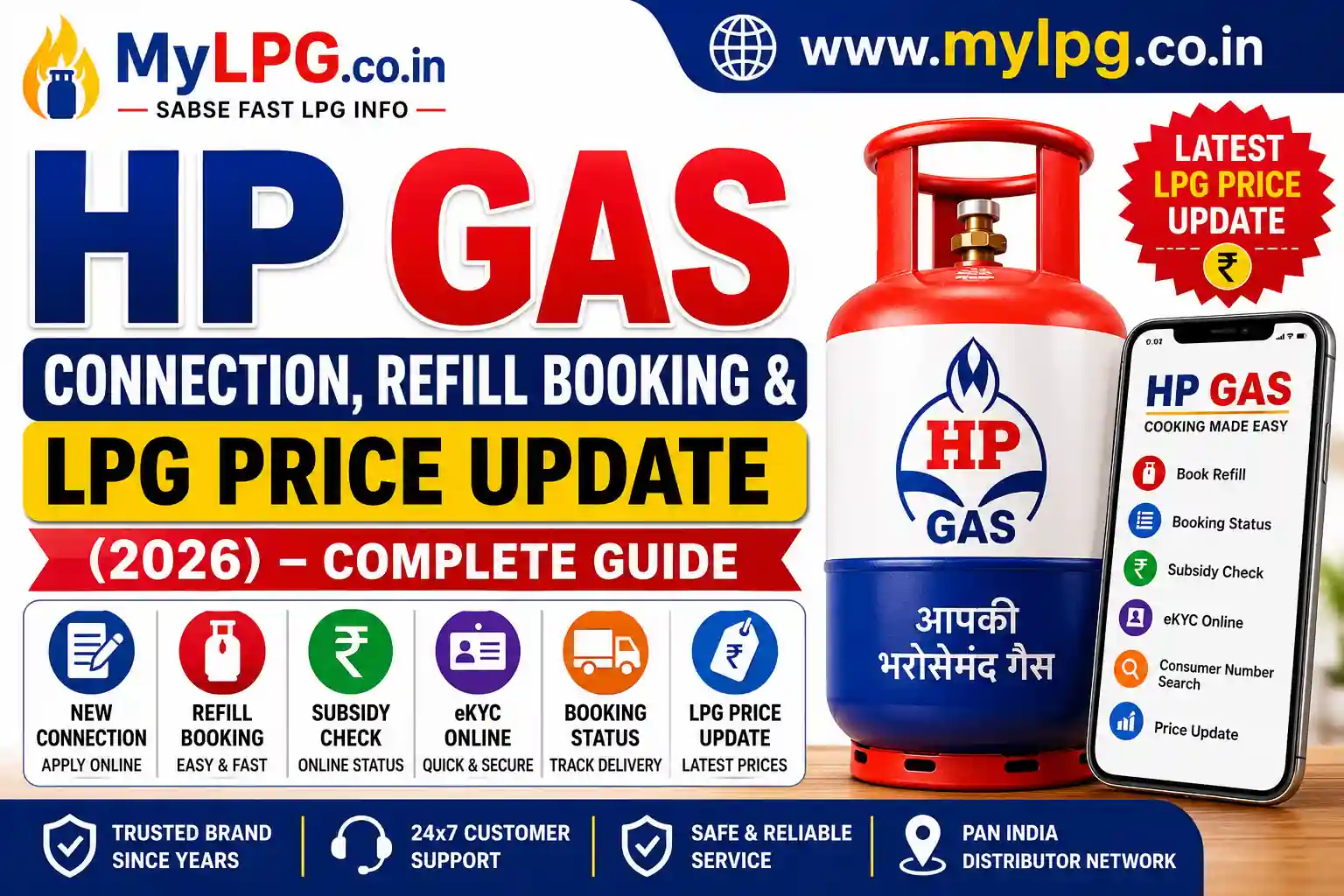
If you are looking for information about HP Gas Connection, Refill Booking, LPG Price Updates, Subsidy Status, and Online Services, this complete guide covers everything in one place. Whether you need a new LPG connection, want to book a refill cylinder, or check the latest gas prices, HP Gas provides multiple online and offline options for customers across India.
📖 Read Also: HP Gas Booking, Subsidy & Refill Status 2025
What is HP Gas?
HP Gas is the LPG distribution brand of Hindustan Petroleum Corporation Limited (HPCL). It serves millions of households and businesses across India through a large network of distributors and delivery partners.
HP Gas offers:
- Domestic LPG cylinders
- Commercial LPG cylinders
- New gas connections
- Online refill booking
- Subsidy services
- Mobile app support
- eKYC services
| 📄 Document | 🎯 Purpose |
|---|---|
| Aadhaar Card | Identity Verification |
| Address Proof | Residence Verification |
| Passport Size Photo | Application Record |
| Mobile Number | Booking & OTP Verification |
| Bank Account Details | Subsidy Benefits |
Steps to Apply
- Visit the HP Gas portal.
- Select New LPG Connection.
- Fill in personal details.
- Upload required documents.
- Submit the application.
- Wait for distributor verification.
After approval, your connection and cylinder will be issued.
📖 Read Also: Indane Gas New Connection Apply Online
HP Gas Refill Booking
HP Gas customers can book LPG cylinders through multiple methods.
Booking Methods
| Method | Availability |
| Mobile App | 24×7 |
| Online Portal | 24×7 |
| Distributor Booking | Working Hours |
| IVRS Booking | Available |
| SMS Booking | Available |
Online booking is the fastest and most convenient option.
HP Gas Booking Status Check
After booking a refill, customers can track delivery progress.
How to Check Status
- Login to your account.
- Open Booking History.
- Select the latest booking.
- View delivery status.
- Check expected delivery date.
Booking status helps customers know when their LPG cylinder will arrive.
LPG prices are revised periodically based on government policies, international fuel costs, and market conditions.
| Cylinder Type | Weight | Approx. Price |
|---|---|---|
| Domestic LPG Cylinder | 14.2 KG | ₹850 – ₹1,000 |
| Small LPG Cylinder | 5 KG | ₹300 – ₹400 |
| Cylinder Type | Weight | Approx. Price |
|---|---|---|
| Commercial LPG Cylinder | 19 KG | ₹1,800 – ₹2,300 |
| Commercial LPG Cylinder | 47.5 KG | ₹4,000+ |
HP Gas Subsidy Check
Eligible consumers can receive LPG subsidy directly into their bank account.
To receive subsidy:
- Aadhaar must be linked.
- Bank account should be active.
- Mobile number should be updated.
- KYC should be completed.
How to Check Subsidy Status
- Login to your LPG account.
- Open Subsidy Details.
- View credited subsidy amount.
- Check transaction history.
📖 Read Also: My LPG HP Gas Subsidy Check
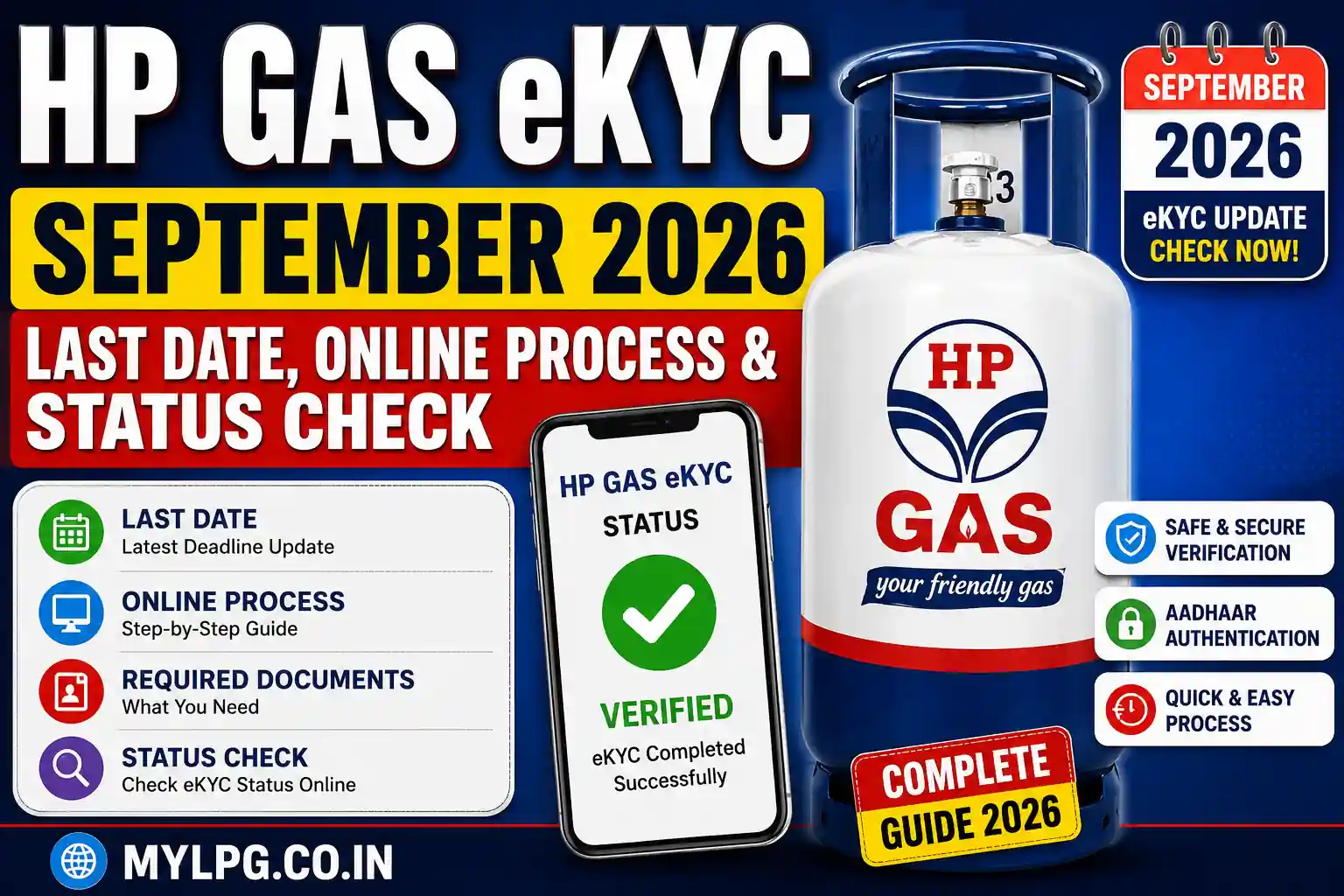
HP Gas eKYC Online
The government requires LPG customers to complete eKYC verification.
Benefits of eKYC
- Prevents duplicate connections
- Ensures subsidy eligibility
- Updates customer records
- Improves security
Documents Needed
- Aadhaar Card
- Mobile Number
- Consumer Number
Customers can complete eKYC online or at their distributor office.
📖 Read Also: HP Gas eKYC Online
HP Gas Consumer Number Search
Your consumer number is required for:
- Booking refills
- Checking subsidy
- eKYC verification
- Complaint registration
If you forget your consumer number, you can retrieve it through your registered mobile number or distributor details.
HP Gas Mobile App Features
The HP Gas mobile app offers:
- Refill booking
- Booking history
- Online payments
- Subsidy tracking
- Distributor locator
- Complaint registration
The app is available for Android and iPhone users.
HP Gas Customer Care
Customers can contact HP Gas support for:
- Refill booking issues
- Delivery delays
- Subsidy complaints
- Connection transfer requests
- Consumer number recovery
Always keep your consumer number ready when contacting support.
Common Problems and Solutions
Booking Failed
- Check internet connection.
- Verify consumer number.
- Retry after some time.
Subsidy Not Received
- Verify Aadhaar linkage.
- Check bank account status.
- Complete eKYC.
Delivery Delayed
- Contact distributor.
- Check booking status.
- Register a complaint if necessary.
Why Choose HP Gas?
HP Gas remains one of India’s most trusted LPG brands because of:
- Nationwide distributor network
- Easy refill booking
- Digital services
- Subsidy support
- Reliable customer service
Millions of households depend on HP Gas for safe and efficient cooking fuel.
Conclusion
HP Gas offers a complete range of LPG services, including new connections, refill booking, subsidy tracking, eKYC, and customer support. Whether you are applying for a new connection or checking the latest LPG prices, HP Gas provides multiple online tools to make the process simple and convenient.
FAQs
You can apply online through the HP Gas portal or visit the nearest distributor.
You can book through the mobile app, online portal, SMS, IVRS, or distributor.
Login to your LPG account and open the subsidy details section.
Yes, completing eKYC helps maintain subsidy eligibility and customer verification.
Yes, booking status can be checked through the HP Gas portal or mobile app.