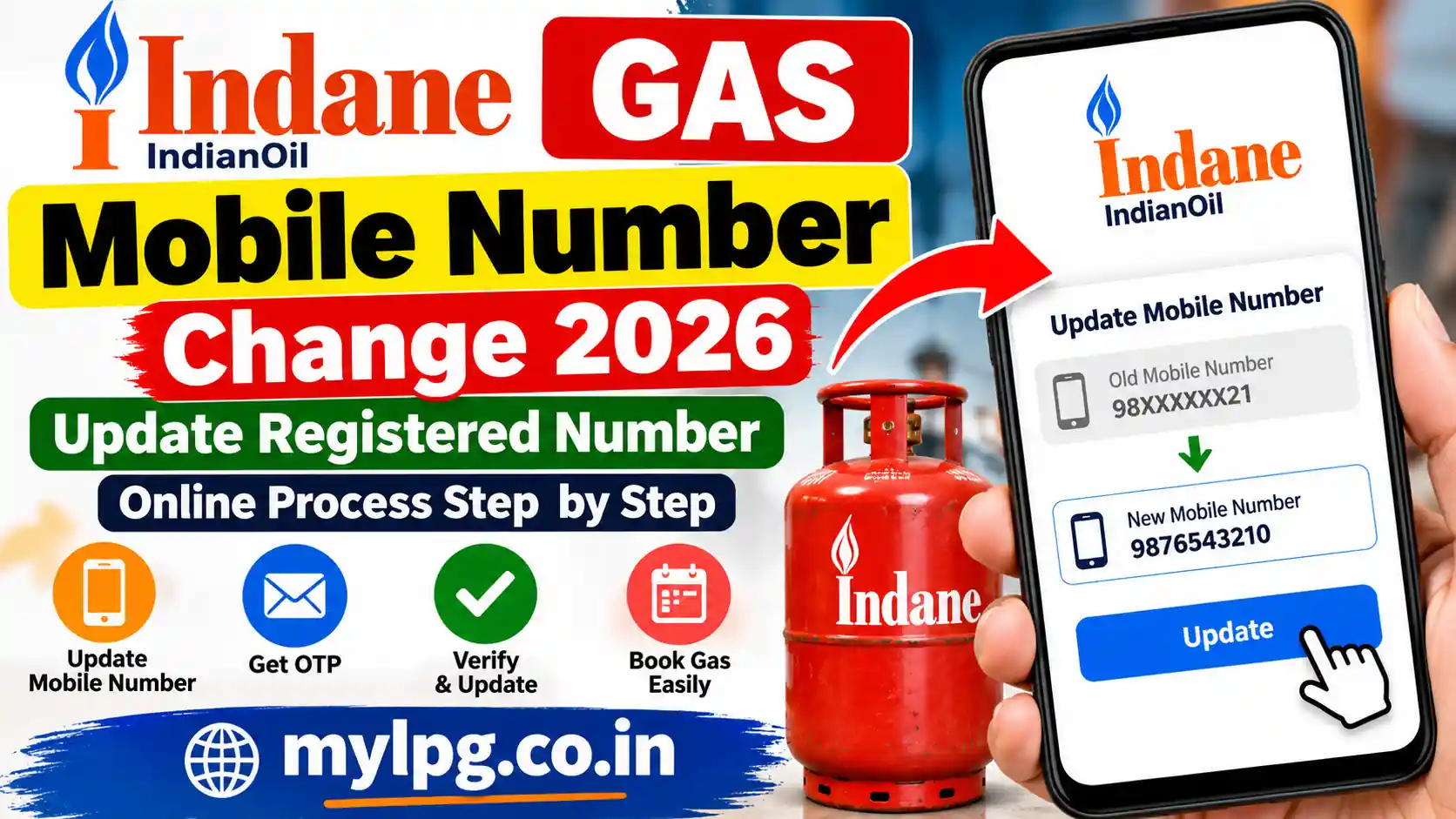
Agar aapke Indane Gas connection me purana mobile number registered hai aur ab aap us number ko use nahi karte, to booking, OTP, delivery updates aur LPG connection se judi notifications me dikkat aa sakti hai. Aise me registered mobile number ko update karna zaroori ho jata hai.
Indane Gas Mobile Number Change 2026 ke liye customer apne available online account options check kar sakte hain. Agar online number update ka option available na ho ya purane number par OTP nahi aa raha ho, to Indane distributor ke through bhi mobile number update karaya ja sakta hai.
Is guide me hum batayenge ki Indane Gas me registered mobile number kaise change karein, purana number band hone par kya karein, OTP na aaye to kya karein aur update ke baad booking kaise karein.
Indane Gas Mobile Number Change Kyun Zaroori Hai?
Registered mobile number LPG connection ka important contact detail hota hai. Isi number par kai baar booking aur service se related communication mil sakta hai.
Mobile number update karne ki zarurat in situations me pad sakti hai:
- Purana mobile number permanently band ho gaya hai.
- Customer ne naya SIM le liya hai.
- LPG connection kisi doosre family member ke mobile number se linked hai.
- Booking ke time OTP receive nahi ho raha.
- Gas delivery aur booking ke SMS nahi mil rahe.
- Customer apne LPG account ko current mobile number se manage karna chahta hai.
Agar aapko pehle apna consumer number hi pata nahi hai, to Indane Consumer Number Search wali guide bhi dekh sakte hain.
Indane Gas Mobile Number Change Online Kaise Kare?
Sabse pehle customer ko apne Indane/LPG online account me available profile or registered contact details ke options check karne chahiye.
Step 1: Indane Customer Account Open Kare
Apne LPG customer account ya relevant online service portal par login karein. Agar aapko login process samajhna hai, to Indane Gas Consumer Login ki detailed guide dekh sakte hain.
Step 2: Profile ya Contact Details Check Kare
Login karne ke baad profile, personal information ya contact details se related section dekhein.
Yahan registered mobile number ki information mil sakti hai. Agar number edit/change karne ka option available ho, to naya mobile number enter karein.
Step 3: New Mobile Number Enter Kare
Apna current mobile number carefully enter karein. Number submit karne se pehle ek baar digits check kar lena chahiye.
Galat number submit hone par OTP aur future communication kisi doosre number par ja sakta hai.
Step 4: OTP Verification Kare
Agar system OTP verification maangta hai, to screen par diye gaye instructions follow karein.
OTP sirf apne registered/current mobile number par hi verify karein. Kisi ke saath OTP share na karein.
Step 5: Update Status Check Kare
Verification complete hone ke baad mobile number update hone ka confirmation mil sakta hai. Update ke baad account me dobara login karke registered contact details check kar sakte hain.
Purana Mobile Number Band Ho Gaya Hai To Kya Kare?
Yeh situation bahut common hai. Agar purana mobile number permanently band ho chuka hai, to online OTP verification possible nahi ho sakta.
Aise case me apne Indane LPG distributor/agency se contact karna practical option ho sakta hai. Customer ko apne LPG connection se related details aur required identification documents lekar agency se mobile number update process ke baare me poochna chahiye.
Aap apne area ki agency locate karne ke liye Indane Gas Distributor Locator guide bhi dekh sakte hain.
Distributor Ke Through Indane Mobile Number Change
Agar online method se number update nahi ho raha hai, to apne Indane distributor se contact karein.
Agency par jaate samay LPG connection ki basic details saath rakhna useful rahega, jaise:
- LPG consumer number
- LPG connection book/passbook, agar available ho
- Aadhaar ya other valid ID, agar agency verification ke liye maange
- Naya mobile number
- Connection holder ki basic details
Important: Documents ki exact requirement distributor ya applicable process ke according alag ho sakti hai. Isliye agency jaane se pehle required documents ke baare me confirm kar lena better hai.
Indane Gas Mobile Number Change Ke Baad Booking Kaise Kare?
Mobile number successfully update hone ke baad LPG booking ke liye available Indane booking methods use kiye ja sakte hain.
Agar aap online cylinder booking karna chahte hain, to Book Indane LPG Cylinder Online ki guide helpful ho sakti hai.
SMS se booking karne wale customers Indane Gas Booking by SMS ka process bhi dekh sakte hain.
Agar booking ka status check karna ho, to Gas Booking Status Check wali guide dekhein.
Mobile Number Change Ke Baad OTP Nahi Aa Raha Hai?
Number update karne ke baad OTP nahi aa raha hai to ye cheezein check karein:
- Mobile number ke digits dobara check karein.
- Mobile network available hai ya nahi dekhein.
- SMS inbox full to nahi hai, check karein.
- OTP request ko baar-baar immediately repeat na karein.
- Kuch samay wait karke dobara try karein.
- Agar LPG booking OTP ki problem hai, to Gas Booking OTP Not Received guide dekhein.
- Problem continue hone par distributor/customer support se contact karein.
Mobile Number Change Aur LPG KYC Ka Kya Relation Hai?
Mobile number update aur KYC ek hi cheez nahi hain. Mobile number change ka matlab LPG connection me registered contact number ko update karna hai, jabki KYC me customer identity/details ka verification process shamil ho sakta hai.
Agar aapko LPG KYC update karni hai, to LPG KYC Update Process ki complete guide dekh sakte hain.
Indane customers ke liye Indane Gas eKYC Online ki information bhi useful ho sakti hai.
Aadhaar Linked Hai Lekin Mobile Number Change Karna Hai?
Aadhaar linkage aur LPG registered mobile number ko automatically same samajhna sahi nahi hai. LPG connection me mobile number update karne ke liye applicable customer account/distributor process follow karna chahiye.
Aadhaar authentication se related information ke liye LPG Aadhaar Authentication Status Check Online guide bhi dekh sakte hain.
Indane Mobile Number Update Karne Se Kya Fayda Hoga?
Current mobile number registered hone se LPG connection manage karna comparatively convenient ho sakta hai. Booking confirmation, OTP-based services aur other customer communications ke liye correct contact number important hai.
Isliye agar aapka Indane Gas registered mobile number purana hai, to use update karne me unnecessary delay nahi karna chahiye.
Frequently Asked Questions (FAQs)
Agar aapke customer account/service interface me mobile number update ka option available hai, to online process se update kiya ja sakta hai. Option available na hone par distributor se contact karna pad sakta hai.
Purana number band hone par OTP verification difficult ho sakta hai. Aise me apne Indane distributor se contact karke registered mobile number update karne ki applicable process pooch sakte hain.
Consumer number connection identify karne me useful hota hai. Agar aapko consumer number nahi pata, to Indane Consumer Number Search guide se related information dekh sakte hain.
Number successfully update aur verification complete hone ke baad available booking methods use kiye ja sakte hain. Booking ke liye registered details ka correct hona important hai.
Pehle network, OTP aur entered mobile number check karein. Agar online update option kaam nahi kar raha hai, to apne Indane distributor se contact karke connection details verify karwa sakte hain.
Read Also
- My LPG Mobile Number Change
- Indane Gas Consumer Login
- Indane Consumer Number Search
- Indane Gas Booking by SMS
- Book Indane LPG Cylinder Online
- Indane Gas eKYC Online
- Indane Gas KYC Form PDF
- LPG KYC Update Process
- Indane Gas Distributor Locator
- Gas Booking OTP Not Received
- LPG Aadhaar Authentication Status Check
- LPG Connection KYC Update Process