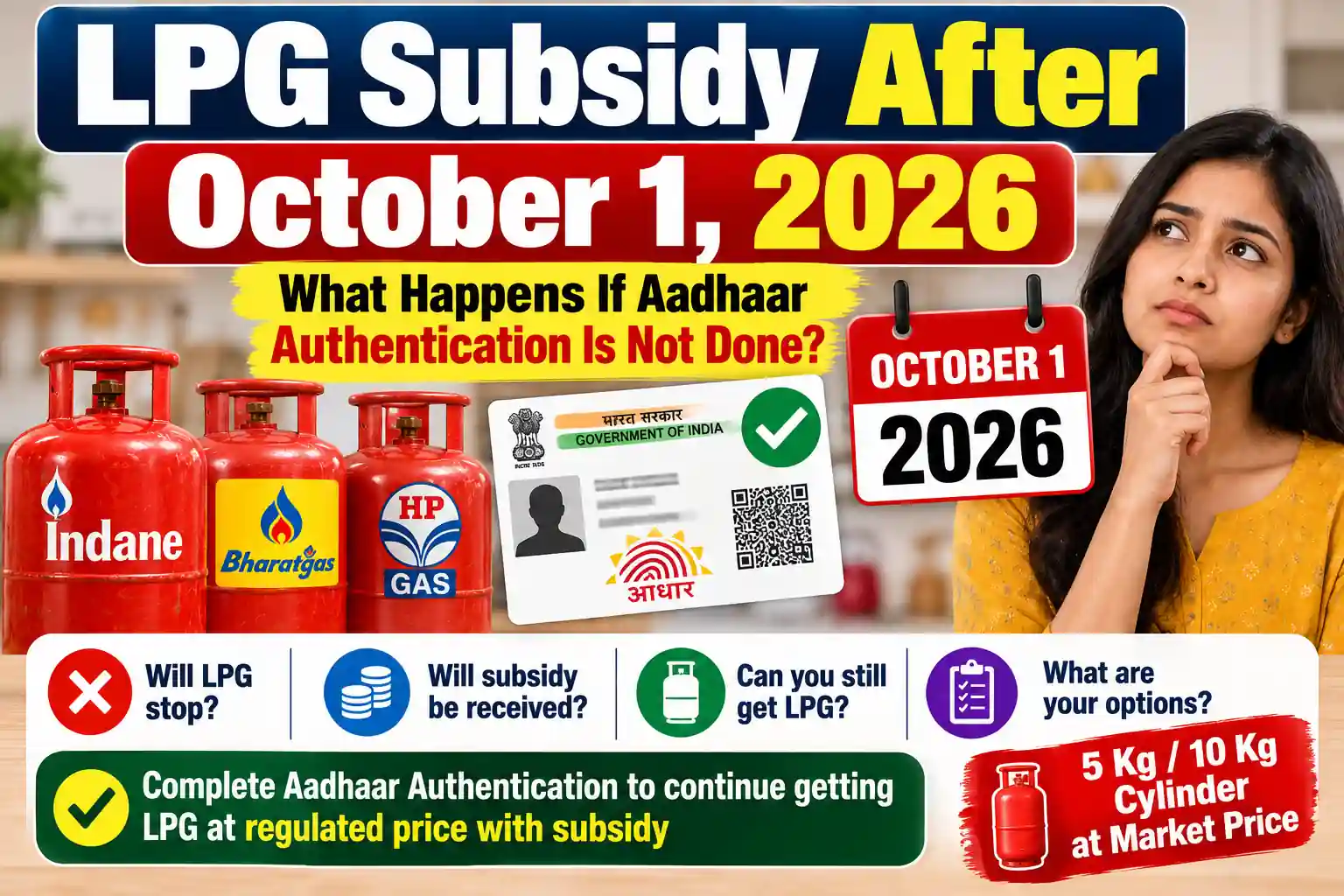
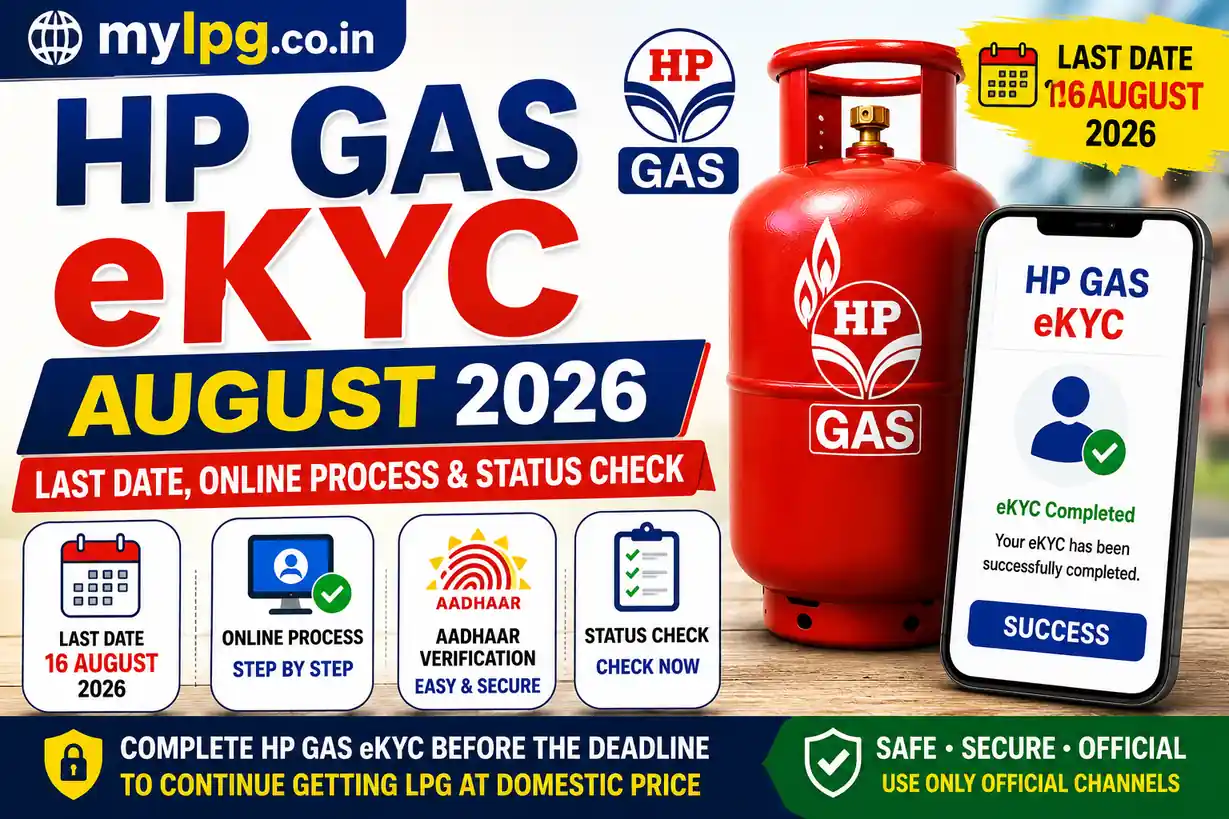
HP Gas customers searching for HP Gas eKYC August 2026 mainly want to know three things: the last date, how to complete eKYC online, and how to check whether their verification is already complete.
The current LPG eKYC drive has made Aadhaar-based verification an important topic for domestic LPG customers. HPCL provides Aadhaar authentication through its HP Gas consumer services, while customers can also contact their distributor if they face difficulties with online verification.
Before starting the process, check whether your eKYC is already complete. There is no reason to repeat verification unnecessarily.
HP Gas eKYC Last Date August 2026
The date currently being reported for the ongoing LPG eKYC drive is August 16, 2026. However, customers should verify the deadline applicable to their connection through official HP Gas communication because different dates have appeared in online reports.
The safest approach is to complete pending verification as soon as possible instead of waiting for the last day.
Customers who are also checking their LPG KYC requirements can read our LPG eKYC Update August 2026 guide for related information.
What Is HP Gas eKYC?
HP Gas eKYC is an electronic customer verification process connected with the LPG consumer account.
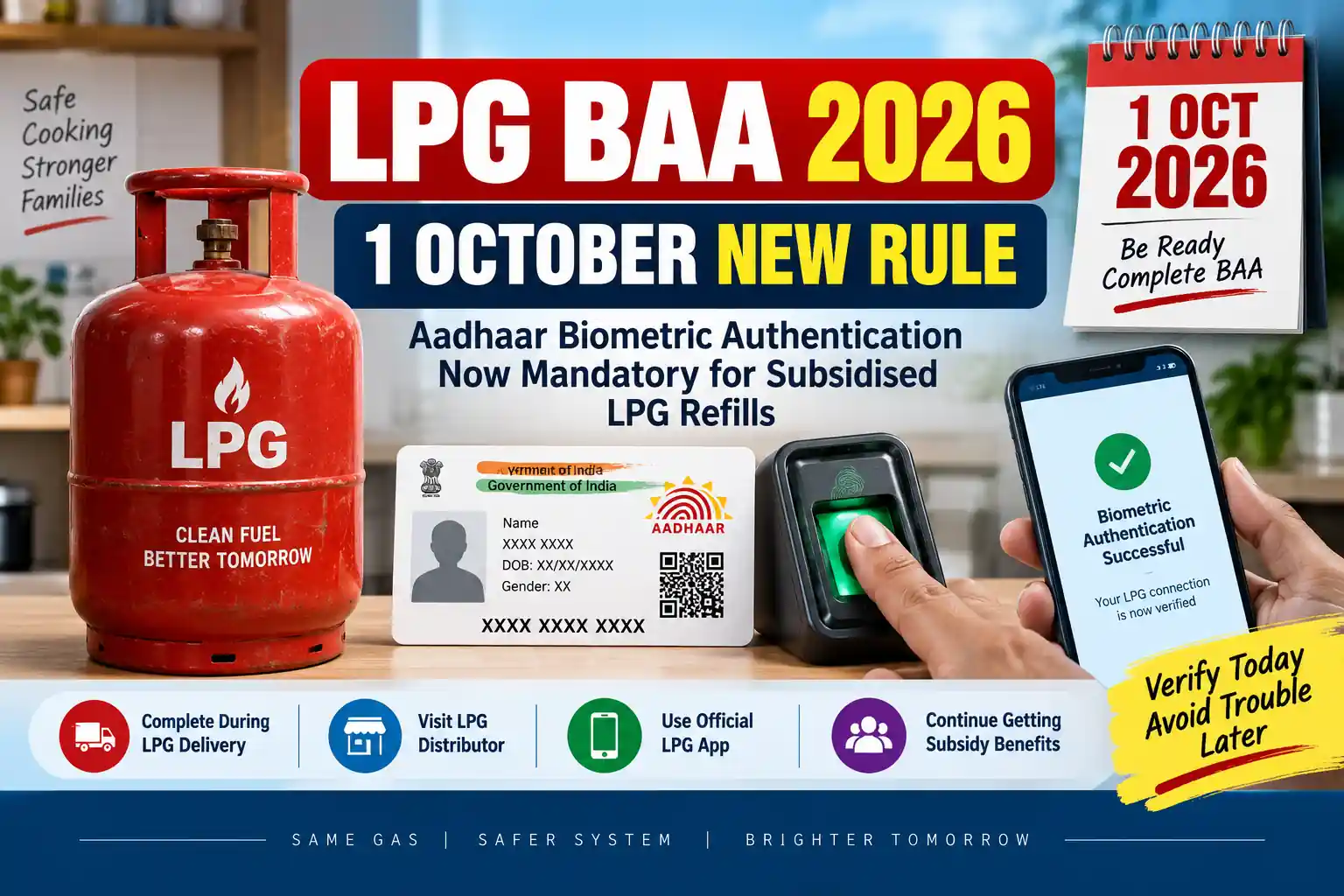
Aadhaar authentication helps verify the identity associated with an LPG connection. HPCL has made Aadhaar authentication available through its HP Gas consumer services.
eKYC is particularly important for customers who receive applicable LPG benefits and want their account information to remain properly verified.
If you do not remember your LPG consumer number, first check our LPG Consumer Number Search guide.
How to Complete HP Gas eKYC Online
Customers can use the available official HP Gas digital services to complete Aadhaar authentication.
Step 1: Open HP Gas Services
Visit the official HP Gas consumer service and access your LPG account.
Step 2: Sign In
Use the registered mobile number or other details requested by the service.
Step 3: Find Aadhaar Authentication
Look for the available Aadhaar Authentication, eKYC or KYC option.
The menu can change when the website or application is updated.
Step 4: Complete Verification
Follow the instructions displayed on the screen. If face authentication is requested, complete the required Aadhaar authentication process.
Step 5: Save Confirmation
After successful verification, save the confirmation or reference information shown on the screen.
Never enter your Aadhaar details or OTP on an unknown website claiming to provide HP Gas eKYC.
HP Gas eKYC Through HP Pay
HP Gas customers may also use the official HP Pay application for LPG-related services.
The general process is:
- Open HP Pay.
- Sign in using your registered details.
- Open the HP Gas/LPG section.
- Look for the available eKYC or Aadhaar authentication option.
- Follow the instructions.
- Complete face authentication if requested.
- Save the confirmation.
The exact option can change with app updates, so always use the latest official version.
For customers looking for other booking options, our HP Gas Booking Number guide can also help.
Documents and Details Required for HP Gas eKYC
Keep these details ready:
- HP Gas Consumer Number
- Aadhaar details
- Registered mobile number
- Smartphone
- Internet connection
- Camera access, if face authentication is required
If your LPG account information is incorrect, online verification may not work properly.
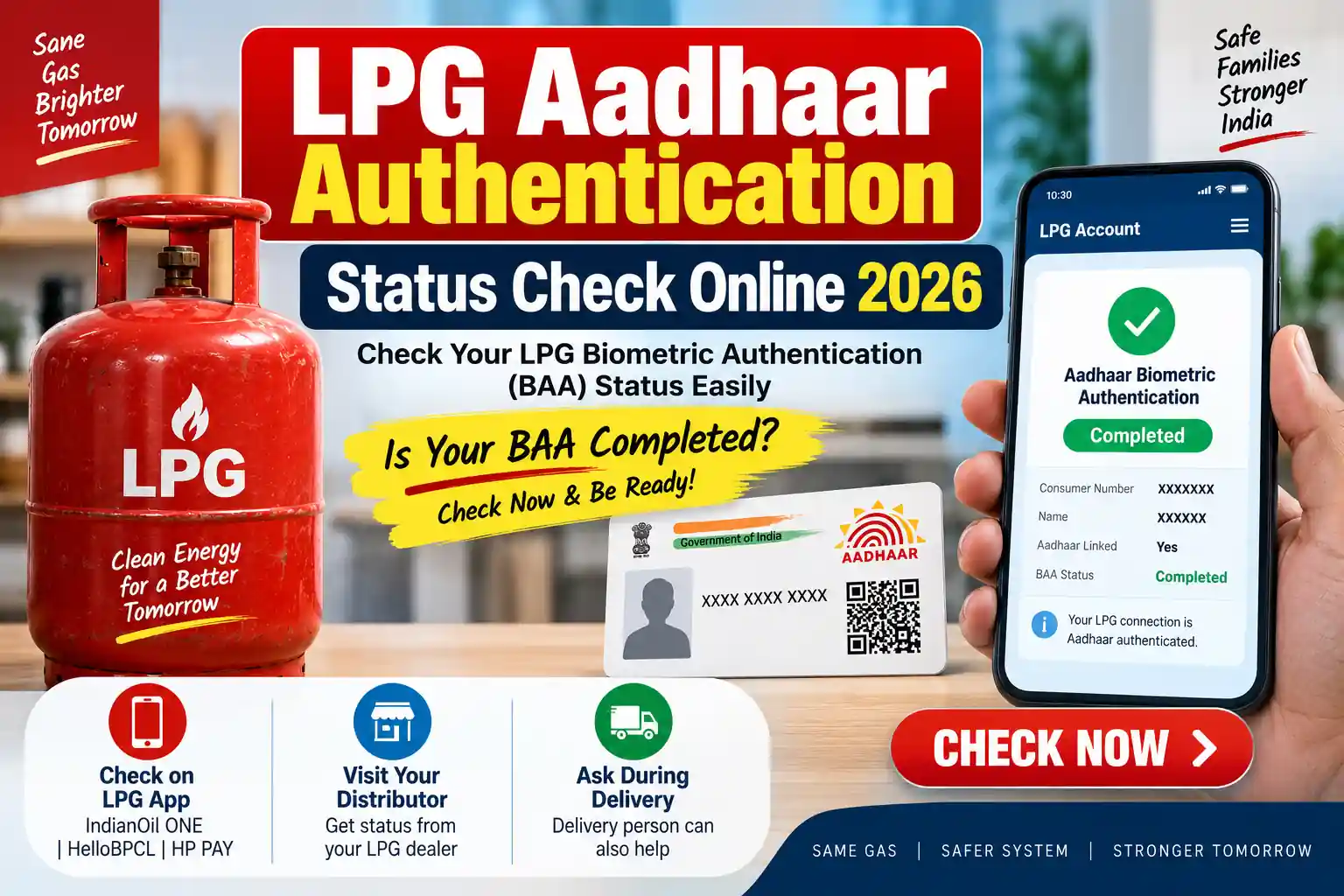
How to Check HP Gas eKYC Status
After completing eKYC, customers should check whether the verification has been successfully updated.
Log in to your official HP Gas consumer account and look for the available KYC, Aadhaar authentication or eKYC status information.
If the status does not change immediately, wait for processing before submitting another request.
You can also use our LPG eKYC Status Check guide to understand the status-check process.
HP Gas eKYC Not Working? Try These Steps
Face authentication or online verification can sometimes fail because of technical issues.
Try the following:
- Use a stable internet connection.
- Clean the phone camera.
- Stand in good lighting.
- Keep your face clearly visible.
- Allow required camera permissions.
- Update the official application.
- Try again after some time.
If the problem continues, contact your HP Gas distributor and ask for eKYC assistance.
Customers who need information about LPG subsidy can also check LPG Subsidy Status Check.
Can HP Gas eKYC Be Done at the Gas Agency?
Yes. Customers who cannot complete the online process can contact their HP Gas distributor for assistance.
This option can be particularly useful for people who do not have a smartphone, cannot complete face authentication, or have problems with their registered mobile number.
Do not pay an unknown person to complete eKYC on your behalf and never share your Aadhaar OTP, UPI PIN or banking password.
What Happens If HP Gas eKYC Is Pending?
Customers should not automatically assume that a pending eKYC means their connection has been permanently cancelled.
The consequences can depend on the applicable LPG requirements and the customer’s account status. Current reports have discussed possible restrictions involving domestic-rate LPG services when required verification remains incomplete.
The best step is to complete the pending eKYC through an official HP Gas channel.
For booking-related information, see our LPG Cylinder Booking guide.
HP Gas eKYC August 2026: Quick Checklist
| Requirement | Details |
|---|---|
| LPG Provider | HP Gas |
| Verification | Aadhaar-based eKYC |
| Reported Deadline | August 16, 2026 |
| Online Method | HP Gas digital services |
| App | HP Pay |
| Offline Help | HP Gas Distributor |
| Important Detail | Registered LPG information |
| Recommended Action | Complete pending eKYC early |
Final Words
The HP Gas eKYC August 2026 update is important for customers whose Aadhaar verification is still pending. The deadline currently being reported is August 16, 2026, but customers should confirm the applicable date through official HP Gas communication.
If your eKYC is pending, complete it through the official HP Gas digital service or contact your distributor. Avoid unofficial links, APK files and anyone asking for your OTP or banking details.
FAQs
The currently reported deadline is August 16, 2026. Customers should confirm the date applicable to their connection through official HP Gas communication.
Yes. Customers can use the available official HP Gas digital services for Aadhaar authentication.
Yes. Customers facing online problems can contact their HP Gas distributor for assistance.
You may need your HP Gas Consumer Number, Aadhaar details, registered mobile number and a smartphone if completing the process online.
Check your camera, lighting, internet connection and app permissions. If the problem continues, contact your HP Gas distributor.