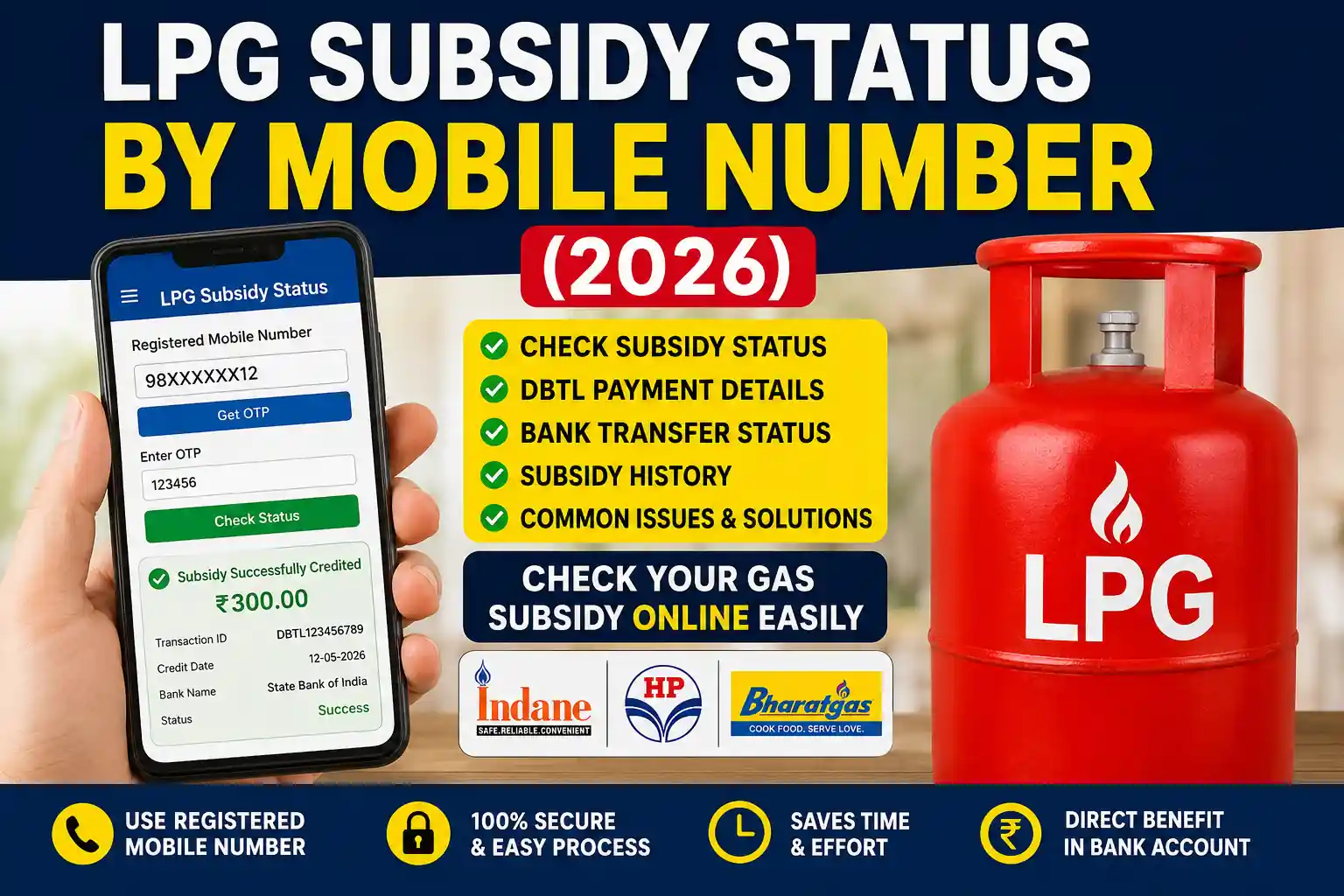
If you are looking for a simple way to check your LPG Subsidy Status by Mobile Number, you are in the right place. Whether you are an Indane, Bharat Gas, or HP Gas customer, your registered mobile number can help you verify your LPG subsidy details, payment history, booking records, and DBTL status online.
The Government of India transfers LPG subsidy directly into the eligible consumer’s bank account through the Direct Benefit Transfer for LPG (DBTL) scheme. However, many consumers often face issues where the subsidy is delayed, rejected, or not credited at all. Fortunately, checking your subsidy status online takes only a few minutes and helps you identify the exact reason behind any payment issue.
Before checking your subsidy, ensure that your LPG connection is active and your mobile number is correctly registered with your gas distributor. If you do not know your Consumer Number or LPG ID, you can first read Find My LPG ID Online to retrieve your LPG account details quickly.
What is LPG Subsidy?
LPG subsidy is financial assistance provided by the Government of India to eligible domestic LPG consumers. Instead of purchasing cylinders at a subsidized price, consumers now pay the market price, and the eligible subsidy amount is transferred directly to their linked bank account.
The subsidy amount depends on government policy, eligibility criteria, and other factors. Every eligible consumer can check whether the subsidy has been credited successfully by using the official LPG customer services.
To understand the complete subsidy verification process, you may also read LPG Subsidy Status Check, where you can learn how subsidy transactions are displayed and verified.
Can You Check LPG Subsidy by Mobile Number?
Yes.
If your mobile number is linked with your LPG connection, it becomes one of the easiest ways to verify your subsidy details online.
Depending on your LPG provider, you can view:
- Current subsidy payment
- Previous subsidy history
- LPG booking history
- Consumer information
- Bank transfer details
- Aadhaar linking status
- DBTL activation status
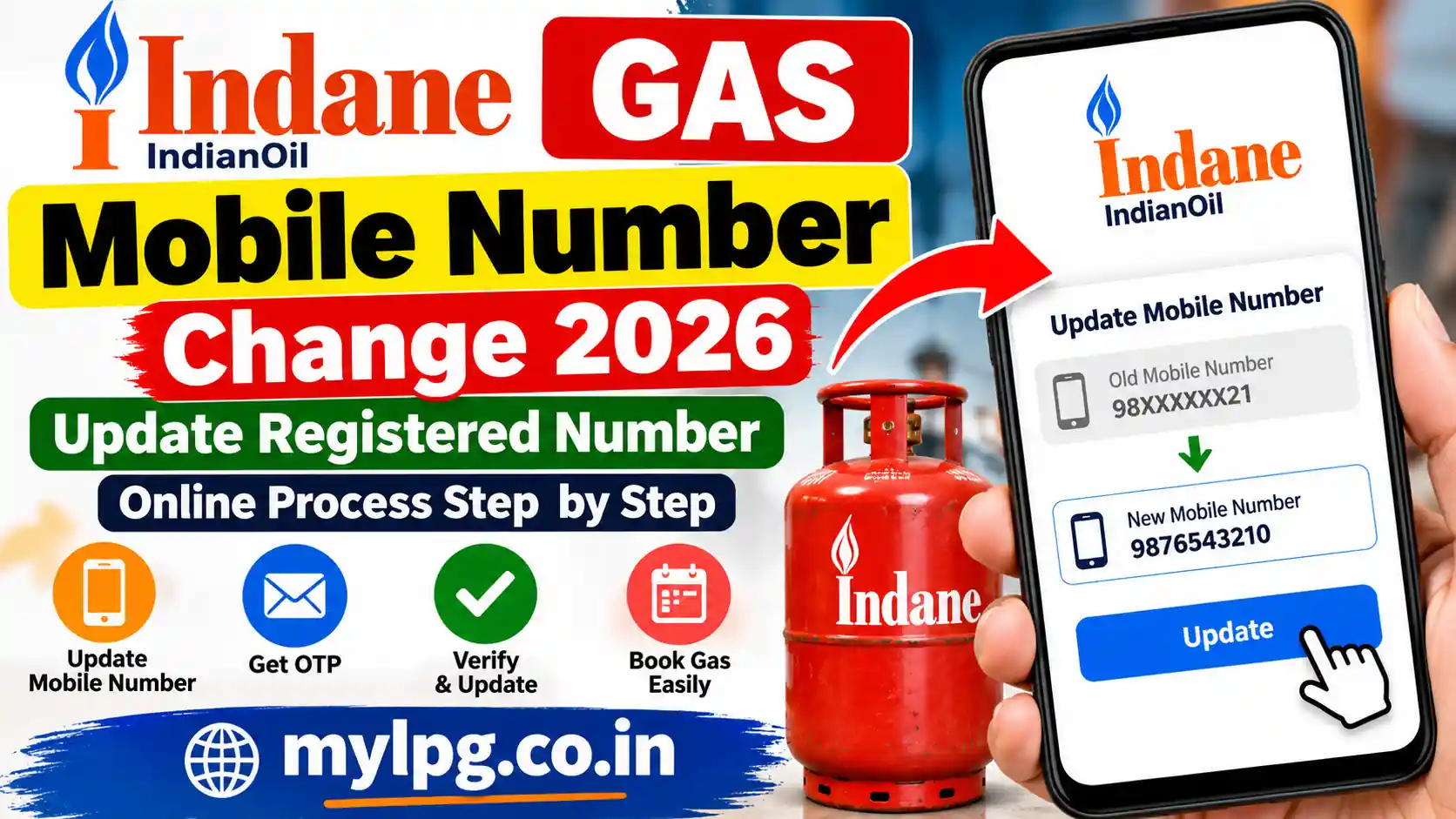
If you recently changed your phone number, you should update it before checking subsidy records. You can follow My LPG Mobile Number Change to update your registered mobile number correctly.
Benefits of Checking LPG Subsidy Online
Checking your subsidy online provides several advantages.
- Instant payment verification
- No need to visit the gas agency
- Complete subsidy history
- Faster complaint resolution
- Easy bank account verification
- Better transparency
- Secure online access
If you also want to review all your previous cylinder bookings, visit Gas Booking History Check to see your complete booking records.
Information Required Before Checking Subsidy
Before you begin, keep the following information ready.
- Registered mobile number
- LPG Consumer Number (if required)
- Active LPG connection
- Aadhaar details (if linked)
- Bank account linked with LPG
If you cannot remember your consumer number, read LPG Consumer Number Kaise Pata Kare to find it in just a few minutes.
How to Check LPG Subsidy Status by Mobile Number
Follow these simple steps.
Step 1: Visit Your LPG Provider
Open the official customer portal of your LPG company.
If you are an Indane customer, you can also refer to Indane Consumer Number Search if you cannot locate your customer details.
HP Gas users may find HP Gas Consumer Number Search helpful before logging into their account.
Similarly, Bharat Gas consumers can check Bharat Gas Consumer Number Search for identifying their registered customer information.
Step 2: Login Using Mobile Number
Enter your registered mobile number.
Verify your account using the OTP received on your mobile phone.
If the OTP does not arrive, check Gas Booking OTP Not Received to learn the common reasons and available solutions.
Step 3: Open the Subsidy Section
After logging in successfully, navigate to the Subsidy, DBTL, or Payment History section.
There you can see:
- Latest subsidy payment
- Payment date
- Bank transfer status
- Transaction reference number
- Previous subsidy records
If you notice any mismatch in your payment records, you may also read DBTL LPG Subsidy Full Guide to understand how subsidy transfers work under the DBTL scheme.
Step 4: Verify Bank Credit
Compare the subsidy payment shown on your LPG account with your bank statement.
Sometimes the subsidy is approved but delayed due to bank processing.
If your booking has been completed but payment-related issues occurred during the transaction, you can also read Gas Booking Failed Amount Deducted Refund to understand the refund process.
Which LPG Companies Support Mobile Number Verification?
Almost all major LPG providers offer online subsidy verification.
These include:
- Indane Gas
- HP Gas
- Bharat Gas
Each company allows customers to access subsidy details using registered credentials, including mobile number verification and OTP authentication.
If you are unable to access your customer account or face login issues, you can contact Gas Customer Care for official assistance.
Why is My LPG Subsidy Not Coming?
Many customers ask this question after booking a cylinder.
The most common reasons include:
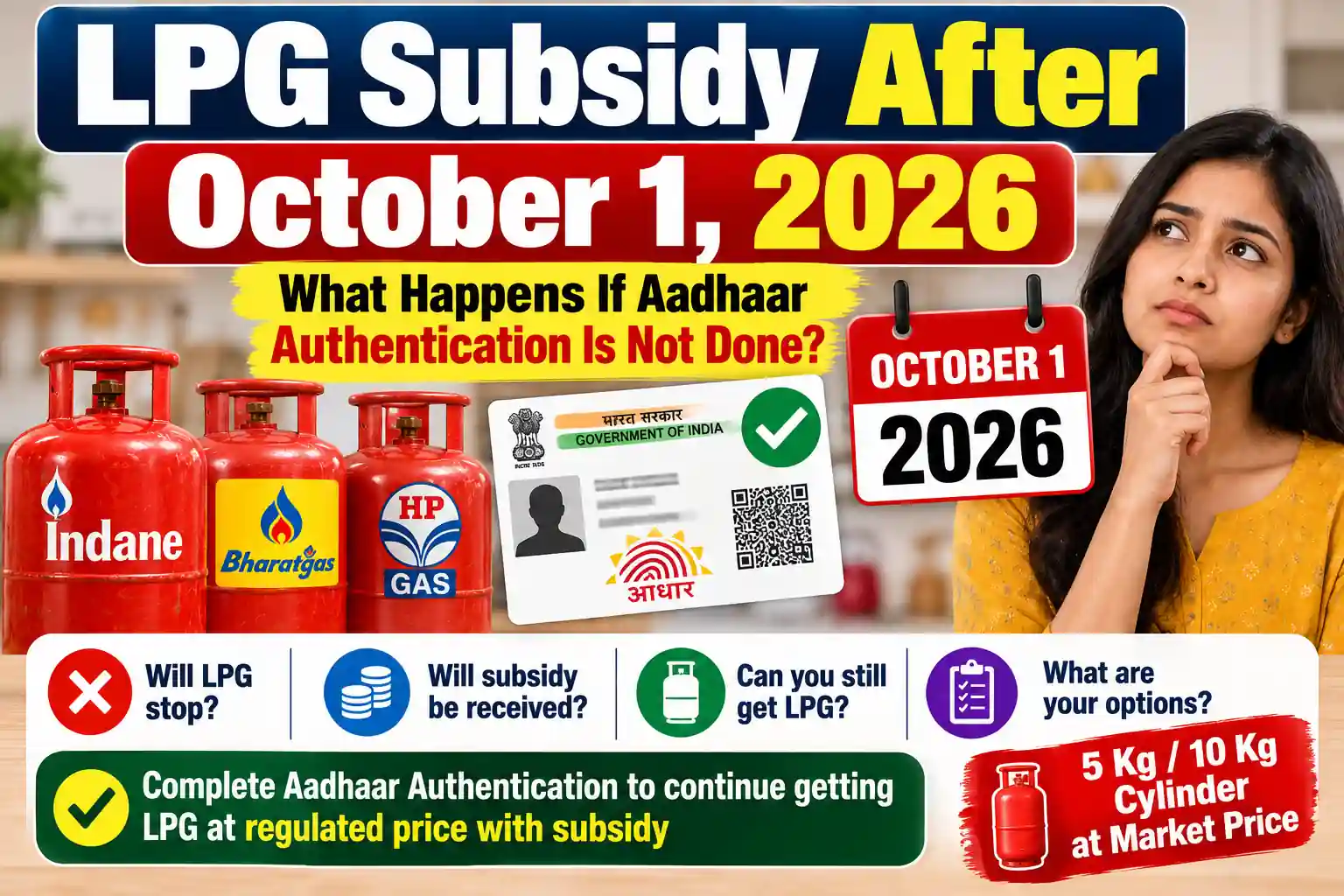
- Aadhaar not linked
- Bank account mismatch
- Incomplete KYC
- Mobile number not updated
- Duplicate LPG connection
- Government eligibility changes
- DBTL not activated
- Incorrect customer information
If your subsidy has been rejected, read LPG Subsidy Rejected Reasons to understand every possible reason along with practical solutions.
Likewise, if your Aadhaar is already linked but the subsidy is still not reaching your bank account, follow Aadhaar Linked but LPG Subsidy Not Received for detailed troubleshooting.
How to Update Your Mobile Number for LPG Subsidy
Your registered mobile number plays an important role in receiving OTPs, booking confirmations, subsidy notifications, and service updates. If you have changed your phone number, update it as soon as possible.
You can update your mobile number by:
- Visiting your LPG distributor.
- Using your LPG provider’s customer portal.
- Contacting customer support.
- Updating your profile through the official mobile application.
If you recently changed your phone number, follow My LPG Mobile Number Change for a detailed step-by-step guide.
Complete Your LPG KYC
Incomplete Know Your Customer (KYC) verification is one of the biggest reasons why subsidy payments stop.
Your KYC should contain:
- Correct customer name
- Registered mobile number
- Aadhaar details (if applicable)
- Bank account information
- Updated address
If your KYC is pending or outdated, read LPG KYC Update Process to complete the verification process.
How to Link Your Bank Account
Since LPG subsidy is transferred directly into your bank account, your banking details must be accurate.
Make sure:
- Account number is correct.
- IFSC code is updated.
- Aadhaar is linked (where applicable).
- DBTL is active.
Incorrect bank details are one of the most common reasons for subsidy failure.
What is DBTL?
The Direct Benefit Transfer for LPG (DBTL) scheme allows eligible consumers to receive LPG subsidy directly into their bank accounts.
Instead of buying subsidized cylinders, customers purchase LPG at the market price and receive the subsidy separately.
If you want to understand the complete process, read DBTL LPG Subsidy Full Guide.
What Should You Do if Subsidy Is Delayed?
Sometimes subsidy payments take longer than expected.
You should:
- Check payment history.
- Verify bank account details.
- Confirm Aadhaar linking.
- Ensure your KYC is complete.
- Contact your LPG distributor.
If the delay continues, you can register an official complaint through Gas Subsidy Complaint Registration.
You can also use the LPG Grievance Portal Full Guide to raise complaints online.
Check Your Booking Status
Sometimes consumers think subsidy has not arrived, but the LPG booking itself is still pending.
Before raising a complaint, verify your booking through Gas Booking Status.
You should also review Gas Booking History Check to confirm that your cylinder booking has been completed successfully.
Common Problems While Checking Subsidy
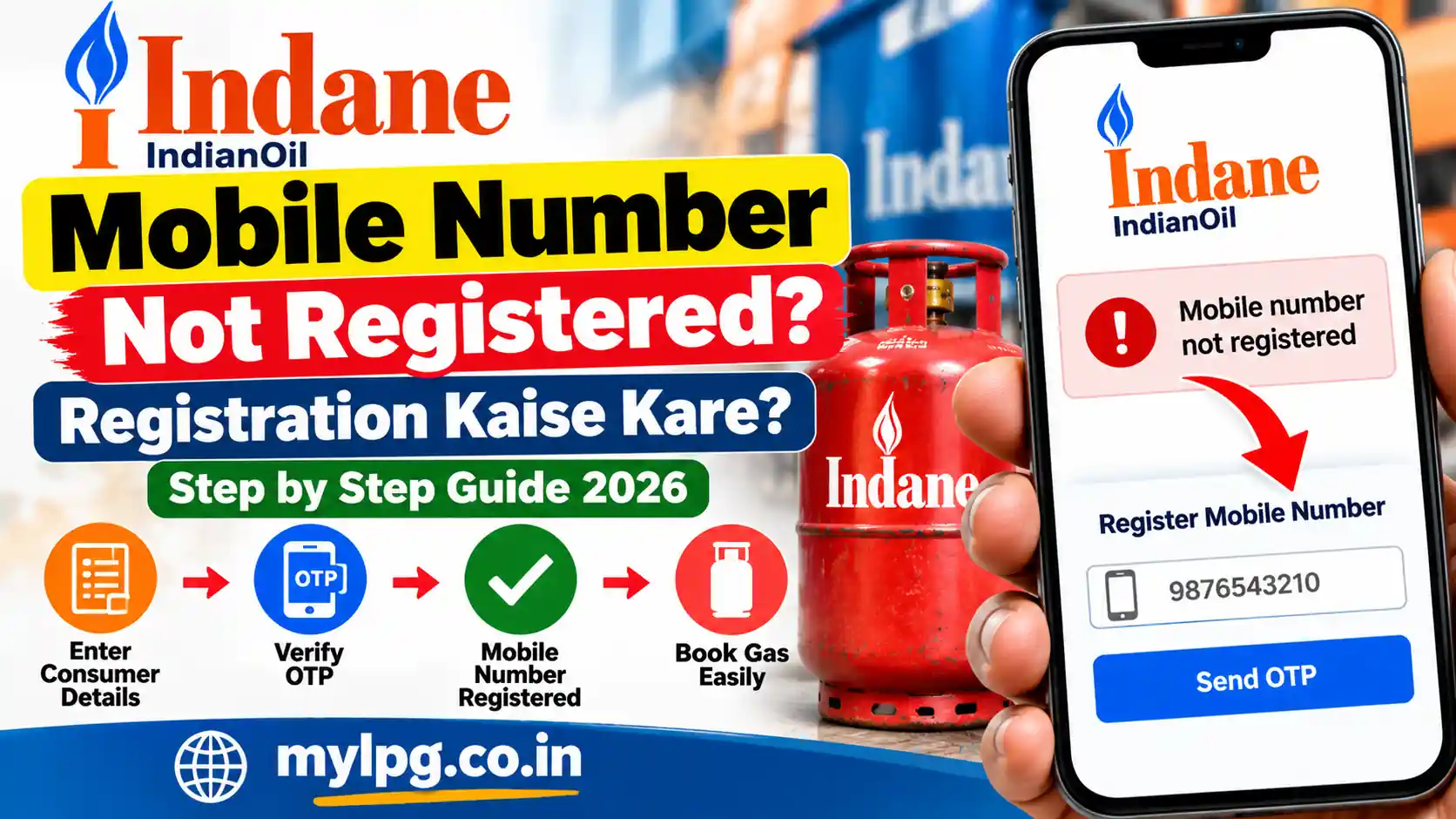
Mobile Number Not Registered
Visit your LPG distributor and register your latest mobile number.
OTP Not Received
Network issues or an outdated mobile number may prevent OTP delivery.
If this happens, read Gas Booking OTP Not Received for troubleshooting steps.
Wrong Consumer Number
Many customers enter an incorrect consumer number while checking subsidy.
If you cannot find your consumer number, follow LPG Consumer Number Kaise Pata Kare.
Payment Deducted but Booking Failed
Sometimes online payments are deducted while the booking fails.
In such situations, check Gas Booking Failed Amount Deducted Refund to understand the refund timeline.
Aadhaar Linked but Subsidy Missing
Even after linking Aadhaar, subsidy may not be credited because of bank seeding issues or verification delays.
Read Aadhaar Linked but LPG Subsidy Not Received for complete troubleshooting.
Tips to Receive LPG Subsidy Without Delay
Follow these best practices:
- Keep your registered mobile number active.
- Complete LPG KYC on time.
- Link your bank account correctly.
- Verify Aadhaar details.
- Check subsidy status regularly.
- Book cylinders only through official channels.
- Update personal information whenever required.
- Report any payment issues immediately.
Frequently Asked Questions
Yes. If your mobile number is registered with your LPG connection, you can use it to log in and view your subsidy details.
The most common reasons include incomplete KYC, incorrect bank details, Aadhaar mismatch, duplicate connections, or changes in government eligibility.
Yes. Official LPG portals allow customers to check subsidy status free of cost.
The credit time varies depending on your LPG provider, banking system, and government processing.
Yes. You can contact customer support or submit your complaint through Gas Subsidy Complaint Registration.