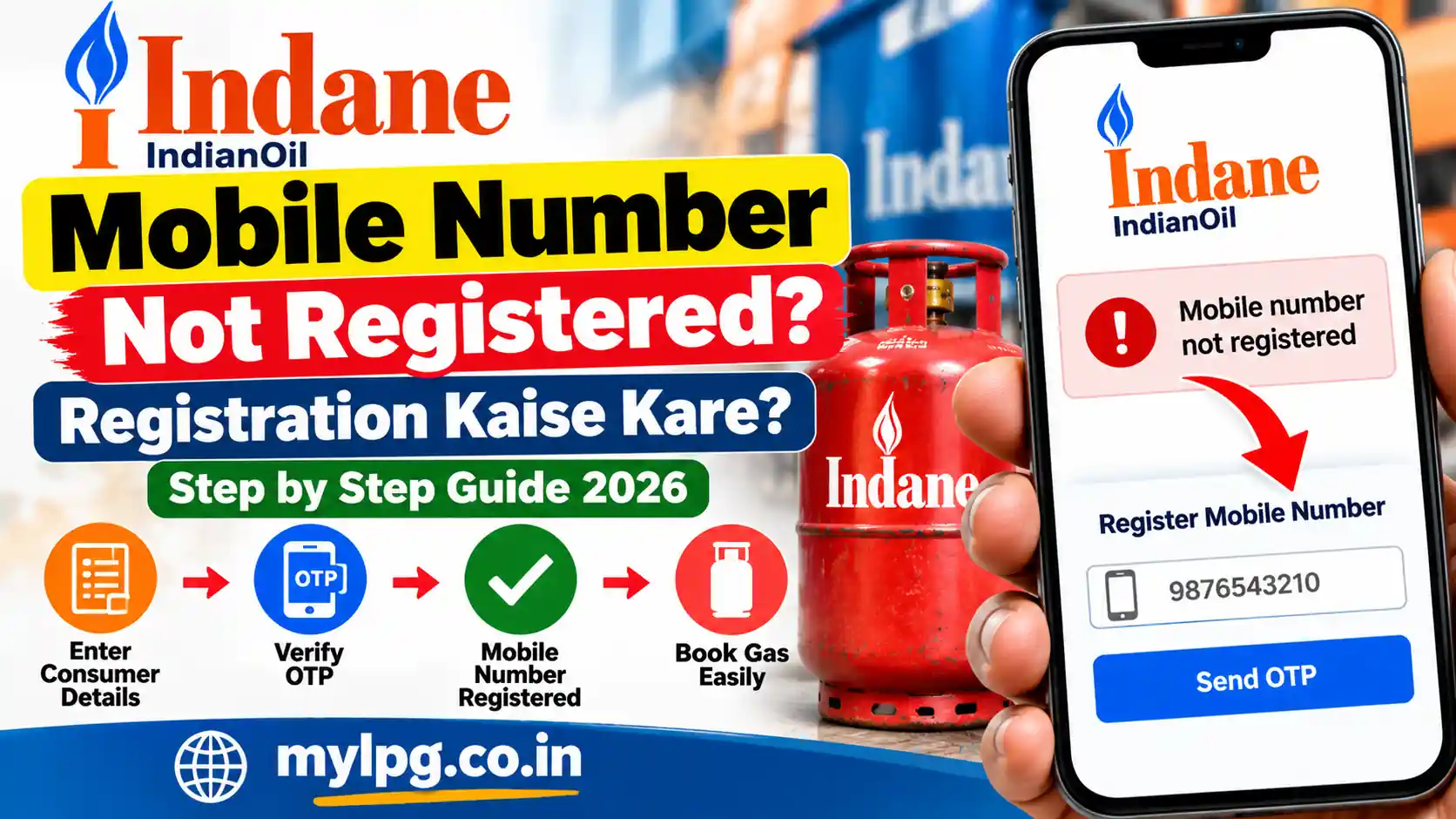
If you are trying to book an Indane LPG cylinder and see a message such as “mobile number not registered”, there is usually no need to panic. This generally means that the mobile number you are using is not properly associated with your LPG consumer account or the service you are trying to use.
A registered mobile number is useful for receiving booking-related messages, OTPs and other communication connected with your LPG service. IndianOil provides several digital options for Indane customers, including online LPG services and the IndianOil ONE app.
If your mobile number is not registered, the first thing is to identify whether the problem is with the mobile number itself, your LPG consumer details, or the particular booking service.
What Does “Mobile Number Not Registered” Mean?
The message does not necessarily mean that your LPG connection is inactive.
It can simply indicate that the mobile number you entered is not matching the mobile number recorded against your LPG consumer account.
For example, this can happen when:
- You recently changed your mobile number.
- Your LPG connection was registered using a family member’s number.
- The old mobile number is no longer active.
- You have never registered a mobile number for the connection.
- Your consumer details have not been updated correctly.
- You are trying to use a booking service with a different mobile number.
Before trying several different methods, it is better to check which number is currently associated with your LPG connection.
How to Register a Mobile Number for Indane Gas
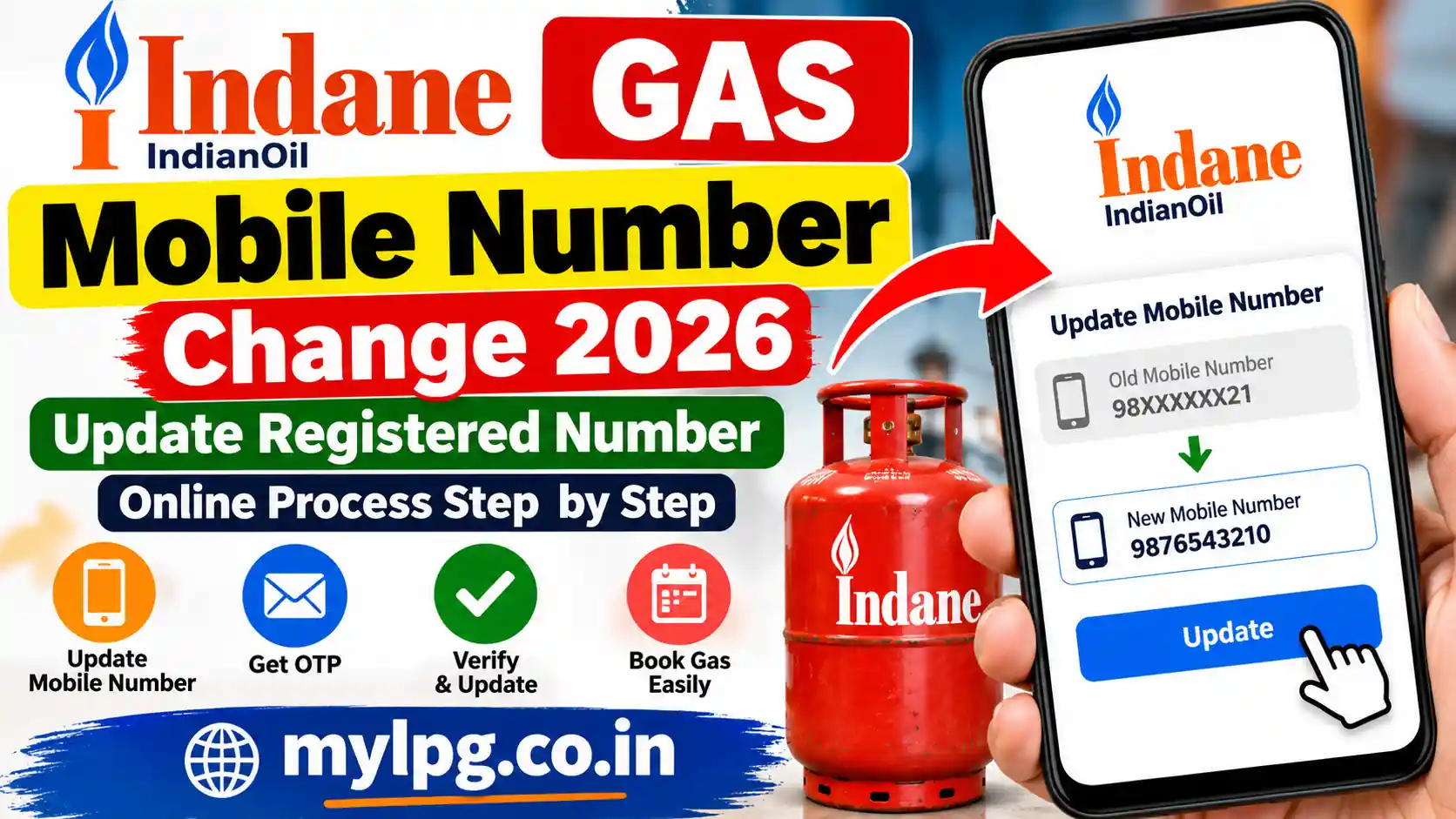
The exact options available can depend on your customer account and the service being used. If your Indane customer account provides an option to update or register the mobile number, use that option and follow the verification instructions shown on the screen.
Step 1: Keep Your LPG Details Ready
Before starting the process, keep your basic LPG information nearby.
You may need details such as:
- LPG consumer number
- Consumer name
- Registered address
- Existing mobile number, if available
- New mobile number
- Other details requested during verification
If you have forgotten your consumer number, you can first check our Indane Consumer Number Search guide.
Step 2: Use the Indane Customer Service Option
Open the official Indane/IndianOil customer service facility or the available customer account option.
Look for an option related to profile, contact details, mobile number or customer information.
If a mobile-number registration or update option is available, enter the number you currently want to use.
Step 3: Complete Verification
Depending on the service, you may be asked to verify your mobile number.
Enter the OTP or complete the verification step displayed by the system.
Do not share your OTP with another person. An OTP should only be entered into the official service you are using.
Step 4: Wait for the Update
After successful verification, the number may take some time to reflect across different services.
Avoid repeatedly submitting the same request if the update does not appear immediately.
Once the number is active, try the LPG service again.
What If the Old Mobile Number Is No Longer Available?
This is one of the most common situations.
Suppose your LPG connection was registered with an old SIM card and that number has now been permanently disconnected. In that case, an online verification step that depends on the old number may not work.
Instead of repeatedly trying to receive an OTP on an inactive number, contact your Indane distributor and ask them about updating the mobile number attached to your LPG connection.
Keep your consumer number and identity details available so that the distributor can locate the correct connection.
IndianOil provides customer-care support for Indane/LPG services through 1800-2333-555. Its official contact page also lists LPG-related complaint and support options.
Mobile Number Is Registered but Booking Still Does Not Work
Sometimes the number is already registered, but the booking service still shows an error.
In that situation, check the following:
- Make sure you are entering the correct mobile number.
- Check whether the SIM currently has network coverage.
- Make sure SMS messages are not blocked.
- Check whether the OTP is arriving late.
- Try again after some time if the service is temporarily unavailable.
- Confirm that your LPG consumer details are correct.
If your issue is specifically related to booking OTP, you can also read our Gas Booking OTP Not Received guide.
Can I Book Indane Gas Without a Registered Mobile Number?
The answer can depend on the booking method and the customer’s account status.
IndianOil supports multiple Indane refill-booking channels, including digital services, and the PMUY website currently lists the IndianOil customer portal and IndianOil ONE app among the booking options.
However, if a particular service specifically requires a registered mobile number, you may not be able to complete that method until your customer details are properly updated.
Therefore, if you repeatedly see “mobile number not registered”, it is better to resolve the registration issue rather than continuing to try the same booking method.
What If the Mobile Number Belongs to Another Family Member?
If the LPG connection was originally created using another family member’s number, do not assume that simply entering your own number during booking will automatically change the registered number.
The number associated with the LPG consumer record may need to be updated through the applicable customer-service or distributor process.
This is particularly important when the original registered number is no longer being used.
How to Check Whether the Problem Is Fixed
After updating the number, give the system some time and then try the service again.
You can check whether:
- The mobile number is accepted.
- OTP messages are being received.
- Your customer account opens correctly.
- LPG booking proceeds normally.
- Booking-related messages arrive on the new number.
If you still receive the same error, contact your Indane distributor or IndianOil customer support rather than repeatedly submitting the same information.
For customers who need to locate their local distributor, our Indane Gas Distributor Locator guide can also be useful.
Final Word
The “Indane Gas Mobile Number Not Registered” message usually points to a mismatch or missing registration of the mobile number associated with the LPG customer record.
If you have recently changed your number, start by checking your customer details. If the old number is inactive and online verification is not possible, contact your Indane distributor and ask about the applicable mobile-number update process.
Once the correct mobile number is registered, booking and other customer services should be much easier to manage.
Frequently Asked Questions
This can happen when the number you are using does not match the mobile number associated with your LPG customer record. It can also happen if a mobile number was never registered for the connection.
If the relevant customer service provides a mobile-number update option, you can follow the verification process shown there. If the online option is unavailable or the old number cannot be verified, contact your Indane distributor.
If the old number is no longer available, online OTP verification may not work. Contact your Indane distributor and ask about updating the mobile number linked with your LPG connection.
An OTP may be used when the particular service requires mobile verification. The exact verification process depends on the service you are using.
You can contact your local Indane distributor or IndianOil customer support. IndianOil currently lists 1800-2333-555 as its toll-free customer-care number for assistance.