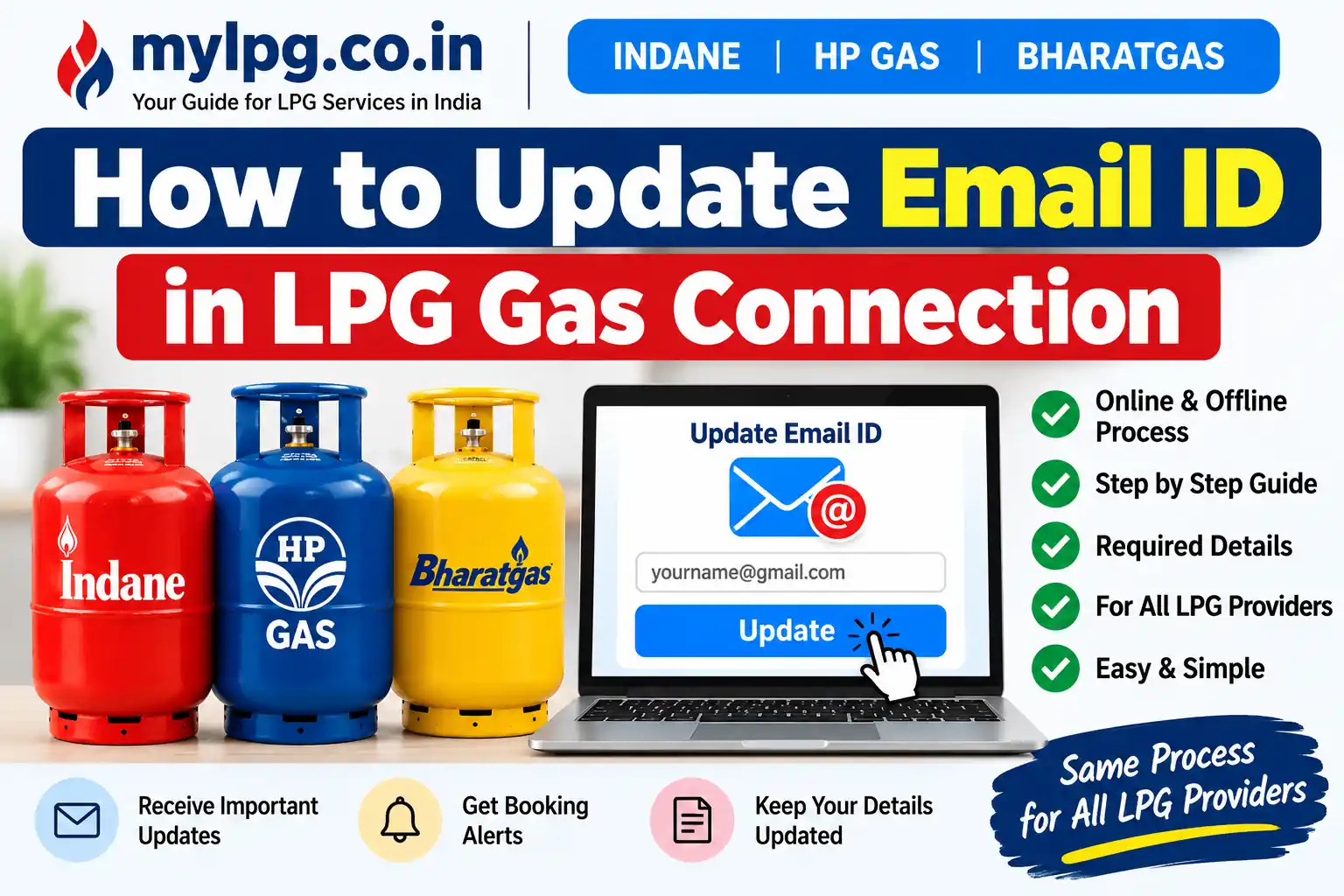
If you want to receive LPG booking updates, service information, and other communication on your current email address, it is important to keep the email ID registered with your LPG connection up to date. The process for updating an email ID can vary depending on your LPG provider, such as Indane, HP Gas, or Bharatgas.
In this guide, we explain how to update email ID in an LPG gas connection, what information you may need, whether the update can be completed online, and what to do if the online option is not available.
Why Should You Update Your Email ID in Your LPG Connection?
A correct email address can make it easier to receive important communication related to your LPG account and services.
Keeping your customer details updated can also help when you use online LPG services, customer portals, mobile applications, or contact your distributor.
If your mobile number also needs to be updated, you can read our detailed guide on How to Change LPG Mobile Number.
Can I Update My LPG Email ID Online?
In some cases, an LPG customer may be able to manage account or profile information through the provider’s online customer portal or digital services.
However, the exact option available depends on the LPG company and the customer account. If you cannot find an email-update option after logging in, you should contact your LPG distributor or the company’s official customer support.
For example, IndianOil provides online LPG services for Indane customers and lists customer support options for LPG-related queries.
How to Update Email ID in LPG Gas Connection Online
Follow these general steps to check whether your LPG provider allows email details to be updated online.
Step 1: Open Your LPG Provider’s Official Website or App
First, open the official website or mobile application of your LPG provider.
Make sure you use the official platform rather than an unknown third-party website. For Indane customers, IndianOil provides LPG-related online services and customer support.
Step 2: Log In to Your LPG Account
Sign in using the details requested by your LPG provider.
Depending on the service, you may need your registered mobile number, LPG consumer details, or other account information.
If you are an Indane customer and need help accessing your account, you can also read our guide on Indane Gas Consumer Login.
Step 3: Open Your Profile or Customer Details
After logging in, look for an option such as:
- My Profile
- Customer Profile
- Account Details
- Personal Details
- Contact Details
- Update Details
The exact name of the option can differ between LPG providers and their digital platforms.
Step 4: Check the Email Address
If an email ID is already registered, check whether it is correct.
If the portal provides an option to edit the email address, enter your current and valid email ID carefully.
Avoid entering an email address that you cannot access because important communication may be sent there.
Step 5: Submit the Update
After entering the new email address, follow the instructions shown on the official platform.
If verification is required, complete the verification process. The exact verification method can vary by provider.
Step 6: Confirm That the Details Have Been Updated
After submitting the request, check your profile again if the portal allows you to do so.
You should also check your new email inbox for any confirmation message from the LPG provider.
If the email address cannot be changed online, the distributor may need to update the customer record.
How to Update LPG Email ID Through the Gas Distributor
If you do not find an online email-update option, contact your LPG distributor.
Tell the distributor that you want to update the email address linked to your LPG connection. Keep your LPG consumer number and other customer details available.
For Bharatgas, official customer documentation shows that certain customer-detail updates can be submitted to the distributor.
The distributor may ask you to provide or verify your customer information before making the change.
Documents or Details You May Need
The exact requirements can vary by LPG company and the type of update. It is useful to keep the following information available:
- LPG Consumer Number
- Consumer Name
- Registered Mobile Number
- New Email ID
- LPG Distributor Details
- Identity or account information, if requested by the provider
Do not submit sensitive documents on unofficial websites or to unknown persons.
If you also need to update your KYC information, see our guide on LPG KYC Update Process.
For Indane customers, we also have a dedicated guide on Indane Gas eKYC Online.
How to Update Email ID in Indane Gas Connection
Indane customers should use the official IndianOil LPG services or contact their distributor for account-related assistance.
IndianOil currently provides LPG services including online LPG-related facilities and customer support. Its official customer-care information lists 1800-2333-555 for assistance and 1906 as the 24-hour LPG emergency helpline.
If the email-update facility is not visible in your account, contact your Indane distributor and ask about updating your registered email address.
You can also check our guide on Indane Gas Consumer Number Search if you do not know your consumer number.
How to Update Email ID in HP Gas Connection
HP Gas customers can check the available customer-service and account facilities provided by HPCL.
If you cannot update your email address through the available online services, contact your HP Gas distributor or HPCL LPG customer service for assistance. HPCL provides LPG customer-service and regional contact information on its official website.
If you are looking for other HP Gas account services, you can read our HP Gas Guide.
How to Update Email ID in Bharatgas Connection
Bharatgas customers can check their available digital account services and contact their distributor if the required profile-update option is not available online.
For certain customer-detail changes, Bharatgas documentation specifically instructs customers to submit the relevant update form to their distributor.
If you need help with other Bharatgas services, see our guide on Bharat Gas Consumer Number Search.
What If My Email ID Is Not Getting Updated?
If your email address is not being updated, check the following:
- Make sure you entered the correct email address.
- Check whether the email-update option is available for your LPG account.
- Make sure your LPG consumer details are correct.
- Check your email inbox and spam folder for verification messages.
- Contact your LPG distributor if the online update option is unavailable.
- Use the official customer-care channel of your LPG provider for unresolved issues.
If you are facing a broader LPG account problem, you can also read our guide on LPG Grievance Portal.
Can I Change My Email ID Without Changing My Mobile Number?
Yes, an email address and mobile number are separate contact details. If your LPG provider provides an option to update the email address separately, you may be able to change the email ID without changing the registered mobile number.
However, the exact process depends on the LPG provider and the services available for your account.
If you need to change your mobile number as well, read My LPG Mobile Number Change.
Frequently Asked Questions
Log in to your LPG provider’s official customer portal or app and check the profile or contact-details section. If there is no email-update option, contact your LPG distributor.
Some LPG services may allow customers to manage account information online. The availability of an email-update facility depends on the LPG provider and account.
Your LPG consumer number may be required to identify your account, especially when contacting the distributor. Keep it available before starting the update process.
Yes. If the online facility is unavailable, you can contact your LPG distributor and ask about updating your customer contact details.
Contact your LPG provider or distributor and request correction of the email address. If an online edit option is available, correct the details through the official account.
That depends on the services and communication preferences provided by your LPG company. Updating your email address does not necessarily mean every LPG notification will be delivered by email.
For other LPG account-related services, you can also check our guides on LPG KYC Update, LPG Consumer Number Search, and LPG Gas Booking Number.