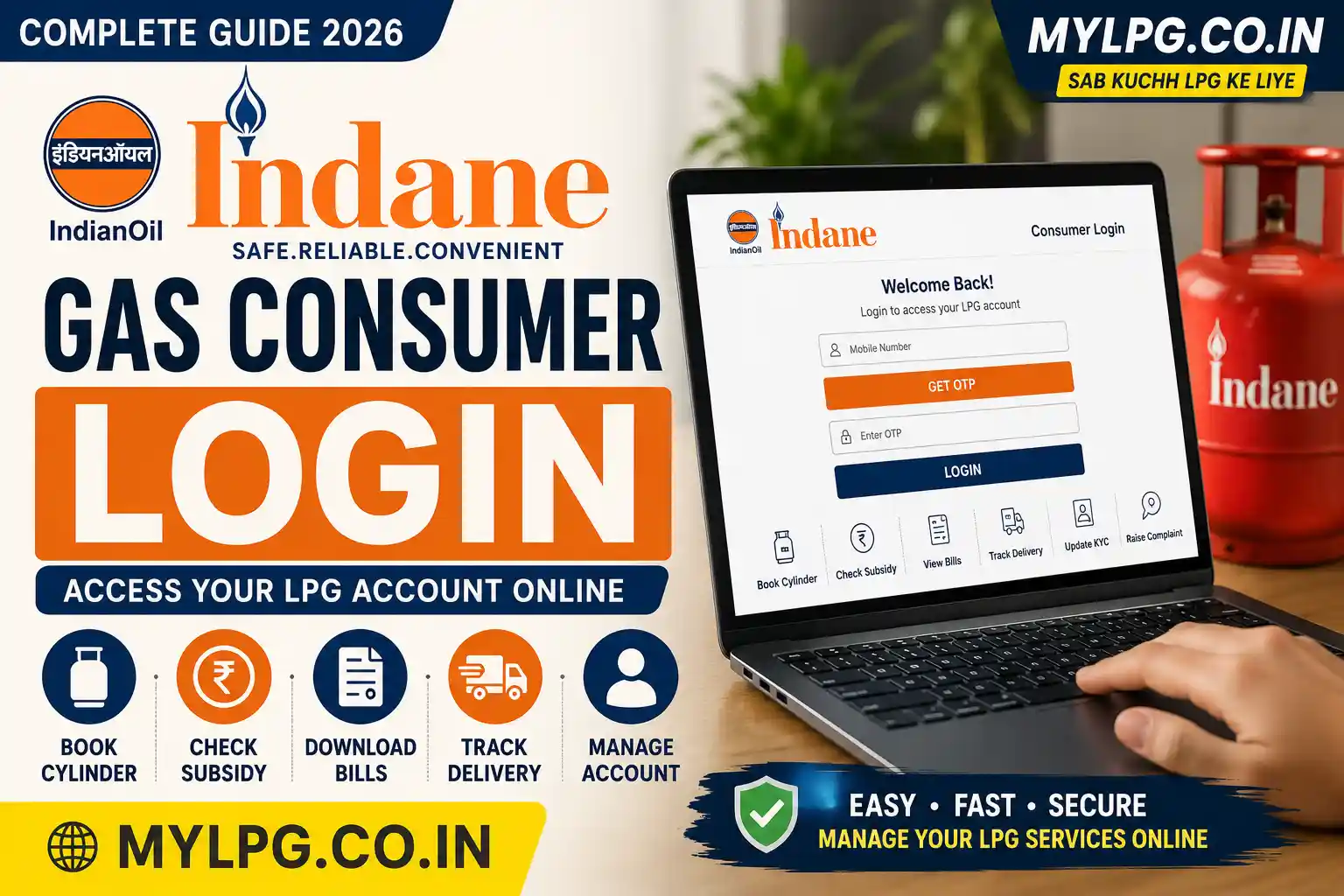
Indane Gas Consumer Login 2026 allows LPG customers to manage important gas connection services online without visiting the distributor for every small task. After accessing their LPG account, customers can use available digital services for refill booking, booking history, subsidy-related information, KYC updates and other Indane LPG services.
IndianOil provides digital LPG services for Indane customers through its online customer services and the IndianOil ONE mobile application. Refill booking is also available through digital channels, making it easier to manage an LPG connection from a mobile phone.
This guide explains the Indane Gas Consumer Login process, online LPG booking, subsidy status, account details, KYC, booking history, bill information and common login problems.
📖 Read Also: Find LPG ID Online 2026 – Bharat Gas, HP Gas & Indane LPG ID Search
Indane Gas Consumer Login 2026 – Quick Overview
| Service | Available Online |
|---|---|
| Indane Consumer Login | Yes |
| LPG Refill Booking | Yes |
| Booking History | Yes |
| LPG Account Details | Yes |
| Subsidy Information | Yes |
| KYC/eKYC Services | Available through applicable digital services |
| LPG Bill/Cash Memo Information | Available through applicable services |
| Complaint Registration | Yes |
| Distributor Services | Yes |
The exact options displayed can vary depending on the current IndianOil website or app version and the services available for a particular LPG connection.
How to Login to Indane Gas Account Online
To access your Indane LPG account, use the official IndianOil customer portal or the authorised IndianOil ONE app.
Step 1: Open the Official IndianOil Portal
Go to the official IndianOil customer portal and select the LPG/customer login option.
Step 2: Enter Your Login Details
Depending on the current login interface, you may be asked for details such as your registered mobile number or other account information.
Step 3: Verify Your Account
Complete the required OTP or authentication process.
Make sure your registered mobile number is active so that you can receive verification messages.
Step 4: Access Your LPG Account
After successful verification, you can access the services available for your Indane connection.
IndianOil confirms that customers can use its portal and IndianOil ONE app for LPG-related payments and services.
How to Register for Indane Gas Online
Customers who have not previously created an online account may need to register before accessing some digital services.
Keep these details ready:
- Registered mobile number
- Indane consumer number
- LPG connection details
- Email address, where required
- Basic personal information
Your website also has a dedicated Indane Gas Consumer Login guide that covers registration and login-related services.
If you have forgotten your consumer number, first check LPG Consumer Number information before attempting registration.
Indane Gas Login for LPG Booking
One of the main reasons consumers use their Indane account is to book an LPG refill.
After logging in, look for the available Book Refill or LPG booking option and follow the instructions shown on the official portal.
You can generally check:
- Refill booking
- Booking confirmation
- Payment option
- Delivery-related information
IndianOil also provides LPG booking and payment facilities through its digital services.
For a detailed guide, check Indane Gas Booking Number.rified.
Read also: Find My LPG ID Online
How to Access Indane Gas Consumer Login
To access your account, you need a few basic details:
Click For Official Site:https://cx.indianoil.in/
- Registered mobile number
- Consumer number
- OTP verification access
- Internet connection
Follow these simple steps:
Step 1 – Visit the Official Portal
Open the official Indane Gas portal in your browser.
Step 2 – Click on Login
You will see the consumer login option on the homepage.
Step 3 – Enter Mobile Number
Type the mobile number linked with your LPG connection.
Step 4 – Verify OTP
An OTP will be sent to your registered number.
Step 5 – Access Dashboard
After verification, you can manage all LPG services from your account dashboard.
The process usually takes less than two minutes if your number is active.
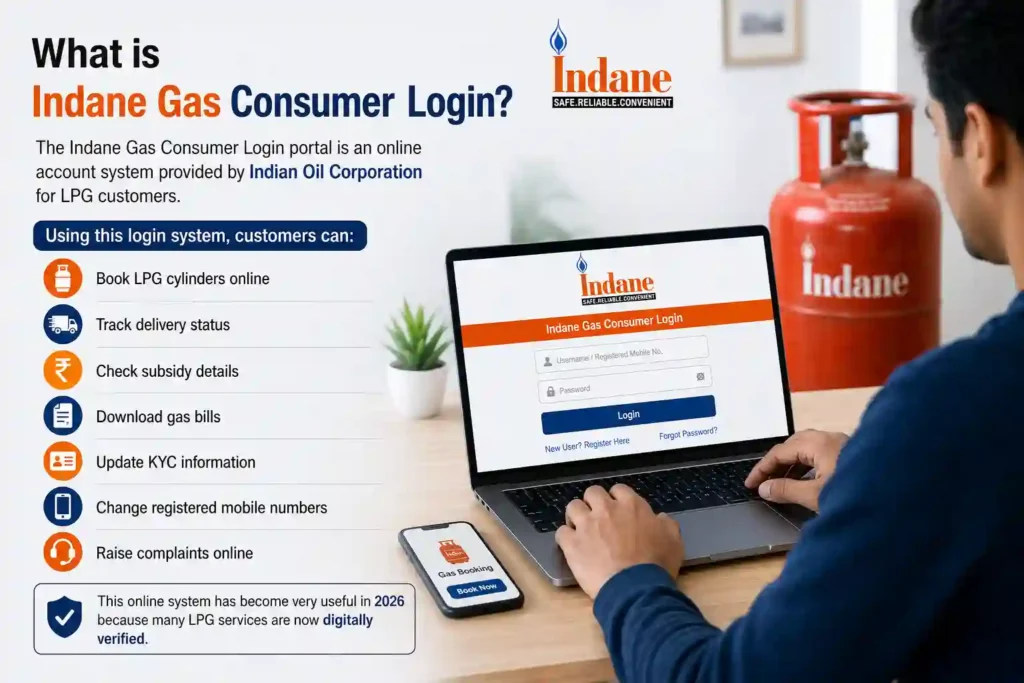
Features Available After Login
One major reason why this keyword gets huge traffic is because users want to know what they can actually do after logging in.
Here are the main services available:
LPG Cylinder Booking
You can book your refill instantly without calling customer care.
Subsidy Status Check
The portal allows you to verify whether subsidy payments are credited successfully.
Read also: LPG Subsidy Status Check
Download LPG Bills
Many users now download digital bills for office reimbursement or proof purposes.
Delivery Tracking
You can track whether the cylinder is dispatched or still pending.
Update KYC Information
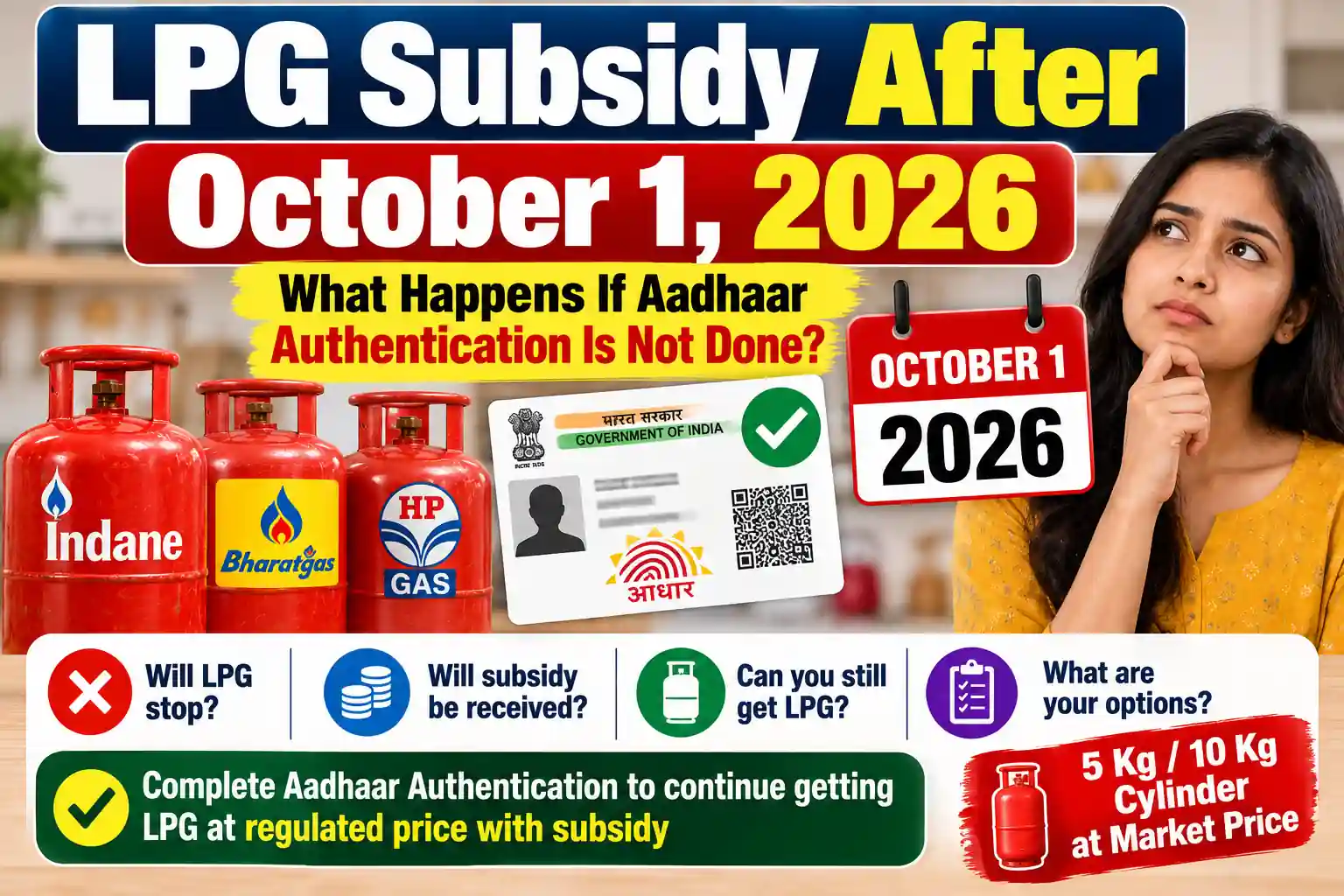
KYC verification has become important for subsidy continuation in many areas.
Register Complaints
If delivery is delayed or any issue occurs, complaints can be raised online directly.
Common Indane Gas Login Problems
Many users face login-related issues daily. Some of the most common problems are listed below.
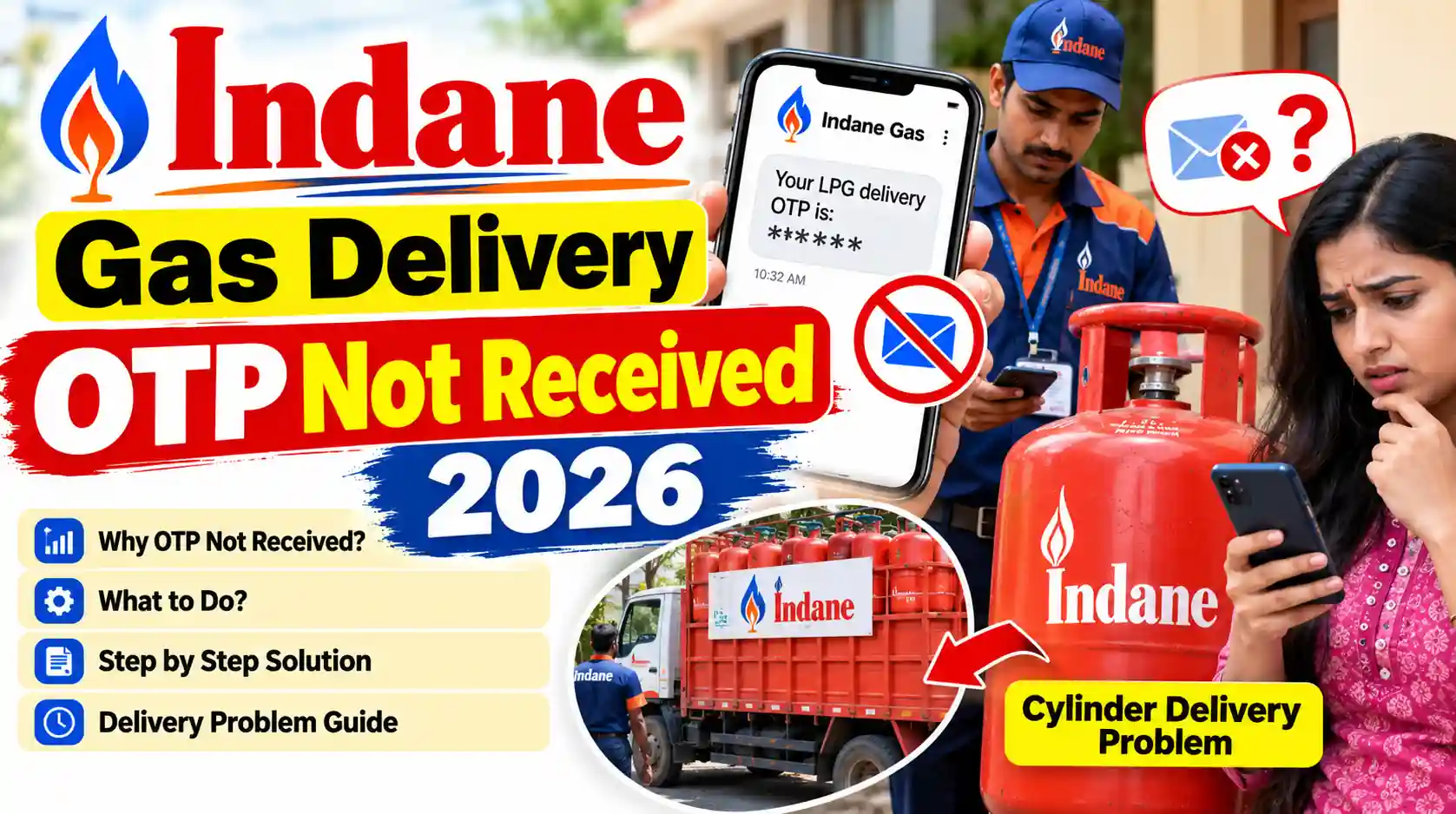
OTP Not Received
This usually happens because of:
- Network issues
- DND settings
- Wrong mobile number
- Server delays
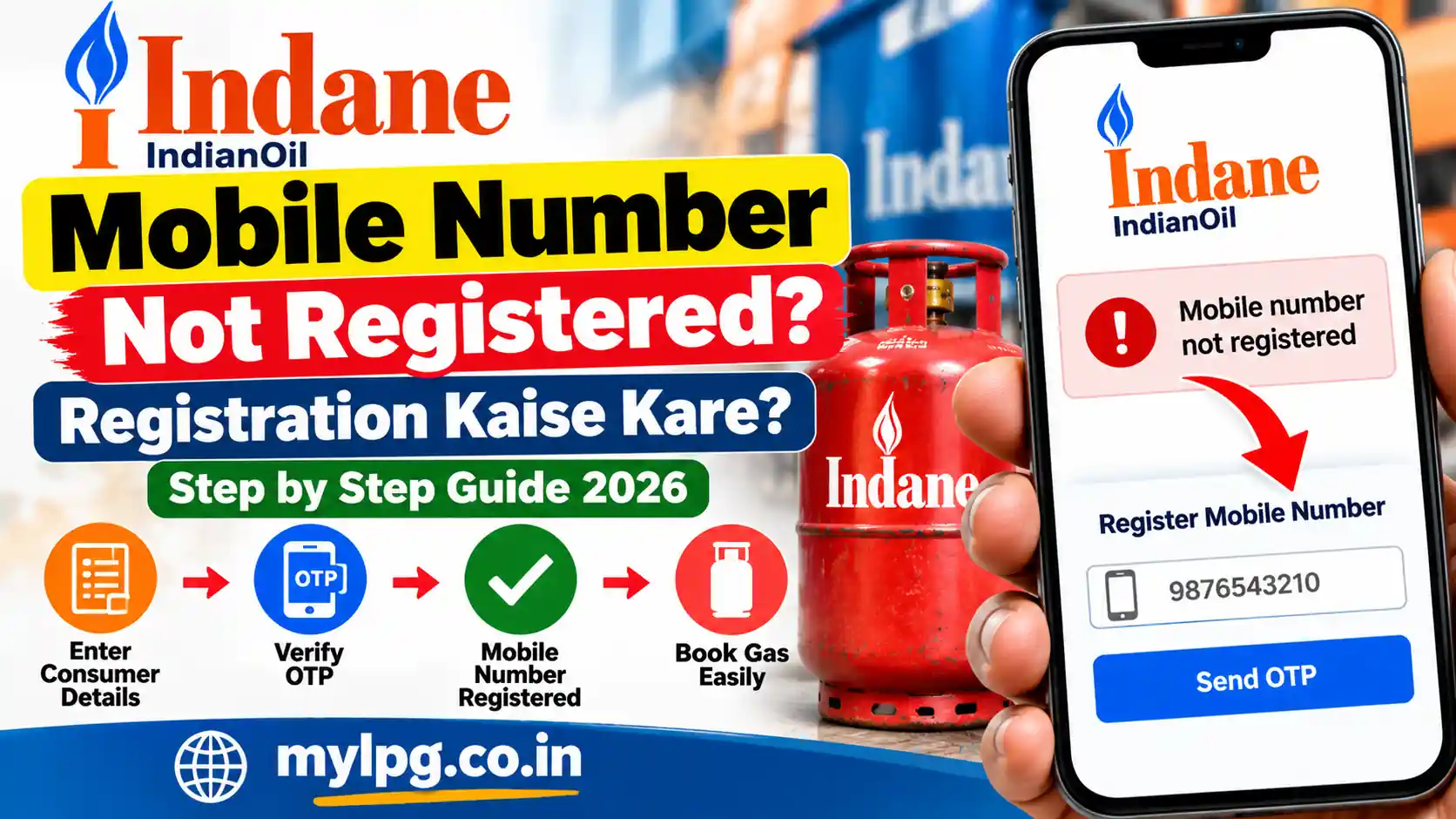
Mobile Number Not Registered
If your number is not linked, login may fail completely.
Invalid Consumer Number
Entering incorrect digits can create verification problems.
Portal Loading Slowly
Heavy traffic during subsidy updates or gas price changes sometimes slows down the system.
How to Register Indane gas if You Are a New User
If you have never logged in before:
- Open the official registration page.
- Enter your Consumer Number.
- Provide your registered mobile number.
- Verify OTP.
- Create a secure password.
- Complete registration.
- Login using your new credentials.
How to Reset Indane Gas Login Access
If you cannot access your account:
- Recheck your registered mobile number
- Try logging in after some time
- Clear browser cache
- Use another browser
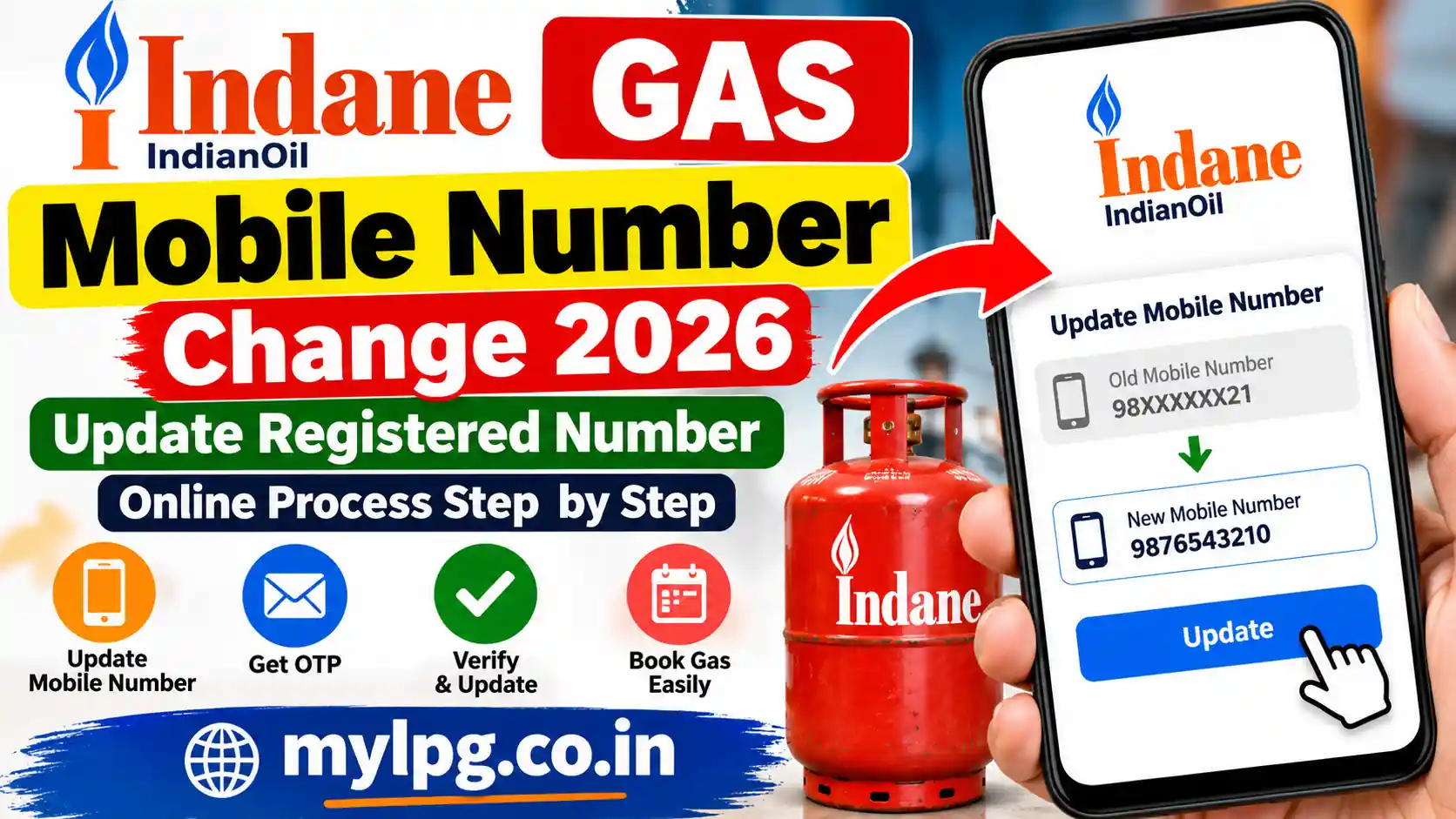
- Contact your local distributor if the number is outdated
Many users panic when login fails once, but in most cases it gets fixed automatically after retrying.
Read also: Indane Gas Booking Number Online Check Subsidy
Benefits of Using Indane Gas Online Account
Online LPG management saves both time and effort.
Faster Booking
No need to visit agencies physically.
Easy Subsidy Tracking
You can instantly check payment history.
Better Transparency
Users can see delivery details and transaction history directly.
Digital Convenience
Everything works from mobile phones now, especially in small towns and villages where smartphone usage is increasing rapidly.
Is Indane Gas Consumer Login Safe?
Yes, the official login system is generally secure if used carefully.
However, customers should avoid:
- Sharing OTPs
- Clicking fake links
- Logging into unofficial websites
- Giving account details to unknown callers
Recently, many LPG-related scams have appeared online, so users should always use official portals only.
Difference Between Login Portal and Booking Number
Some users think both are the same, but they work differently.
| Service | Purpose |
|---|---|
| Consumer Login | Full account access |
| Booking Number | Only refill booking |
The login portal provides many additional services beyond booking.
Read also: How to Register LPG Connection Online
Why Indane Online Services Are Growing Fast
India is rapidly moving toward digital services. LPG systems are also becoming smarter every year.
People now prefer:
- Online subsidy checks
- Digital payment methods
- Mobile app booking
- Paperless KYC updates
Because of this shift, keywords related to Indane login and LPG portals are seeing continuous search growth.
Final Thoughts
The Indane Gas Consumer Login portal has made LPG management much easier for consumers in 2026. From booking cylinders to checking subsidy status, almost every important task can now be completed online within minutes.
For regular LPG users, learning how to use the online portal properly can save time, reduce agency visits, and help avoid unnecessary confusion during booking or subsidy verification.
If your mobile number is linked correctly and your KYC is updated, the portal usually works smoothly without major issues.
FAQs
You can log in using your registered mobile number and OTP verification through the official Indane portal.
Yes, subsidy payment history and status can be checked from the consumer dashboard.
Wait a few minutes, check network signals, and verify whether your mobile number is registered correctly.
No, cylinders can also be booked through booking numbers, but login gives access to extra services.
Yes, some KYC-related updates and verification options are available online.
📖 Read Also
1️⃣ LPG Gas Cylinder Price Today
2️⃣ Ujjwala Yojana जानकारी
3️⃣ KisanSuvidha Goverment Scheme
4️⃣ Bajrang Baan PDF – बजरंग बाण पाठ, लाभ और महत्व
5️⃣ Shiv Stuti Lyrics – शिव स्तुति का पाठ और अर्थ