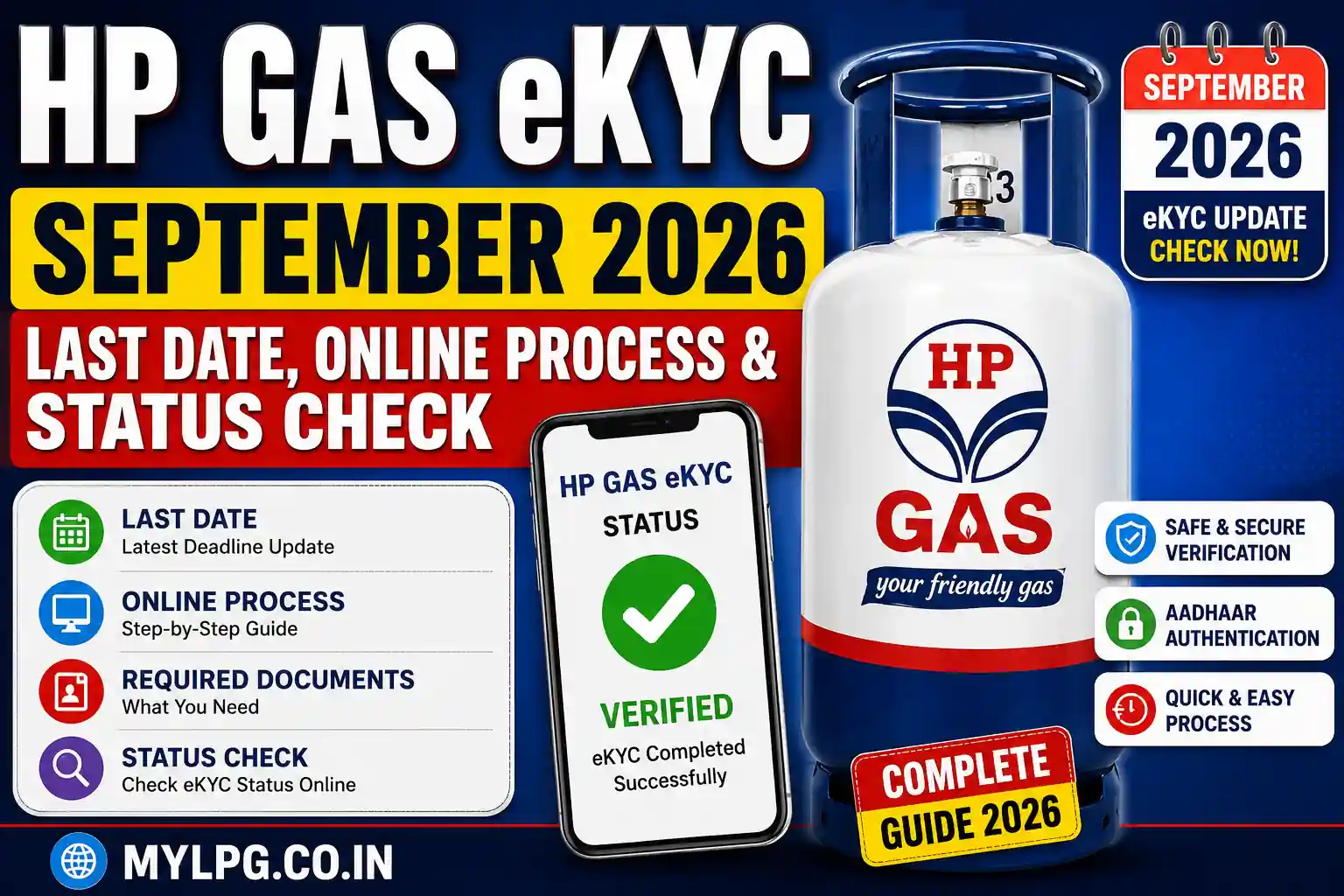
HP Gas customers are increasingly checking their eKYC status to make sure their LPG connection details are updated and verified. With September 2026 approaching, one question is being searched more often than others: What is the HP Gas eKYC last date, how can I complete eKYC online, and how do I check whether my eKYC is already completed?
If you have received an SMS or notification asking you to complete KYC or Aadhaar verification for your HP Gas connection, it is a good idea to check your actual status first instead of completing the process repeatedly.
This guide explains HP Gas eKYC September 2026, last date, online process, Aadhaar authentication, eKYC status check, required documents and what to do if eKYC is pending or fails.
HP Gas eKYC September 2026 – Latest Update
HP Gas eKYC is part of the customer verification process used for LPG connections. HPCL says KYC may be required for situations such as regularising a connection, reactivating a dormant customer status, transferring a connection or changing the name of the connection holder.
HPCL also provides an online e-KYC and Aadhaar authentication facility for HP Gas consumers. Its current customer-service chatbot, Happy, can show the customer’s e-KYC status and provide step-by-step guidance for completing e-KYC.
Is there an HP Gas eKYC last date in September 2026?
This is one of the most important points.
At present, a single universal September 2026 last date for every HP Gas customer should not be assumed unless HPCL or another competent authority officially announces it.
If you have received a specific deadline message from your distributor or HP Gas, check the message carefully and verify it through official HP Gas services.
Do not rely on a random WhatsApp message or an unofficial website claiming that your connection will automatically be closed on a particular date.
The safest approach is simple: check your eKYC status first and complete the verification if it is still pending.
What is HP Gas eKYC?
eKYC means electronic Know Your Customer verification.
For an LPG customer, KYC is used to provide and verify relevant customer information, including identity and address details. HPCL’s official KYC information states that the KYC process includes proof of identity, proof of address and certain personal details.
For eligible HP Gas customers, digital eKYC and Aadhaar authentication can make the verification process easier without requiring every customer to visit a distributor.
Read Also
HP Gas eKYC Online – Complete Process
Why is HP Gas eKYC Important?
Keeping LPG customer information updated can help avoid problems related to connection records and customer verification.
KYC may be relevant when:
- A new LPG connection is being processed
- An existing connection needs regularisation
- A dormant connection needs to be reactivated
- An LPG connection is being transferred
- The name of the connection holder needs to be changed
- Customer information needs to be verified or updated
HPCL specifically lists these situations among cases where KYC may be required.
That does not mean every customer has to submit a fresh paper KYC form every time. Your current eKYC status should be checked before taking any further action.
HP Gas eKYC Online Process 2026
If your eKYC is pending, you can use HP Gas’s digital customer services to check the available verification options.
HPCL states that Aadhaar authentication has been provided on the HP Gas consumer portal so customers can complete the authentication themselves.
Step 1: Open the Official HP Gas Service
Use the official HP Gas customer service platform rather than an unknown third-party website.
Be especially careful with links received through WhatsApp, SMS or social media.
Step 2: Access Your LPG Customer Details
Use your HP Gas connection information to access your customer profile.
Depending on the service being used, you may need details such as your LPG consumer number or registered mobile number.
Step 3: Check the eKYC Status
Before starting a new verification request, check whether your eKYC is already completed.
If the status shows completed or verified, you generally do not need to repeat the process without a specific reason.
Step 4: Start Aadhaar Authentication if Required
If the system shows that Aadhaar authentication is pending, follow the official verification instructions.
Use only your own registered mobile number for OTP verification.
Step 5: Complete the Verification
Follow the instructions shown on the official platform and submit the verification request.
Step 6: Check the Final Status
Do not stop after submitting the request.
Go back to the customer profile and check whether the eKYC status has changed to completed or verified.
How to Check HP Gas eKYC Status?
Checking the status after completing eKYC is just as important as submitting the request.
HPCL’s current Happy chatbot provides LPG customers with access to their customer profile, including e-KYC status, Aadhaar-linking status, refill history and subsidy details. It also provides guidance for completing e-KYC.
Your status may indicate something such as:
- Completed/Verified – Your verification has been completed.
- Pending – The verification process is not yet complete.
- Failed/Rejected – The submitted information could not be verified.
- Update Required – Some customer information may need correction or updating.
If your eKYC already shows as completed, save a screenshot or confirmation for your own records.
Read Also
LPG KYC Update Process – Documents & Complete Guide
HP Gas eKYC Through the Happy Chatbot
HPCL has introduced its Happy chatbot as a customer-service tool for LPG users.
According to HPCL, the chatbot can provide access to the customer’s LPG profile, including e-KYC status and Aadhaar-linking status. It can also provide step-by-step guidance for completing e-KYC and mobile number registration.
This can be useful if you are not sure whether your HP Gas eKYC has already been completed.
Instead of submitting the same details repeatedly, check your customer profile first.
Documents Required for HP Gas KYC
The exact documents required can depend on the reason for the KYC request.
HPCL’s official KYC form includes customer information, gas consumer number, proof of address and other required details. The listed proof-of-address options include documents such as Aadhaar, driving licence, voter ID, passport, ration card and certain utility or financial documents.
For a normal eKYC process, keep these details available:
- Aadhaar Card
- HP Gas Consumer Number
- LPG ID, where applicable
- Registered Mobile Number
- Identity and address information
- Any additional document requested by the distributor
Do not assume that every customer needs to upload or submit every document listed above. Follow the exact requirement shown for your connection.
Can HP Gas eKYC Be Completed Offline?
Yes. If online verification is not working or your case requires distributor-level verification, you can contact your HP Gas distributor.
HPCL states that the KYC form is available from the distributor free of cost.
For offline KYC:
- Visit your HP Gas distributor.
- Ask whether KYC verification is required for your connection.
- Obtain the KYC form if necessary.
- Fill in the required customer details.
- Attach the requested identity/address documents.
- Submit the form to the distributor.
- Ask how you can confirm the updated KYC status.
Read Also
HP Gas eKYC August 2026 – Previous Update & Process
If you are reading this page after August, use the September 2026 information above and verify any new deadline directly through HP Gas before acting on an old message.
HP Gas eKYC Pending – What Should You Do?
Seeing Pending does not necessarily mean that your LPG connection has been cancelled.
First, check whether your verification request was actually submitted successfully.
Then check:
- Aadhaar details
- Name spelling
- Date of birth, where required
- Registered mobile number
- LPG consumer number
- Address details
- eKYC authentication result
If everything is correct but the status remains pending, contact your HP Gas distributor or official customer support.
HP Gas eKYC Failed or Rejected
If your eKYC fails, avoid submitting random information again and again.
Check whether there is a mismatch between your Aadhaar details and LPG customer information.
Common things to verify include:
- Name mismatch
- Incorrect mobile number
- Incorrect consumer details
- Aadhaar authentication failure
- Outdated customer information
- Technical problem during verification
If the problem continues, your distributor may be able to check the customer record and tell you what needs to be corrected.
Does HP Gas eKYC Affect LPG Subsidy?
This is another common question.
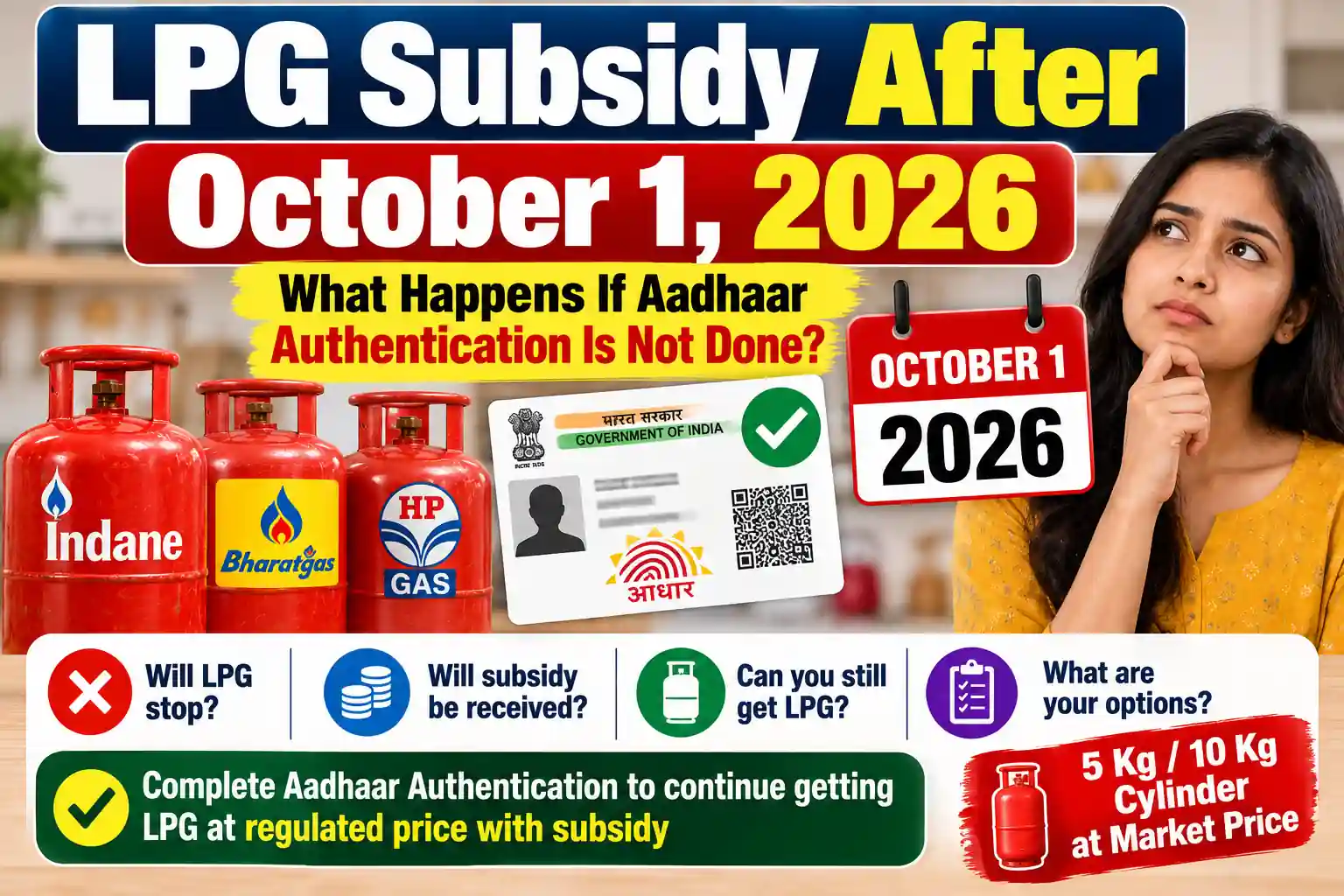
HPCL’s LPG information states that Aadhaar needs to be linked with the LPG account for receiving subsidy. Its current customer-service system also provides customers with Aadhaar-linking status and subsidy information.
However, completing eKYC should not be interpreted as an automatic guarantee that every customer will receive LPG subsidy.
Subsidy eligibility and applicable government rules are separate matters.
If you are checking your subsidy after completing eKYC, you can also read our detailed guide on LPG Subsidy Status Check.
If Aadhaar is already linked but your subsidy is still missing, see Aadhaar Linked But LPG Subsidy Not Received for possible reasons and next steps.
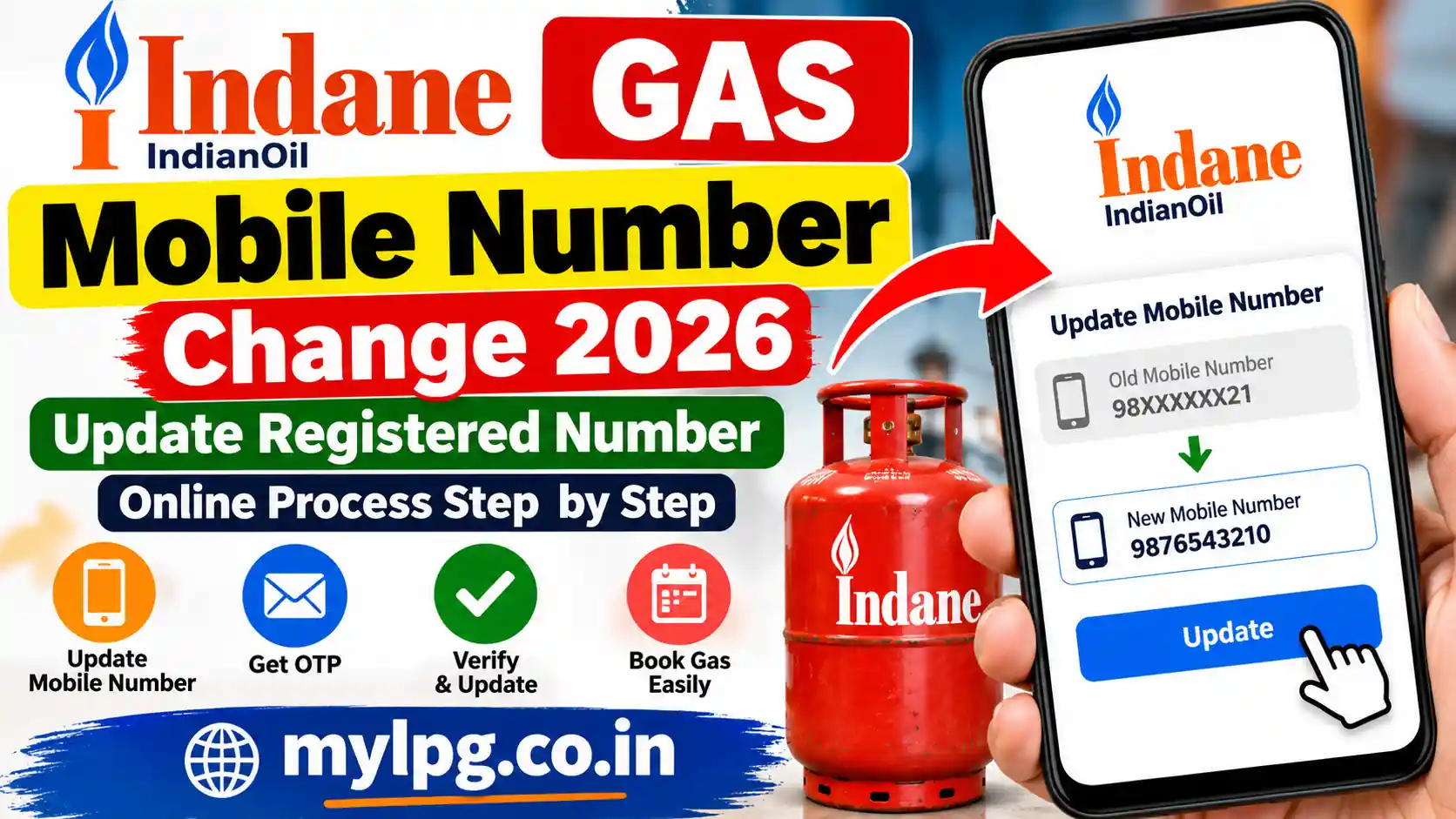
HP Gas eKYC and Mobile Number Update
Your registered mobile number is important for many LPG-related services.
If your old mobile number is still connected to your LPG account, updating it can make OTP-based verification and customer communication easier.
HPCL’s Happy chatbot also provides a mobile number update service for LPG customers.
Read Also
My LPG Mobile Number Change – How to Update Your Number
HP Gas eKYC for Name Change or Connection Transfer
KYC can also become important when an LPG connection is transferred or the name of the connection holder needs to be changed.
HPCL’s FAQ lists KYC among the documents/process requirements for several connection transfer and name-change situations.
If you are updating the name on your LPG connection, do not treat eKYC as a standalone process. The distributor may require additional documents depending on the reason for the change.
You can also read our guide on LPG Connection Name Change Online for related information.
Beware of Fake HP Gas eKYC Messages
As eKYC becomes more common, consumers should also be careful about fake verification messages.
Do not share:
- Aadhaar OTP
- Bank OTP
- UPI PIN
- ATM PIN
- Debit/Credit Card PIN
- Internet banking password
with an unknown person claiming to be an HP Gas employee.
Be especially careful if a message says your connection will be immediately blocked unless you click an unknown link or install an APK.
Use official HP Gas services or contact your distributor instead.
HP Gas eKYC September 2026 – Quick Checklist
| Check | What to Verify |
|---|---|
| Consumer Number | Correct HP Gas connection |
| Registered Mobile | Current mobile number |
| Aadhaar | Details match your records |
| eKYC Status | Completed, pending or failed |
| Bank Linking | Check where applicable |
| Subsidy Status | Check separately if applicable |
| Distributor | Contact if online verification fails |
| Deadline Message | Verify from an official source |
Frequently Asked Questions
A universal September 2026 deadline for every HP Gas consumer should not be assumed unless it is officially announced. If you have received a specific deadline from HP Gas or your distributor, verify it through official customer services.
Yes. HPCL provides online e-KYC/Aadhaar authentication facilities for HP Gas customers. HPCL also says its Happy chatbot can guide customers through the e-KYC process.
You can check your customer profile through available official HP Gas services. HPCL’s Happy chatbot also provides e-KYC status information for LPG customers.
The exact verification requirement can depend on the service and customer case. Where Aadhaar authentication is requested, follow the official verification process.
HPCL states that the KYC form is available from the distributor free of cost.