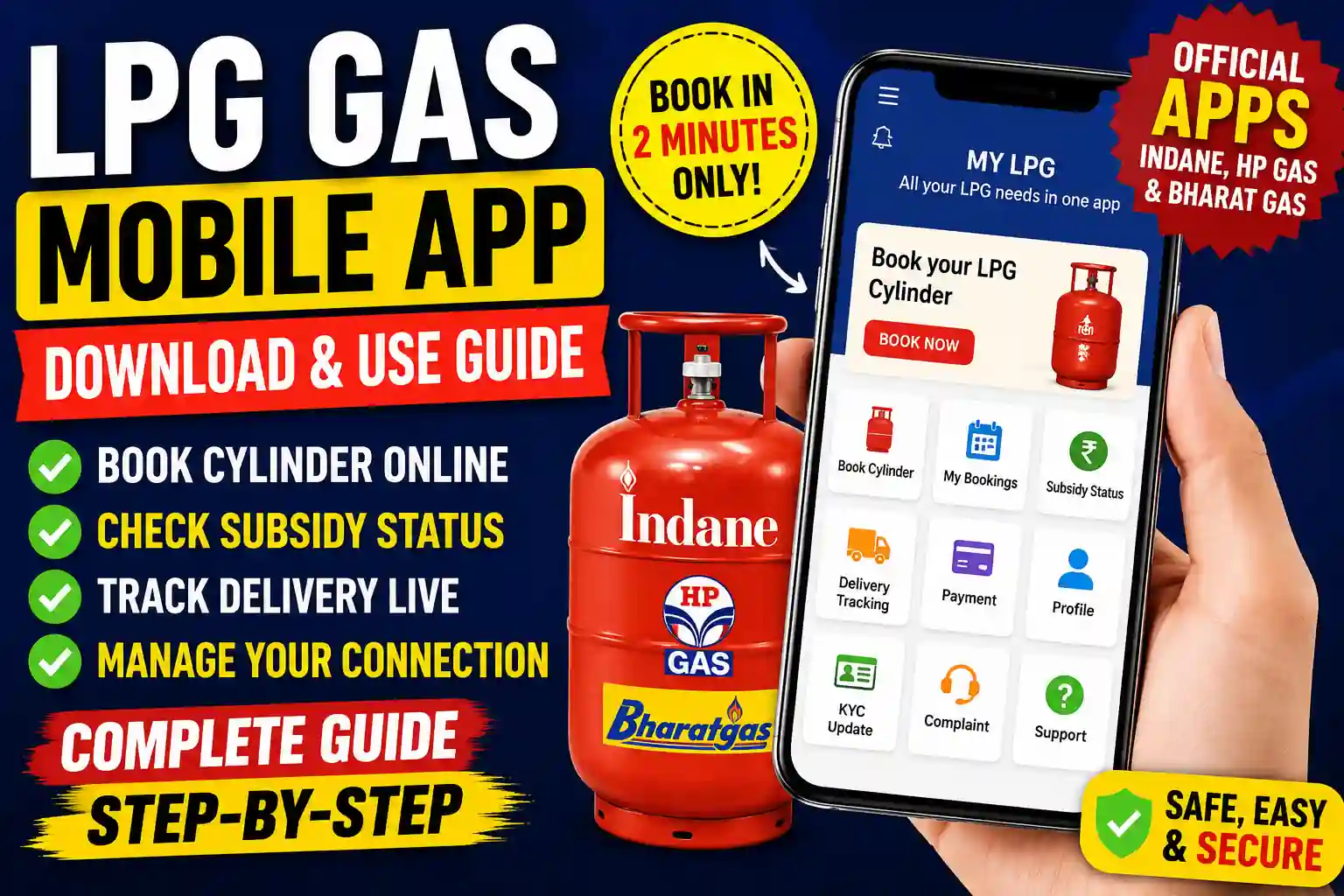
Managing your LPG connection has become much easier with official LPG mobile apps. Whether you use Indane Gas, HP Gas, or Bharat Gas, you can now book cylinders, check subsidy status, track deliveries, update KYC details, and manage your account directly from your smartphone.
This guide explains everything you need to know about downloading and using LPG Gas Mobile Apps in India.
Read also: My LPG Home – Gas Booking, Subsidy Status and Connection Guide
What Is an LPG Gas Mobile App?
An LPG Gas Mobile App is an official application provided by LPG companies that allows consumers to access gas-related services online.
With these apps, users can:
Register complaints
Book LPG cylinders online
Check subsidy status
Track cylinder delivery
View booking history
Update KYC information
Download payment receipts
Manage consumer profile details
Official LPG Gas Mobile Apps
| LPG Company | App Name | Download Link |
|---|---|---|
| Indane Gas | IndianOil One App | Download on Play Store |
| Bharat Gas | BharatGas App | Download on Play Store |
| HP Gas | HPCL Official App (HP PAY) | Download on Play Store |
All these apps are officially managed by government oil companies, ensuring data safety and fast booking services.
Indane Gas Mobile App
The Indane Gas App allows customers to:
- Book LPG refills
- Track delivery status
- Check subsidy details
- View distributor information
- Make online payments
HP Gas Mobile App
HP Gas customers can use the app to:
- Book LPG cylinders
- Check eKYC status
- Track bookings
- Make online payments
- Manage account information
Bharat Gas Mobile App
Bharat Gas consumers can access:
- Quick refill booking
- Delivery tracking
- Consumer profile management
- Payment services
- Subsidy information
How to Download LPG Gas Mobile App
Follow these steps to download the LPG Gas Mobile App on your phone:
- Open Google Play Store or Apple App Store.
- Search for your LPG company’s name (e.g., “Indane Gas” or “Bharat Gas”).
- Tap on the official app by the respective company.
- Click Install to download the app.
- Once installed, open it and log in using your registered mobile number.
How to Use LPG Gas Mobile App
Here’s a simple guide to use the app after downloading:
- Login/Register:
Use your mobile number and OTP verification to log in. - Book Cylinder:
Tap on “Book Now” and confirm your delivery address. - Check Subsidy:
Go to “My Subsidy” section to view LPG subsidy credited to your account. - Track Delivery:
Use the “Track Order” option to see real-time delivery updates. - Manage Account:
Update your address, Aadhaar number, or bank details under Profile Settings.
Benefits of LPG Gas Mobile App
| Benefit | Description |
|---|---|
| 24×7 Booking | Book gas anytime, anywhere |
| Real-time Tracking | Check your delivery status instantly |
| Paperless Process | View digital receipts and invoices |
| Secure Payment | Pay using UPI, Debit, or Credit Card |
| Customer Support | Get help directly through the app |
How to Book an LPG Cylinder Through the App?
Booking a refill is simple.
| Step | Action |
|---|---|
| 1 | Login to the app |
| 2 | Select Book Cylinder |
| 3 | Verify consumer details |
| 4 | Choose payment option |
| 5 | Confirm booking |
| 6 | Receive booking reference number |
Most bookings are completed within a few seconds.
Read also: Gas Booking Status Check
Safety Tip
Always download LPG Gas Mobile Apps only from official sources like Play Store or App Store. Avoid third-party websites that may host fake or unsafe applications.
Important Links
📖 Read Also
1️⃣ LPG Gas Cylinder Price Today
2️⃣ Ujjwala Yojana जानकारी
3️⃣ KisanSuvidha Goverment Scheme
4️⃣ Bajrang Baan PDF – बजरंग बाण पाठ, लाभ और महत्व
5️⃣ Shiv Stuti Lyrics – शिव स्तुति का पाठ और अर्थ
FAQs – LPG Gas Mobile App
Yes, official LPG mobile apps are completely free.
No, you must log in using your registered mobile number to verify your LPG connection.
Yes, all apps support secure payment options like UPI, Net Banking, and Cards.
Yes, real-time tracking is available under the “Track Order” or “Booking History” section.
Search for your LPG company name on the Apple App Store and tap “Get” to install.